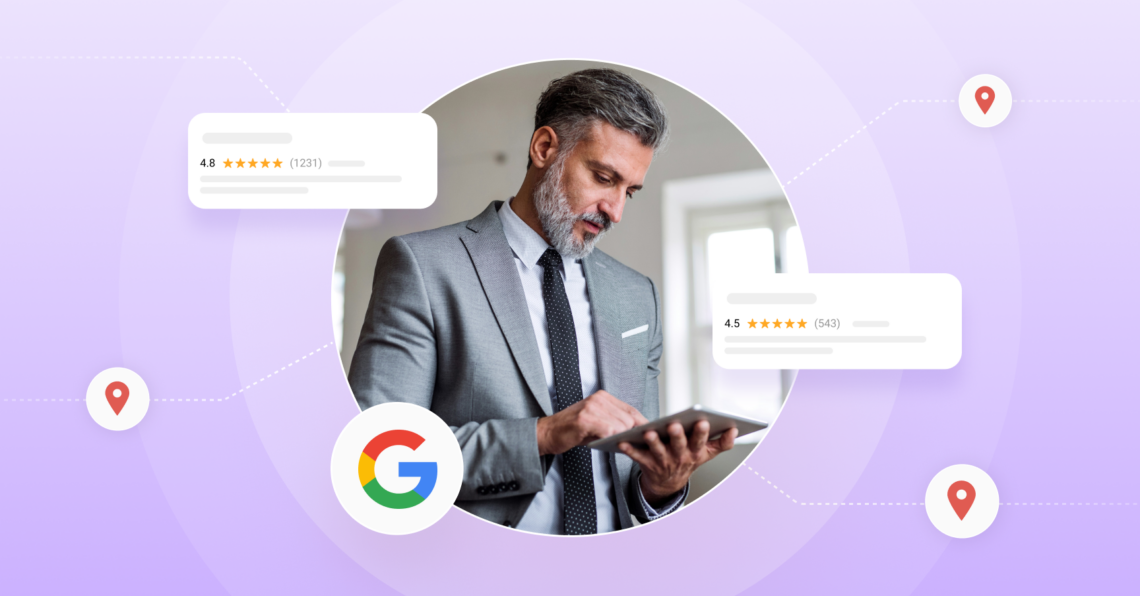
Google redesigned its Maps review page and now requires you to log in to view review content. If your locations aren’t connected to Google Business Profile, some review data may not be flowing into your monitoring tools — and your reputation scores may be affected. Here’s what to do.
Table of contents
What Google changed, and why it matters
In February, Google rolled out a change to Google Maps: review data is no longer accessible to unauthenticated users. In plain terms, if you, or a piece of software/AI bot, are browsing Google Maps without being logged in, you can no longer see the full review content on business listings.
For individual consumers, this is a minor inconvenience. For multi-location businesses that rely on review-monitoring platforms, it’s a meaningful operational change. Any tool that was pulling Google review data via web scraping, without a direct Google Business Profile (GBP) API connection, will see gaps.
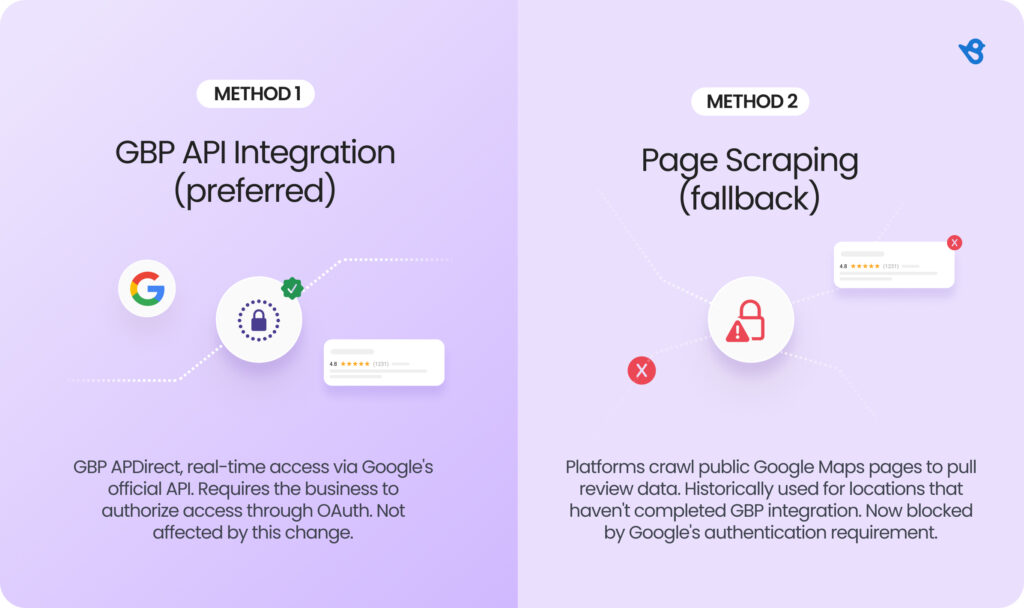
The two ways review platforms access Google data
It helps to understand how review aggregation actually works, because not all platforms handle it the same way.
What this means for your review monitoring
If all of your locations are connected to GBP inside your review platform, you’re fine. The data pipeline runs through Google’s official API, which is unaffected.
If some or all of your locations rely on scraping as a fallback, you may already be seeing:
- Lower-than-expected review counts in your dashboard
- Review monitoring — new reviews won’t appear in your dashboard
- Competitor AI — review data for competitor locations also relies on the same access
- Reputation scores — local business ranking scores won’t update without fresh review data
The larger your location footprint, the bigger the exposure. A brand with 200 locations and 40% GBP integration gap could be flying blind on a significant portion of its reputation data.
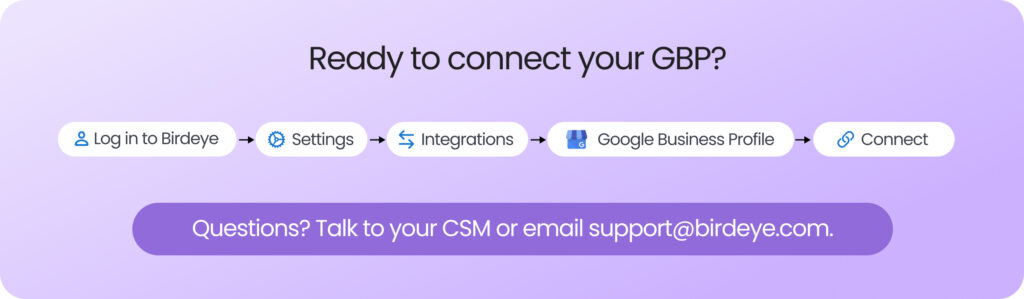
The fix is straightforward: connect your GBP
Connecting your Google Business Profile to your review management platform is both the correct long-term answer and something you should have in place anyway. GBP integration unlocks real-time review alerts, direct response capabilities, richer location data, and immunity to changes like this one.
In Birdeye, GBP integration takes about 5 minutes per account holder. One authorization flow connects all associated locations. Your CSM or support team can walk you through it.
What Birdeye is doing about it
We’re actively monitoring this change and pursuing multiple paths to minimize disruption for customers who haven’t yet completed GBP integration:
- Evaluating the Google Places API as a temporary fallback for limited review retrieval
- Proactively reaching out to affected customers with clear next steps
- Tracking Google’s official communications for any policy reversal or update
We’ll update our Knowledge Center and this blog post as the situation evolves.
The bottom line
Google’s change underscores something that’s been true for a while: the most resilient approach to reputation management is one built on official data partnerships, not workarounds. GBP integration isn’t just a feature — it’s the foundation.
If you’re a Birdeye customer and want help connecting your Google accounts, reach out to your CSM or contact us at support@birdeye.com. We’ll get you set up.
About the Author

Kukil Bora
Birdeye
Originally published