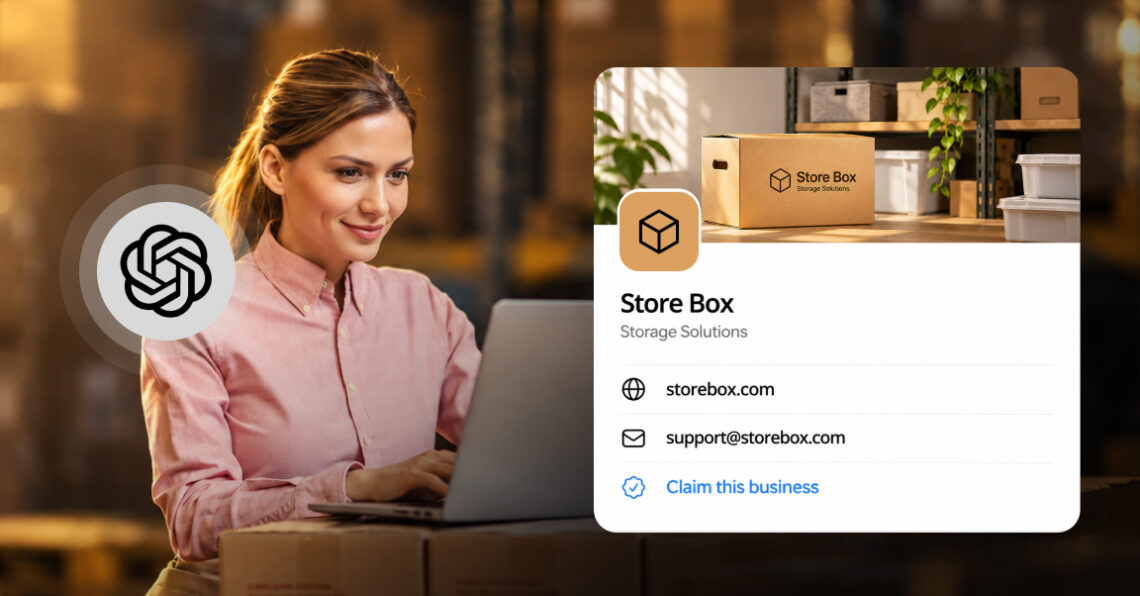
ChatGPT business hub now lets businesses claim a verified profile and give it their own facts. For multi-location brands, that makes accurate business data at every location matter more than it did last week.
What OpenAI launched
OpenAI’s Businesses in ChatGPT program is in beta and aimed at the 1.2 billion people who use ChatGPT each week. It has two parts.
- Business Hub: Claim and verify your business, update key details, and see aggregated insights.
- Business Agents: A branded chat customers can start from your profile, limited for now to eligible U.S. ecommerce and online service businesses.
Claiming a profile does not guarantee higher placement or sales, and advertising does not influence ChatGPT’s independent answers. Details are in OpenAI’s announcement and its help center.
The shift most coverage misses
Most coverage compares this to Google Business Profile, and Greg Isenberg called it the Google My Business moment for AI on X. The bigger change is where ChatGPT’s information about you comes from. Until now, it learned about your business only from the outside web: listings, reviews, articles, and forums. Now it can also hear from you.
That leaves two versions of your business: the one you claim and the one spread across directories and review sites. ChatGPT can still draw on other sources, and OpenAI has not said how it settles conflicts between them. Brands whose details match everywhere will not have to find out.
ChatGPT vs. Google Business Profile: Do you need both?
Yes. They feed different surfaces, and a customer may use either one.
| Comparison criteria | Google Business Profile | ChatGPT Business Profile |
| Where it shows | Google Search, Maps, and Google’s AI features | Inside ChatGPT answers |
| How you claim it | Per location, with bulk tools for multi-location brands | Per location, with no central management yet |
| What you can measure | Performance insights for Search and Maps | Mentions, website clicks, and discovery topics for 28 days, with no prompts or conversations |
The practical takeaway: The same facts (business details) need to be right in both places, and in the directories ChatGPT may also read, such as Yelp and Bing Places.
How to claim and set up your ChatGPT business profile?
These steps follow OpenAI’s help center guide, Setting up your business on ChatGPT. You need to own the business or be authorized to represent it.
- Open Business Hub and find your listing: Sign in to ChatGPT, open Business Hub from the sidebar, and search for your business by name. Select the matching listing and confirm the ChatGPT account that will manage it. Use an account your company controls, because later invitations can depend on it.
- Verify your connection to the business: Choose one of the methods shown, such as business phone, business email, website domain (a DNS record), or Shopify, and wait for OpenAI to review the claim.
- Pass the Persona identity check: Once the claim is approved, you complete identity verification with Persona. Until it is approved, you cannot publish changes, view insights, or create an agent. You may be asked for a government ID, business registration details, and proof that you can represent the business. One early claimant reported being asked for a photo ID and face scan, then a tax ID and a physical address, if applicable.
- Complete the profile: Add or correct details such as your website, description, category, logo, and cover photo. OpenAI reviews changes before they publish, and updates can take time to appear.
- Add your team: The admin who claimed the business can invite teammates and give an agency access, each using their own ChatGPT account.
For a multi-location brand, claim the brand first, then your locations in order of revenue or search demand, and check that each address and phone match the real store. If a listing is locked, select “Contact support” to request access.
For detailed step-by-step instructions, with screenshots from a real claim, see our guide to claiming your business in ChatGPT.
Claims are per location, and so is discovery
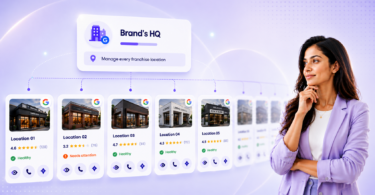
Customers ask about locations: which clinic near me is open, which branch has the best reviews. OpenAI’s profiles work the same way. Each brand is managed separately, claiming the main brand does not claim its locations, and central management is not available yet. A brand with 40 locations is looking at 40 claims for now. Local stores and restaurants can currently claim only an existing U.S. listing.
Accuracy is where AI search breaks down for multi-location brands. Birdeye’s 2026 study, The Location Blind Spot in AI Search, analyzed 16,240 location-level ChatGPT scans across 1,762 multi-location brands. It found that 18.6% of locations were invisible and only 0.6% returned fully accurate information across name, address, phone, website, and hours.
Hours were the weakest field: ChatGPT gave incorrect hours for 97% of locations. The study treats this as a limitation of the AI answer layer rather than a brand data problem, which makes ongoing monitoring more important than a one-time update.
The other fields are fixable data-quality problems. ChatGPT showed the wrong website for 57% of locations and the wrong phone number for 35%. Claiming a profile gives you a way to supply some of these details, but it does not resolve conflicts across your directories and your own site, and it is too early to say whether Business Hub changes the hours problem. We are looking forward to seeing whether data accuracy improves for claimed profiles as we run these reports for our clients in the future.
Hub insights add a first-party count of mentions and clicks. They do not show the prompts behind them, which competitors were recommended instead, or whether the details shown were correct.
SEO consultant Aleyda Solis summed up her first look at Business Hub this way:
Many expected a Search Console and got a basic business profile blended with a basic merchant center and an agent builder.
What businesses should do now?
- Claim your brand first, then your locations: Start with the brand profile, then work through locations in order of revenue or search demand, and record who owns each claim.
- Audit every location: Check name, address, phone, website, hours, and services against your listings and site. Fix conflicts at the source.
- Assign an owner: Location data accuracy cannot sit with marketing alone.
- Track metrics by location: Brand-level averages hide the branches AI skips. Review Business Hub’s mentions and clicks alongside location-level visibility and accuracy. Birdeye AI Search shows which locations appear in AI answers and which do not.
- Keep Google strong: Urgent, high-intent searches still largely belong to Google, and clean listings and strong reviews help on both.
FAQs
The Businesses in ChatGPT program is an OpenAI beta that lets companies claim a verified profile through Business Hub, keep their details current, and see how often ChatGPT mentions them. Eligible U.S. ecommerce and online service businesses can also launch a Business Agent that answers customer questions.
Open Business Hub from the ChatGPT sidebar, search for your business, and verify ownership by business phone, business email, a DNS record, or a Shopify store. After OpenAI approves the claim, you complete an identity check with Persona before you can edit the profile or see insights.
Not yet. Each brand and each location is claimed separately, and central management is not available. OpenAI says it plans to build tools for organizations with more complex needs but has not given a timeline.
No. OpenAI says claiming does not guarantee higher placement or sales, and ChatGPT keeps making its own recommendations.
Mentions, website clicks, and discovery topics for the past 28 days. It does not show the prompts people typed or which competitors ChatGPT recommended instead.
ChatGPT has given brands a way to tell AI their side of the story. Make sure every location can back it up. See how Birdeye helps multi-location brands do it.
About the Author

Ruchika Batra
Originally published