Two OpenAI products share the word “business,” and marketers are already mixing them up. One is a paid workspace for your employees. The other is a profile your customers meet inside ChatGPT. Paying for the first does not claim the second.
Summary
On Nov 10, 2026, OpenAI launched Businesses in ChatGPT in beta. Aaron Mok of Inc. warned readers not to confuse it with ChatGPT Business, OpenAI's paid subscription for teams. This post decodes OpenAI's "business" product names, compares the two that get mixed up, and points to our guides for the claim steps.
Why are marketers confusing these two products?
The names overlap, and so do the screens. Both say “Business.” Both live inside ChatGPT. Both appear in the same setup journey.
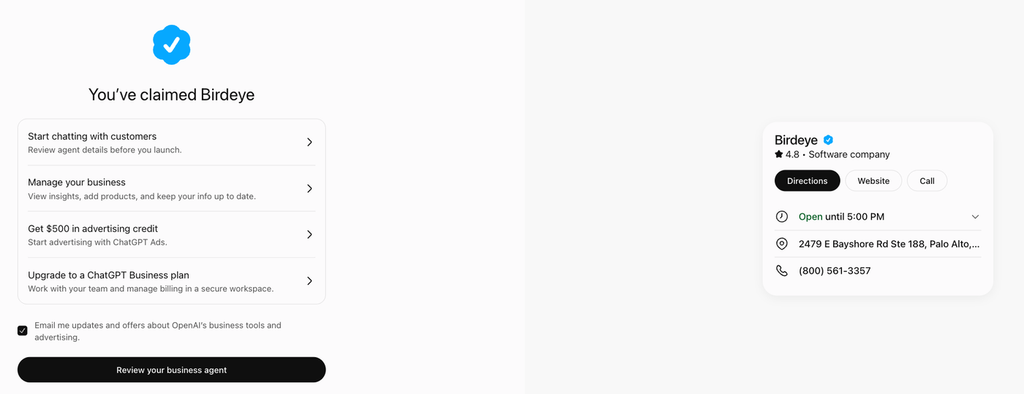
Birdeye saw this firsthand. We completed a real claim in Business Hub on Nov 11, 2026. Late in the flow, advertising and the ChatGPT Business plan appeared as separate offers, and we could skip both. That is Birdeye’s own observation from one claim, not an OpenAI statement.
The cost of mixing them up runs both ways. A team may buy seats and believe a profile exists. Another may claim a profile and still have no shared workspace for its marketers.
What is ChatGPT Business?
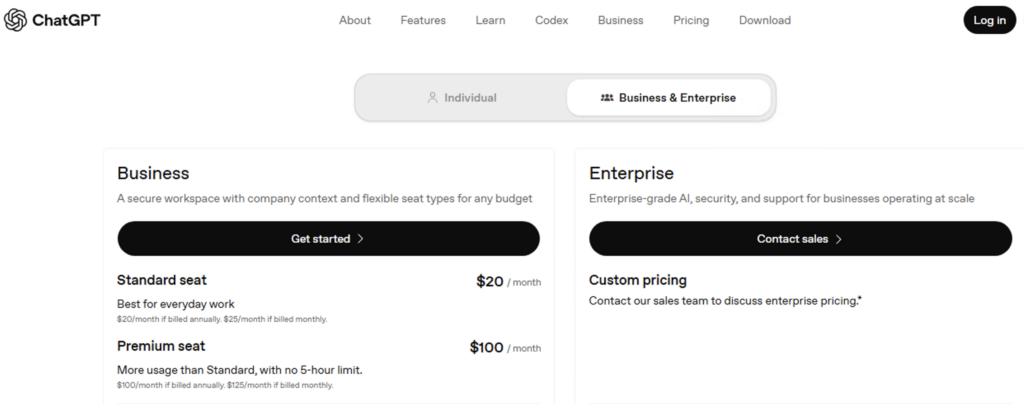
ChatGPT Business is OpenAI’s self-serve workspace plan for teams, formerly called ChatGPT Team. It gives staff a shared workspace, central billing, and admin controls. OpenAI says it does not train on workspace data. Details are in OpenAI’s help center.
Think of it as an internal plan. It changes how your marketers use ChatGPT to draft, analyze, and plan. It does not change what ChatGPT tells a customer about your brand.
It is billed per seat. OpenAI publishes current rates on its pricing page, so check there. Brands that need larger deployments or contracted controls can look at ChatGPT Enterprise.
What is Businesses in ChatGPT?
Businesses in ChatGPT is a beta program OpenAI launched on Nov 10, 2026. Eligible brands claim a verified profile in Business Hub, correct their details, and see mentions and website clicks. OpenAI says 1.2 billion people use ChatGPT each week.
Claiming has limits. OpenAI states that claiming does not guarantee higher placement or sales, and ChatGPT keeps making its own recommendations.
This post does not repeat the process. For each screen of a real claim, see our step-by-step claim guide.

For what the profile means for locations, read our post on what ChatGPT business profiles change for multi-location brands.
How do the two products compare?
Here is the short version for your next planning meeting.
| ChatGPT Business | Businesses in ChatGPT | |
| What it is | Self-serve workspace plan for teams | Beta program with a claimable brand profile in Business Hub |
| Who it serves | Your employees | Your customers, who see the profile in ChatGPT answers |
| Where it starts | A workspace created from a ChatGPT account | Business Hub at chatgpt.com/business-hub |
| What it costs | Paid subscription, billed per seat. See OpenAI’s pricing page. | OpenAI has not announced a fee to claim. Advertising is separate and paid. |
| Does it change what customers see? | No. It is a workplace plan. | Yes, for the details you supply, once OpenAI approves them. |
| What it cannot do | Claim or verify a profile | Guarantee placement or sales |
| Multi-location reality | Seats sit in one shared workspace | Each brand and location is claimed separately. No central management yet. |
The practical takeaway: the plan decision and the profile decision are separate. Make each one on its own merits.
ChatGPT Business fits if:
- Several marketers share prompts, projects, and drafts in ChatGPT
- Your team wants admin controls and central billing for that work
- You want OpenAI’s workspace data commitments in place for staff use
The Business Hub profile fits if:
- Customers ask ChatGPT about your brand or your locations
- Your hours, phone numbers, or websites are wrong in AI answers
- You want first-party mentions and clicks in one place
Most multi-location brands will want the profile first. The plan is a workplace choice that can wait.
Which OpenAI “business” terms mean what?
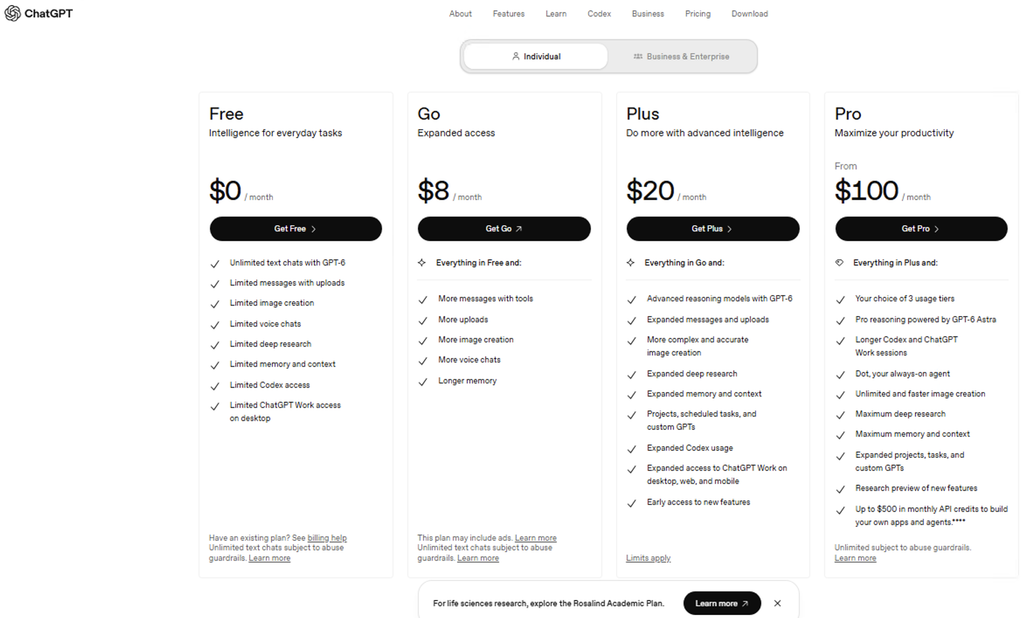
The two products above are only part of the vocabulary. Six terms now circulate, and each one points to something different.
| Term | What it is | Who it serves |
| ChatGPT Business | Self-serve workspace plan with a shared workspace, central billing, and admin controls | Your employees |
| ChatGPT Enterprise | OpenAI’s option for larger deployments and contracted enterprise controls | Large organizations and their employees |
| Businesses in ChatGPT | Beta program for claiming and managing a brand profile | Your customers |
| Business Hub | The dashboard where you claim the profile, edit details, and read insights | Your marketing team |
| Business Agent | Optional branded chat that customers can start from the profile. Limited for now to eligible U.S. ecommerce and online service businesses. | Your customers |
| ChatGPT Ads | Paid advertising. Brands can sponsor a Business Agent as the destination. OpenAI says ads do not influence independent answers. | Advertisers |
Brands that already work with an OpenAI account executive can claim through that contact instead of Business Hub, according to OpenAI.
What will your team actually hear?
The terms blur in meetings. These phrases are illustrative, not quotes, but each one points to a different product.
| If someone says | They probably mean | Ask this |
| “We need ChatGPT Business.” | Seats in a team workspace | Who will use the workspace? |
| “Claim us in ChatGPT.” | The Business Hub profile | Which account will own the claim? |
| “Set up our ChatGPT agent.” | A Business Agent, which comes after the claim and identity check | Are we eligible, and is the profile verified? |
| “We are running ChatGPT ads.” | Paid advertising | Is it tied to a Business Agent? |
The question is always the same: is this for our employees or our customers?
Which ChatGPT account should claim the profile?
The two products touch in one place. The claim lives under a ChatGPT account, and that account matters later.
OpenAI says invitations can depend on the account used for the claim. For a brand claimed inside a ChatGPT workspace, invitees may need to be members of that workspace.
So if your team already has a ChatGPT Business workspace, decide on purpose whether the claim lives there. Do not let it happen by default. Our step-by-step claim guide covers the rest of the setup.
How does Birdeye help multi-location brands keep ChatGPT’s answers accurate?
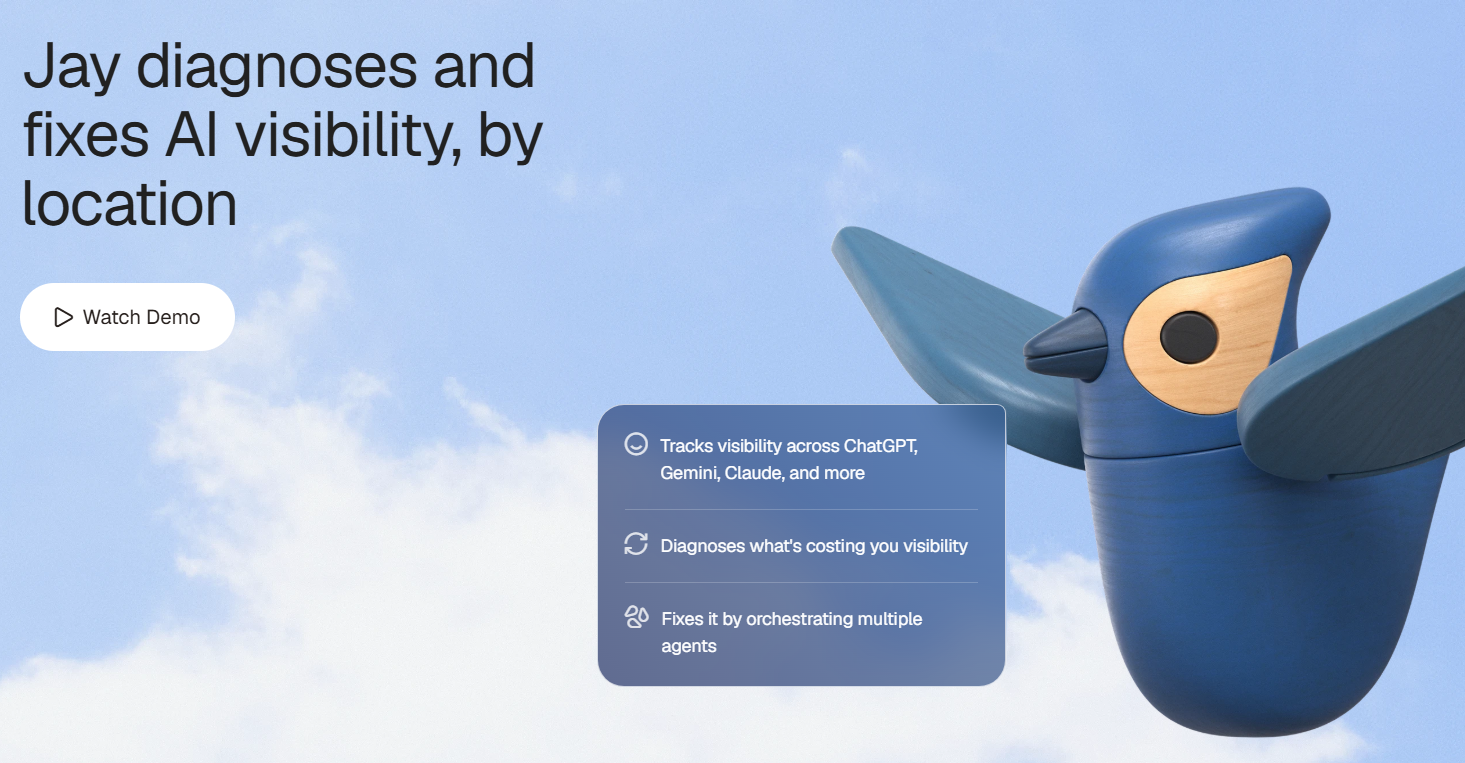
Birdeye AI Search, powered by Jay, the marketing AI coworker, shows which locations appear in ChatGPT answers and which do not. It runs on BirdAI, Birdeye’s Agent OS.
- Track every location: See visibility and accuracy by location across ChatGPT, Gemini, Perplexity, and Google AI Overviews. Brand averages hide the gaps.
- Fix the source data: The Listings Optimization Agent corrects wrong fields, such as hours or phone numbers. Your claimed profile then matches the wider web.
- Rank the next fix: The AI Search Optimization Agent orders fixes by impact. Agents act on their own where you allow it and wait for your approval where you don’t.
Frequently asked questions
No. ChatGPT Business is a paid workspace plan for teams. Businesses in ChatGPT is a beta program that lets eligible brands claim a profile in Business Hub. They solve different problems for different audiences.
No. Claiming runs through Business Hub, and Birdeye’s real claim treated the ChatGPT Business plan as a separate offer we could skip. OpenAI also says claiming, agents, and advertising are separate steps.
No. It is a workplace plan for your employees. To supply your own facts to ChatGPT, claim the profile and keep your listings and website consistent.
No. Both are paid workspace plans for teams. OpenAI describes ChatGPT Business as self-serve, and points larger deployments or contracted enterprise controls to ChatGPT Enterprise.
OpenAI has not announced a fee for claiming. Advertising is a separate paid product, and pricing may change during the beta. Check OpenAI’s own pages for current terms.
What should marketing teams do first?
Start by naming which product each request means. When a colleague says “we need ChatGPT Business,” ask whether they mean seats for the team or a profile for customers.
Then assign one owner to the ChatGPT claim, on an account your company controls, before anyone buys seats or starts claiming locations.
See how Birdeye helps multi-location brands keep every location accurate in ChatGPT.
About the Author

Ruchika Batra
Originally published