You typically cannot search Twitter (now X) without an account because the platform restricted public access to its search functionality in 2023. However, you can still view limited tweets, profiles, and trends using methods like Google search, direct tweet URLs, embedded widgets, or third-party monitoring tools.
Summary
Twitter’s policy updates have made it harder for people to browse tweets without logging into the platform. Previously, users could view timelines, trends, and search results freely, but now most of Twitter’s discovery features require an account. Despite these restrictions, there are still several ways to view tweets or monitor conversations without signing in, such as using Google search operators, direct profile URLs, embedded tweet widgets, social media monitoring platforms, or third-party Twitter viewer tools. While these workarounds provide only limited visibility into conversations on the platform, they can still help brands and researchers monitor trending topics or brand mentions without creating an account.
In this blog, we explore practical ways to search Twitter without an account and the tools that can help you monitor conversations happening on the platform.
Table of contents
- Can you search on Twitter without an account?
- How to run a Twitter search without an account: 5 fool-proof ideas that work
- 3 tools to conduct a Twitter search without an account
- Use Birdeye to monitor Twitter for brand mentions
- FAQs on running a Twitter search without an account
- Simplify managing multiple social media accounts with Birdeye
Can you search on Twitter without an account?
A straightforward answer to this question is “no.” Recent policy changes have led the platform to restrict the use of its search functionality to only those with a registered account.
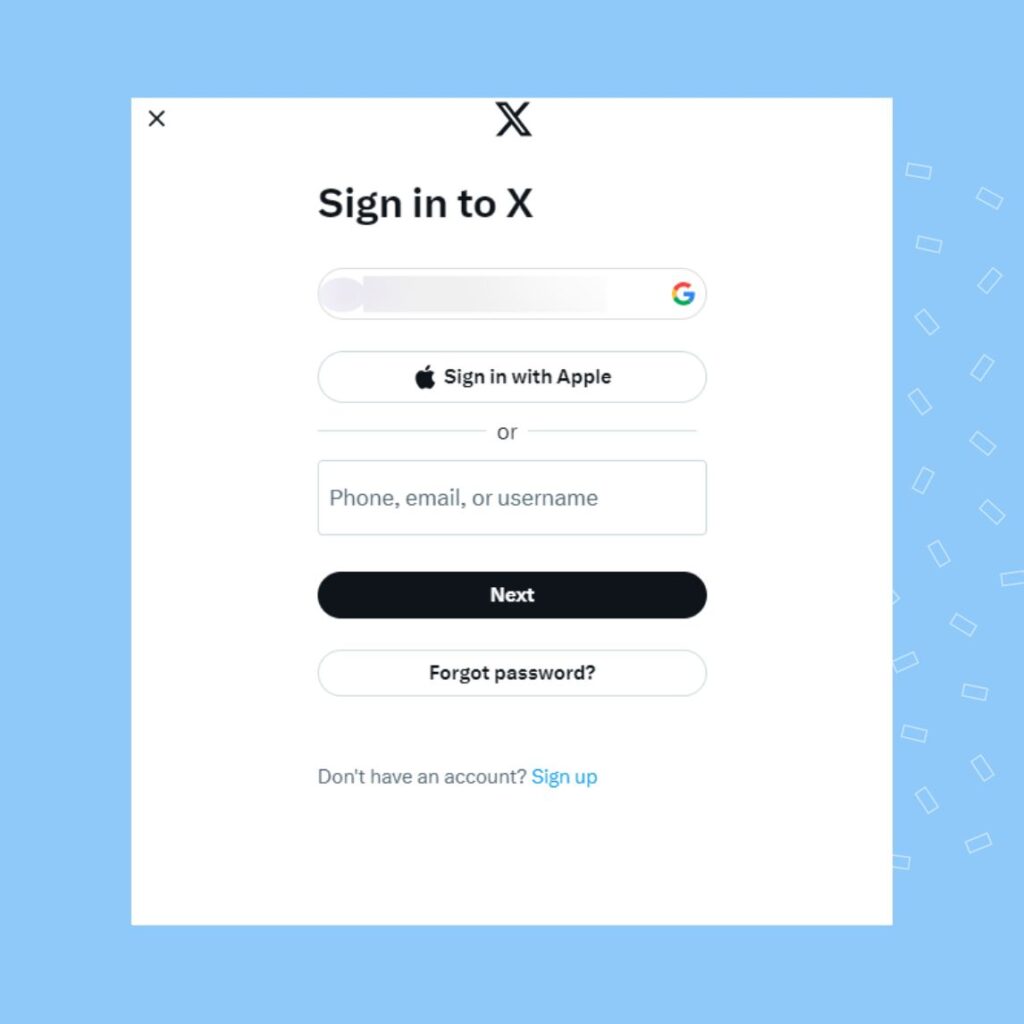
Earlier, internet users could log on to the Twitter search page and view the Explore page directly without an account. However, now it requires a login to access this page.
Instead of creating an account, you can still search for tweets, profiles, and content on Twitter using third-party tools. If you need to view a specific tweet, you can search for it on Google using relevant keywords.
Related read: How marketers leverage Twitter search for business
What can you view when you search Twitter without an account?
While you can use a few workarounds to search Twitter without an account, you can only view individual tweets, without the trailing threads or the Twitter account they originated from.
How to run a Twitter search without an account: 5 fool-proof ideas that work
While recent Twitter policy changes restrict access to anyone without a registered Twitter account, there are still a few ways you can try to run a search on Twitter without an account:
- Custom Google search
- External widgets
- Direct Twitter URL
- Social media aggregators or monitoring tools
- Third-party Twitter viewer tools
Let’s explore these in detail.
Custom Google search
Google indexes a vast array of social media content, including Tweets. This function allows you to explore specific topics and understand the conversation on the platform.
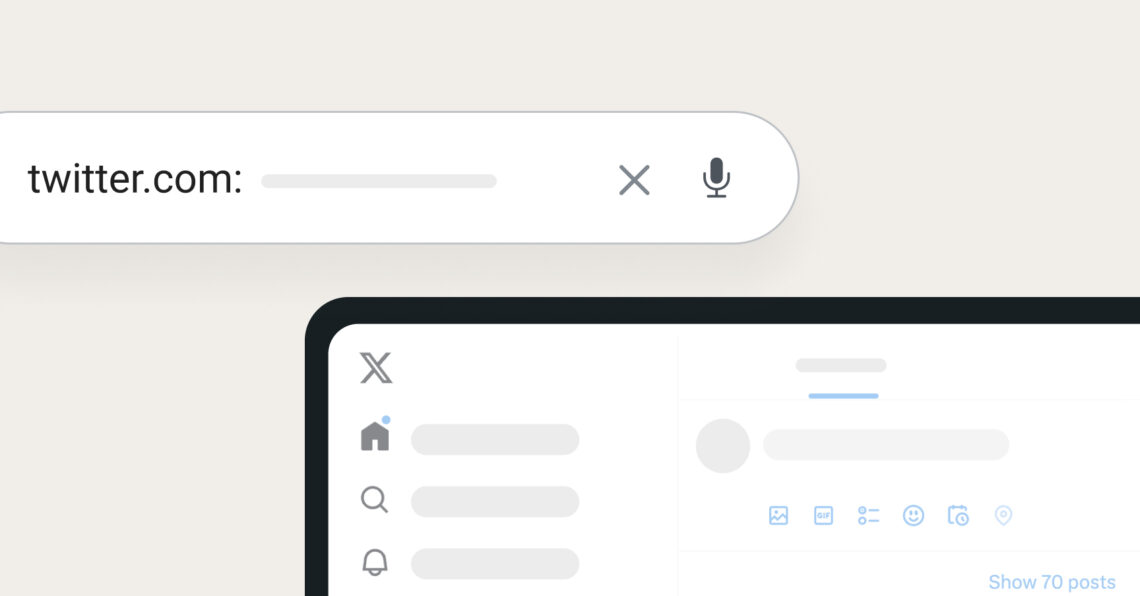
Start by running a customer search: twitter.com: <topic>.

This search will bring up all the relevant, popular, and current tweets on the topic and help you explore the platform, one tweet at a time.
It is exhausting, but it is one of the best ways to search Twitter without an account or a third-party tool.
External widgets
If the tweets you are looking for are about a popular business, organization, or brand, you can access widgets on their website. Most brands embed Twitter widgets into their social media section to showcase popular tweets.
In a pinch, these widgets can help you look for tweets without creating a Twitter account.
Direct Twitter URL
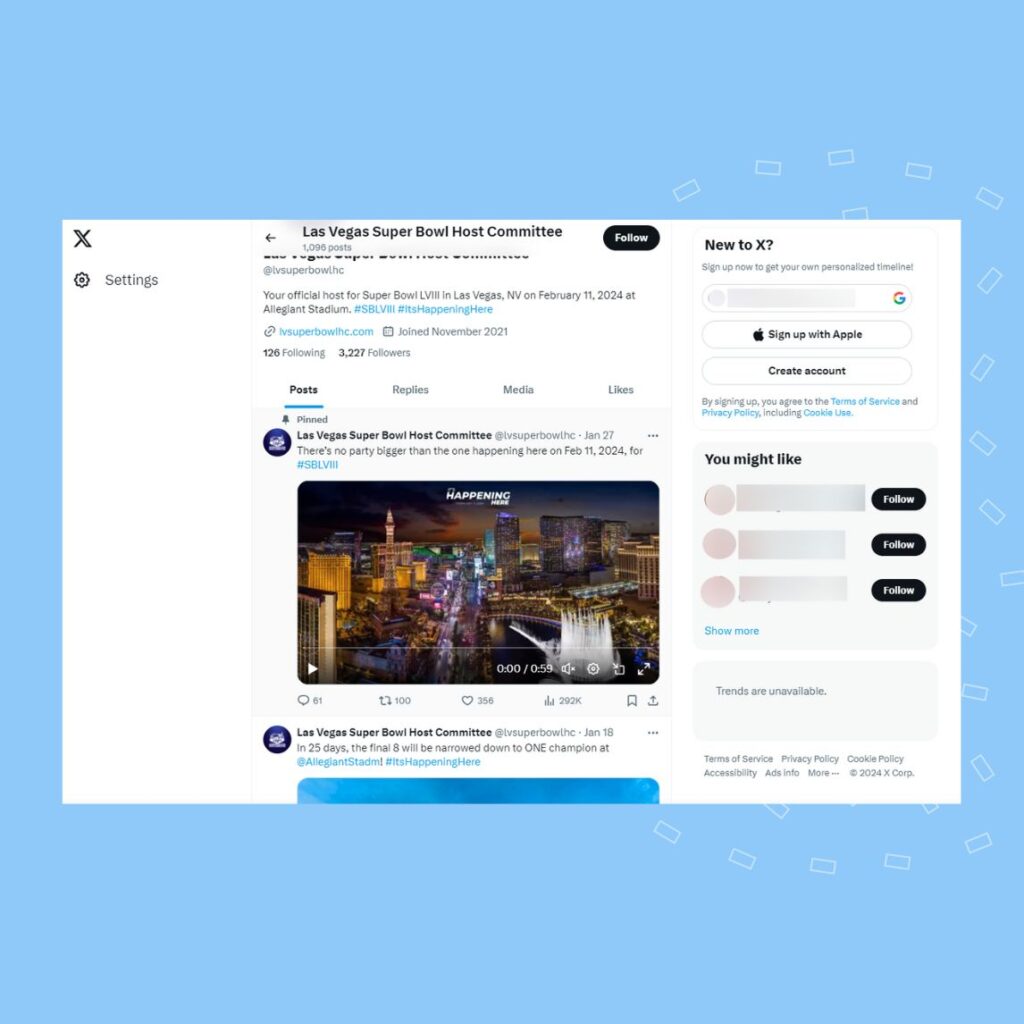
While Twitter severely restricts access to users without an account, the platform still allows you to view a Twitter profile if you have the direct URL. However, you can only view the tweets directly from the Twitter user, but not the ones they liked or interacted with.
Social media aggregators or monitoring tools
Brands and social media managers looking to search Twitter for tweets related to their brand can use social media listening/monitoring or aggregator tools. These tools can help monitor brand mentions or create custom social media feeds to keep an eye on what’s happening on Twitter.
Third-party Twitter viewer tools
For an overall view of Twitter and to understand trends, recent conversation topics, and trending hashtags, internet users can use third-party tools. However, please note that Twitter has restricted access to several external tools and apps owing to privacy concerns, content mining concerns from AI, and regulatory reasons.
Most Twitter monitoring tools only allow you to check Twitter trends with a Twitter account. Our next section covers third-party tools that help users search Twitter without an account.
For a fuller list of tools that do this across platforms, see our roundup of the best social media aggregators.
3 tools to conduct a Twitter search without an account
Brands can use third-party Twitter monitoring tools to help the customer service or social media team run a search on the platform without an account. These provide a snapshot of the overall trending topics without showing every tweet.
Some top tools that can help you search Twitter without an account are:
- Tweet Binder
- Trends24
- Trendsmap
Let us take a look at how you can use these tools to perform a Twitter search without creating an account.
Tweetbinder
Tweet Binder is an ideal tool for anyone looking to create a simple Twitter viewer. You can create one for your needs by simply typing in the keyword or hashtag you want to search.
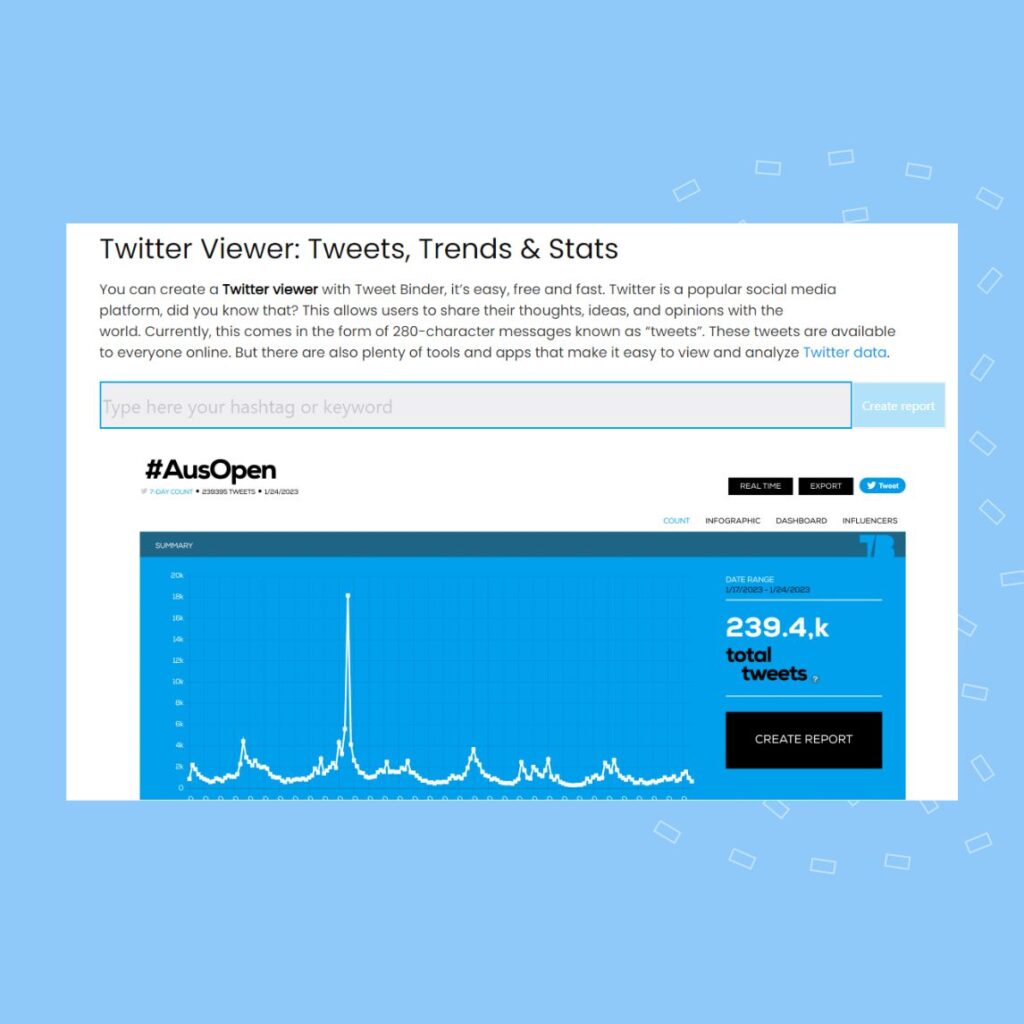
The platform then creates a report with an overview of the activity, engagement, and statistics relating to the content. You can view the top-ranking posts, images, and the users who have participated in the discussion surrounding the keyword or hashtag.
While you can’t view the entire tweet collection, this tool is an excellent way to understand the conversation on Twitter without an account.
Trends24
Trends24 is another tool that allows internet users to view trending topics, keywords, and hashtags on Twitter without an account. On Trends24.in, you can view the top Twitter topics for various locations worldwide.
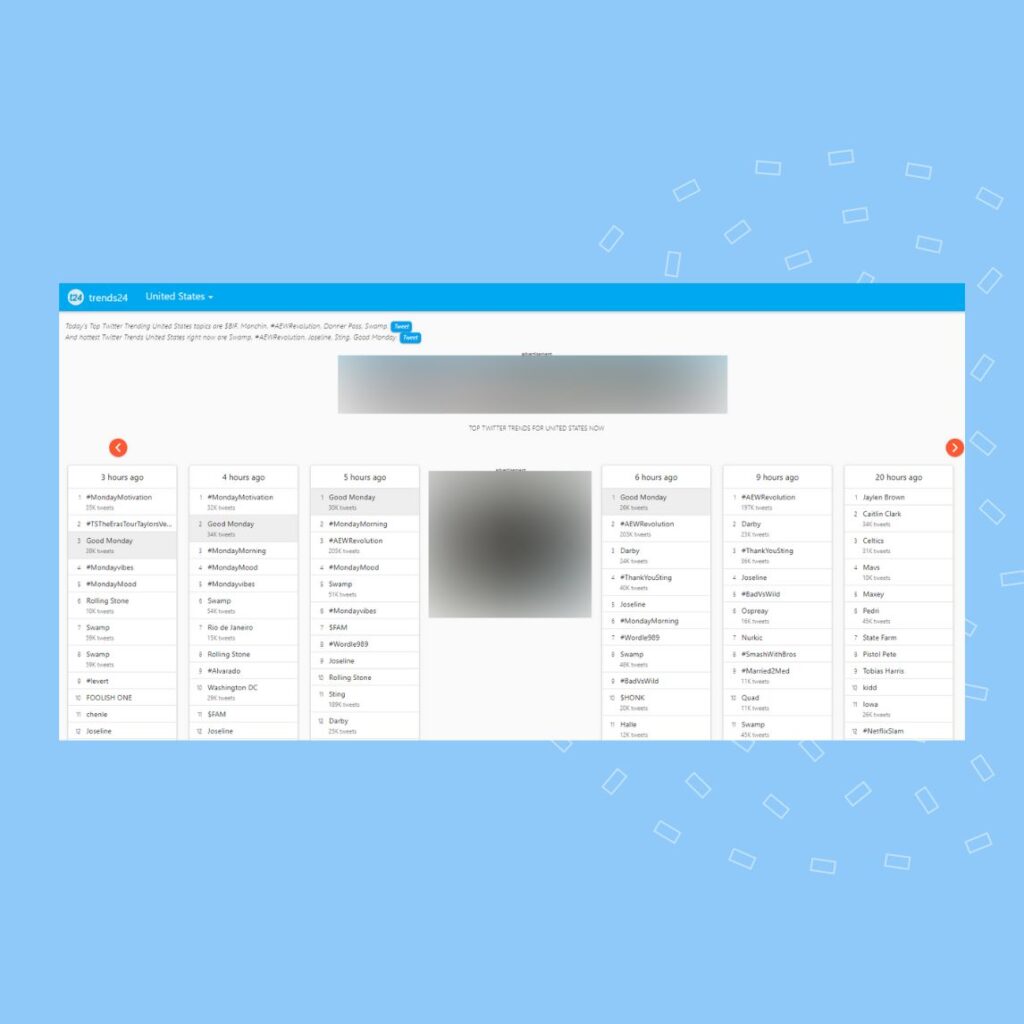
However, if you wish to view the individual tweets under each topic/hashtag, you must log in to the platform with a registered account.
Trendsmap
If you want to search Twitter history without an account to look for historical data, then you can use Trendsmap. The service is available only to view old tweets from ten years.
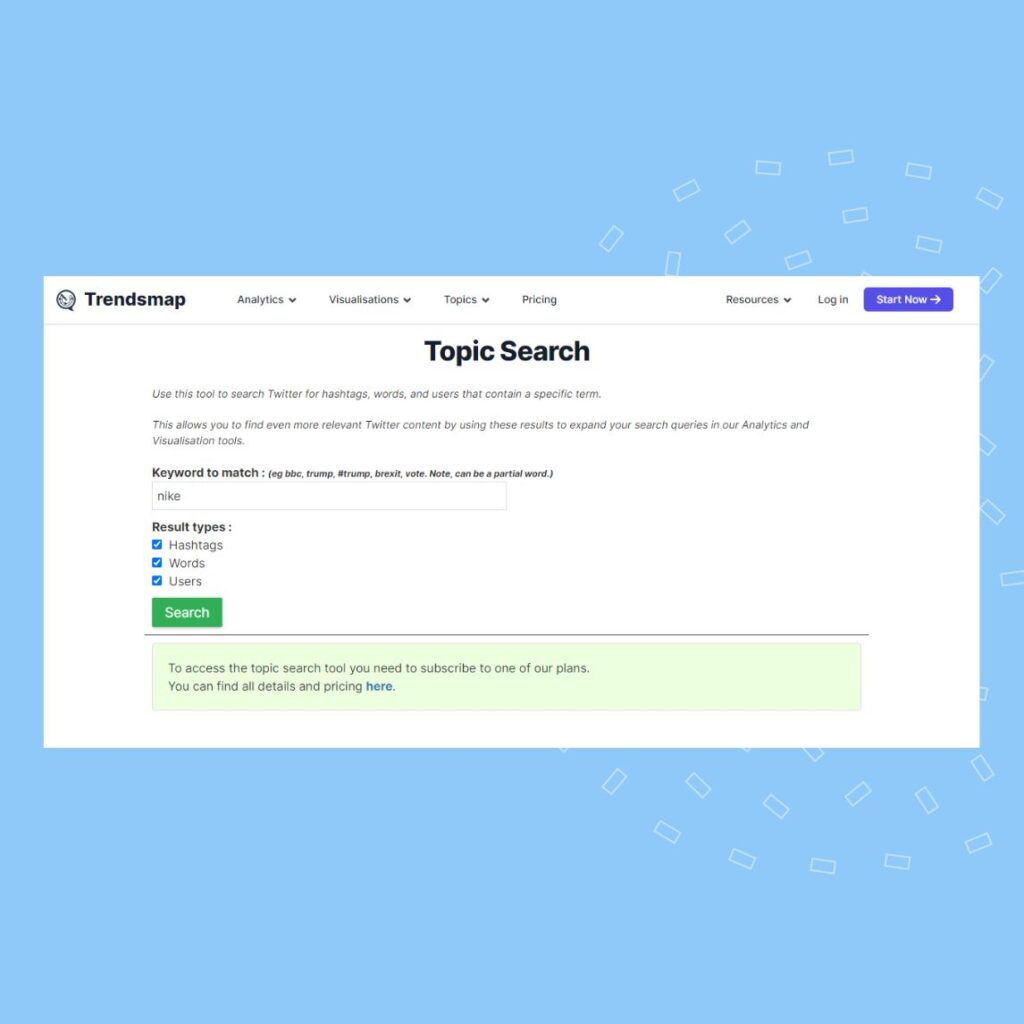
The tool has a simple interface that allows you to search for a particular keyword and view the data available for a fee. In addition to the search functionality, the tool also has useful analytics and visualization capabilities to help users understand Twitter trends.
Use Birdeye to monitor Twitter for brand mentions
Stay on top of trends on Twitter without having to log in to the platform daily with Birdeye. With Birdeye Insights, multi-location brands can monitor social media platforms for specific keywords, brand mentions, and hashtags.
You can choose the required categories and keywords to get an overview of customer sentiment towards your brand.
Scale social media engagement across all locations with Birdeye
Want to see the impact of Birdeye on your brand? Watch the Free Demo Now.
FAQs on running a Twitter search without an account
Currently, there are no popular alternatives to Nitter due to the ongoing privacy regulations from Twitter to prevent unregistered users from accessing their data.
Twitter announced in June 2023 that it is implementing newer privacy regulations to prevent data scraping from AI, including restricting anyone without a registered account from accessing Twitter data.
You can bypass Twitter restrictions using advanced Google search, third-party Twitter viewer tools, social media monitoring tools, and accessing tweets with a direct Twitter URL.
Twitter implemented stricter access controls to prevent data scraping, protect user privacy, and reduce unauthorized data collection by automated systems.
Monitoring social media helps brands understand customer sentiment, identify potential reputation risks, and respond quickly to customer feedback or trending conversations.
Brands can use social media management platforms, like Birdeye Social AI, to centralize monitoring, publishing, engagement, and reporting across multiple social networks from a single dashboard.
Simplify managing multiple social media accounts with Birdeye
For multi-location brands, social media platforms like Twitter are often where customers share feedback, ask questions, and discuss brand experiences in real time. But monitoring conversations across hundreds or thousands of locations can quickly become overwhelming without the right tools.
Birdeye’s Social AI agents help enterprises centralize social media management and monitor conversations across platforms at scale. As the #1 Agentic Marketing Platform for multi-location brands, Birdeye replaces fragmented social media tools with a unified platform powered by AI agents trained on your brand voice and customer data.
Here’s how Birdeye’s Social AI agents help enterprises monitor and manage social conversations effectively:
1. Social Publishing Agent: Centralized strategy, local execution
Maintaining consistent messaging across locations can be difficult for large organizations. The Social Publishing Agent helps brands create and publish content that remains aligned with corporate guidelines while staying locally relevant.
Local intelligence integration: The agent analyzes location-specific trends and sentiment to create posts that resonate with local audiences.
AEO-ready content: Using Brand AI, the agent generates optimized captions and images designed to perform well on social platforms and AI-driven search experiences.
2. Social Engagement Agent: 24/7 governed community management
Monitoring conversations and responding to comments manually across hundreds of accounts is nearly impossible. The Social Engagement Agent helps teams stay on top of every interaction.
Contextual understanding: The agent detects sentiment and intent in social comments and messages, helping teams prioritize urgent issues and respond appropriately.
Enterprise guardrails: Responses are generated using your brand guidelines and can be reviewed through human-in-the-loop approval workflows to maintain brand consistency and compliance.
3. Social Reporting Agent: Unified insights across locations
Understanding social media performance often requires pulling reports from multiple tools and dashboards. The Social Reporting Agent simplifies this process.
Competitive benchmarking: Track engagement trends, publishing frequency, and performance metrics across both local and national competitors.
Conversational insights: Ask questions like “Which locations generated the most engagement this week?” and receive clear, actionable insights in seconds.
By deploying Birdeye’s Social AI agents, enterprises can move beyond fragmented social monitoring tools and build a unified system that monitors conversations, engages customers faster, and drives measurable outcomes across every location.
Want to see how Birdeye’s Agentic Marketing Platform helps multi-location brands manage social media and customer engagement? Watch our free demo.

About the Author

Ruchika Batra
Originally published