Thanksgiving is November 26, and customers will turn to Google Maps, ChatGPT, and other AI tools to check which businesses are open. Birdeye’s 2026 study found that ChatGPT returned incorrect hours for 97% of locations tested. This holiday hours checklist helps brands confirm operating hours, assign responsibilities, update key platforms, and catch conflicting information before customers arrive at a closed location.
Summary
PPC Land reported that Google added trip itineraries, saved-list search, and appointment finding to Ask Maps on November 16. This update makes business hours more visible during trip planning and local searches. With AI helping customers decide where to go, brands need one approved holiday schedule across their locations and digital profiles.
This post explains where to update hours, who should manage changes, and how to verify that listings and AI answers reflect the correct information.
What does Ask Maps change for holiday hours?
Ask Maps now puts open status in front of customers while they plan. Google’s November 16 update introduced three capabilities:
- Itineraries: A saved plan shows real-time details, including whether a business is open.
- Saved lists: Customers can check live availability across saved places, such as finding restaurants with open tables.
- Appointments: In the US, Ask Maps can check online availability and phone providers in beauty, pet care, auto, and home repair.
Did you know? Itineraries and saved-list search are now available wherever Ask Maps is supported. Appointment finding is launching first in the US.
Ask Maps cannot read the sign on your door. It repeats whichever hours it finds, so one wrong holiday entry travels to every customer who asks. For background, see our Ask Maps guide.
Google’s own search results create similar concerns. Birdeye’s State of Google Business Profile 2026 report notes that AI Overviews now show hours directly in search. It also found that 38% of customer actions on profiles are direction requests. These customers are about to travel, so a wrong holiday entry sends them to a closed door.
How often do AI answers get business hours wrong?
In Birdeye’s 2026 study, ChatGPT returned incorrect hours for 97% of locations. The Location Blind Spot in AI Search covered 16,240 location-level scans across 1,762 multi-location brands. Business hours were the weakest of the five information fields evaluated.
The study treats this as a limit of the AI answer layer, not only a data problem. One clean update will not guarantee an accurate AI answer. AI search engines may draw from multiple sources, use outdated information, or misinterpret business details.
This means holiday hours checklist management requires two validations:
- Source accuracy: Are the correct hours published across your listings and website?
- AI answer accuracy: Do AI tools return the correct hours when customers ask?
For the study’s other findings, see our ChatGPT Business Hub post.
Where do holiday hours live?
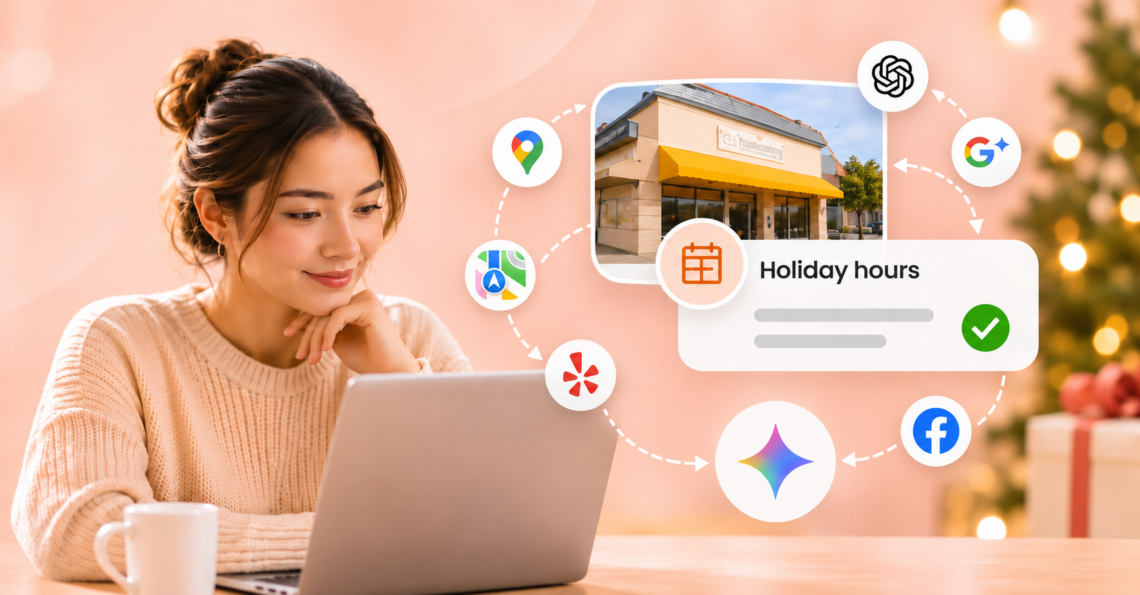
Holiday hours live in at least six places, and each one has its own rules. The table below lists what multi-location brands should set and check before Thanksgiving.
| Platforms | What to set | Watch for |
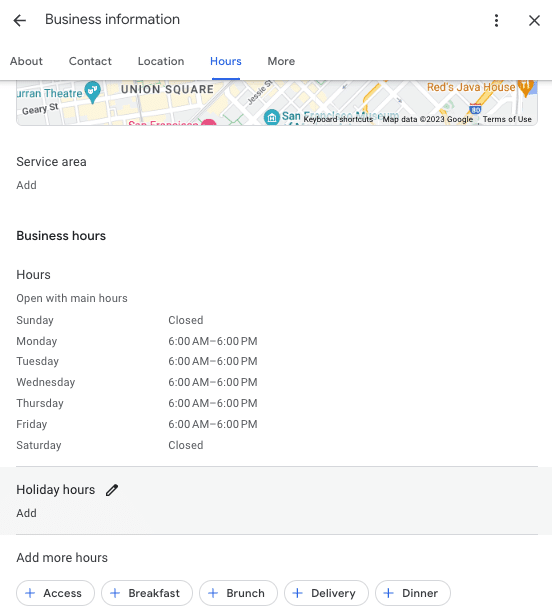
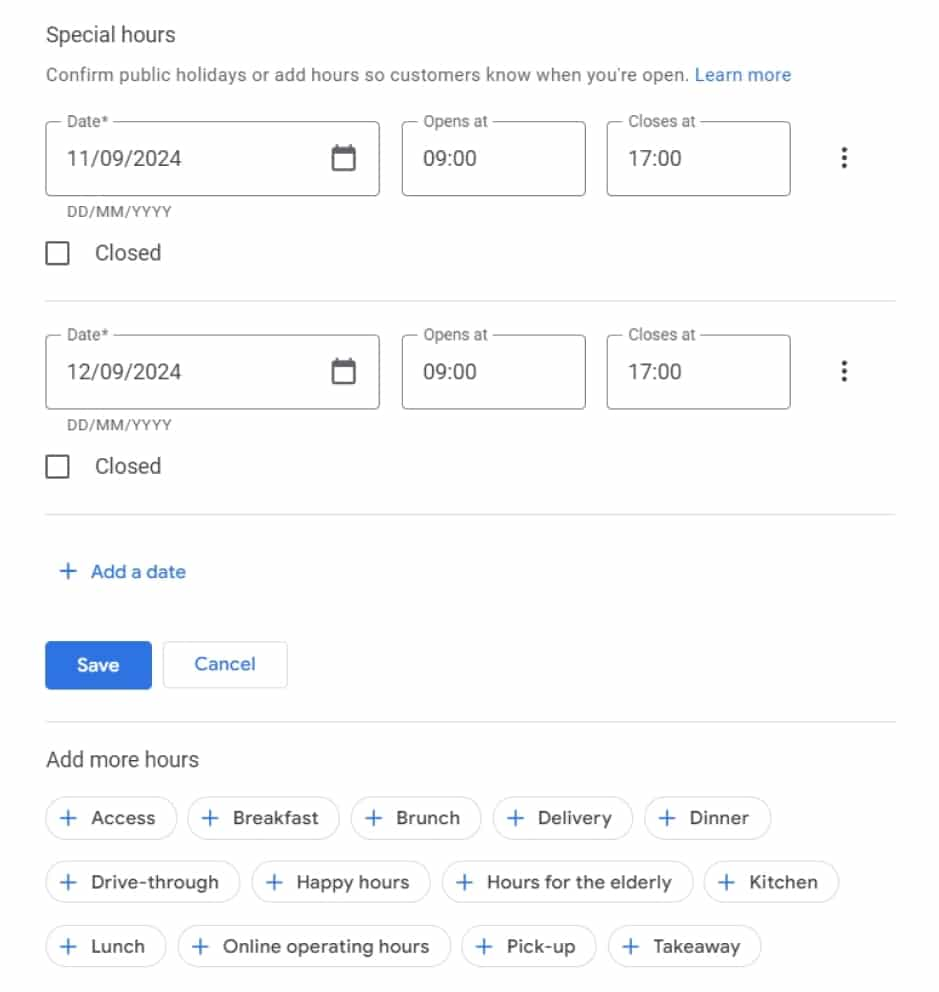
| Google Business Profile (Search, Maps, Ask Maps) | Special hours for each holiday date, including confirmation when regular hours apply. | Special hours require main hours to be enabled. Unconfirmed holiday hours may display a warning that says ‘hours might differ.’ |
| Apple Business Connect (Apple Maps, Siri) | Holiday closed hours or temporary hours for each location. | Apple recommends matching place card hours with your official website. |
| Yelp | Special hours for each holiday date. | Dates are entered one day at a time, so a multi-day closure needs several entries. |
| Hours in Page info, plus temporary service changes where the Page offers them. | Options vary by Page category. Add a pinned post, and confirm hours return to normal afterward. | |
| Your website | A banner and the same hours on each location page. | Google may publish a customer-suggested hours edit when your website supports it. A stale page can back a wrong answer. |
| ChatGPT business profile | Check whether your location’s profile has an hours field. | OpenAI says verified brands can update key details, but its public pages do not name hours. Each location is claimed separately. |
The goal: Create one approved holiday schedule with a set of dates and hours, then make every relevant platform reflect it.
Who should own each holiday date?
Every holiday date needs clear ownership. For multi-location brands, each date needs two owners: one who decides and one who updates.
- Corporate decides: Sets the holiday calendar, approves default hours for each date, and the deadline.
- A designated owner enters: A named person/employee or platform publishes the approved hours across the relevant platforms.
- Location managers confirm: Each branch verifies its actual schedule and flags local exceptions before publication. (This step matters because not every location follows the same holiday schedule.)
Track each location’s holiday hours status as pending approval, ready to publish, published, or verified. This gives corporate teams visibility into which locations still need attention before the holiday. Without named owners, corporate assumes locations will update, and locations assume corporate will push the change. However, nobody acts.
Start with the following dates:
| Date | Holiday | What to verify |
| November 26 | Thanksgiving Day | Full-day closures or reduced operating hours |
| November 27 | Black Friday | Extended, reduced, or regular operating hours |
| December 24 | Christmas Eve | Early closing times |
| December 25 | Christmas Day | Full-day closures or limited hours |
| December 31 | New Year’s Eve | Early closing times |
| January 1, 2027 | New Year’s Day | Closures, delayed openings, or regular hours |
Note: These are common scheduling considerations, not assumed operating hours. Confirm each location’s actual schedule, including any regional exceptions.
How do you spot conflicts before AI repeats them?
Compare every location’s published hours against the approved holiday calendar, then ask AI what it says. When two sources disagree, the engine has to choose, and OpenAI has not said how ChatGPT settles those conflicts.
Recommended holiday hours verification checklist
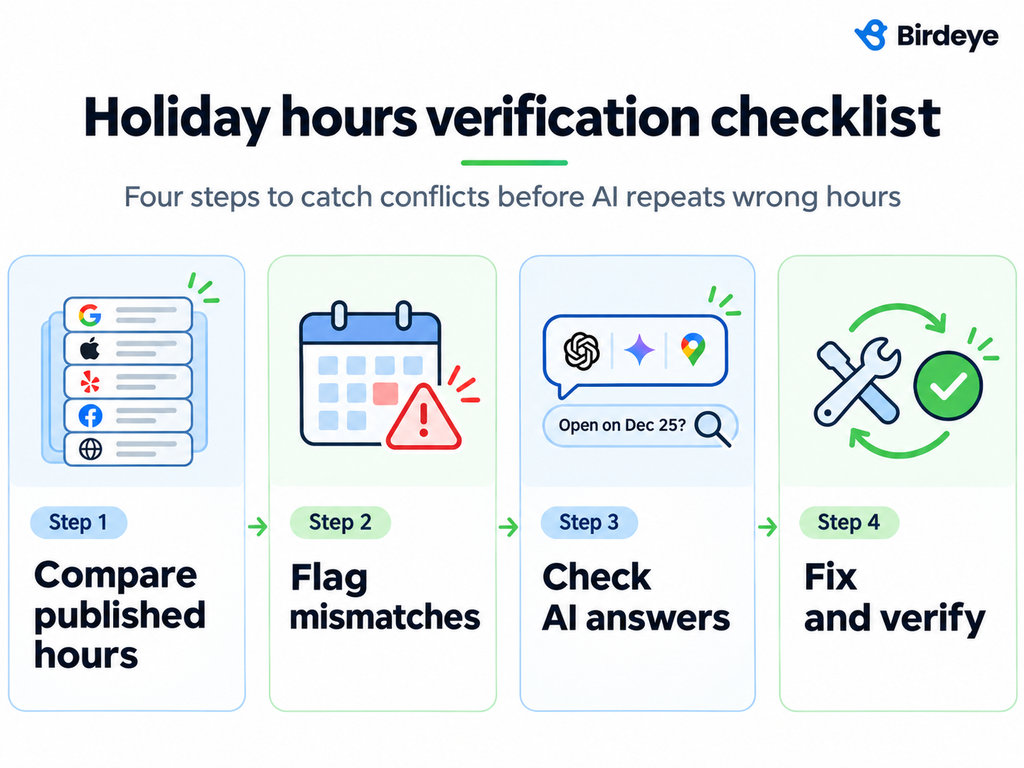
- Compare published hours: Pull each location’s hours from Google, Apple, Yelp, Facebook, and the website.
- Flag mismatches: Identify differences from the approved calendar and assign them to the responsible owner.
- Check AI answers: Ask ChatGPT, Gemini, and Ask Maps whether each sampled location is open on specific holiday dates, say, Thanksgiving.
- Fix and verify: Correct conflicting information at the source, then retest the AI answers.
When testing AI answers, include the location name, address, and specific holiday date. For example, ask whether a particular branch is open on Thanksgiving Day, November 26, 2026.
Common holiday hours conflicts to watch for
- Regular hours changed for one holiday and never changed back.
- No special hours entered, so the listing shows a normal day.
- A website banner that disagrees with the listing.
- Hours attached to the wrong location.
- A customer-suggested edit that Google accepted.
- One location follows a different holiday schedule but was included in a bulk update.
Start with your highest-revenue locations. Google says edits usually take about 10 minutes but it can sometimes take up to 30 days as well, so do not wait until the Wednesday before Thanksgiving.
What should happen after the holiday?
Reset every location and confirm regular hours came back. Special hours apply only to the dates you enter, but temporary closure statuses and website banners do not expire on their own, they need manual updates.
After that, read each location’s holiday-weekend reviews for mentions of incorrect hours or unexpected closures. Several similar complaints at one location may reveal an information conflict that needs attention. Use those findings to improve the process before the next holiday.
How does Birdeye help multi-location brands keep holiday hours right?
Birdeye Listings and Birdeye AI Search, powered by Jay, the marketing AI coworker, use AI agents to keep business hours consistent. They also show what AI says about each location.
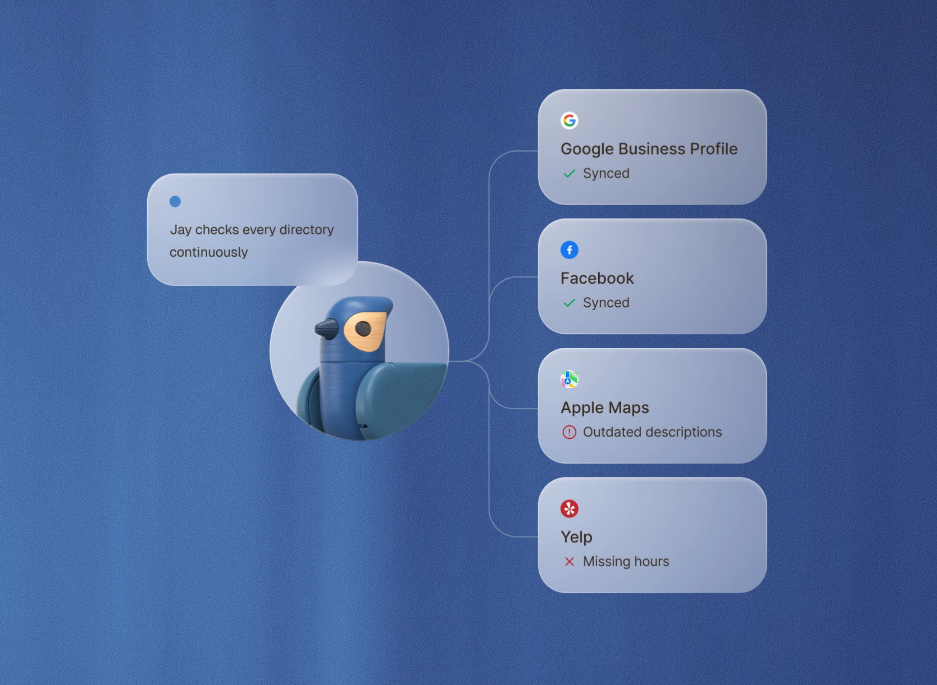
- Publish the holiday dates: Set special hours for each location in Birdeye Listings, with bulk updates, while regular hours stay unchanged.
- Catch the drift: The Listings Optimization Agent flags mismatched hours across directories and recommends fixes you approve.
- Check the AI answer: Birdeye AI Search shows how each location appears in ChatGPT, Gemini, and Perplexity, and flags inaccurate details.
FAQs about holiday hours checklist
Set holiday hours as soon as each location’s schedule is approved, which for Thanksgiving means this week. Google says some edits can take up to 30 days, so early entry leaves room for review.
Yes. Google recommends confirming special hours for official holidays even when they match regular operating hours. Otherwise, Google may display a warning that holiday hours could differ.
Not on its own. OpenAI says claiming does not give you direct control over ChatGPT’s recommendations, and ChatGPT may use other sources. Businesses should fix every source, then keep checking.
Google allows special hours for temporary changes and closures lasting up to six consecutive days. For closures lasting seven or more consecutive days, or for an unknown duration, Google recommends marking the business as temporarily closed. Google’s help pages word the exact cutoff slightly differently, so check the current page.
What should multi-location brands do first this week?
Thanksgiving is just eight days away. If your locations haven’t confirmed their holiday hours, start with one approved schedule today. List every location, confirm its operating hours through January 1, and assign a named owner to publish the updates.
Ready to simplify holiday hours management across your business’s locations?
See how Birdeye helps multi-location brands keep every location’s hours right and monitor AI search accuracy.
About the Author

Ruchika Batra
Originally published