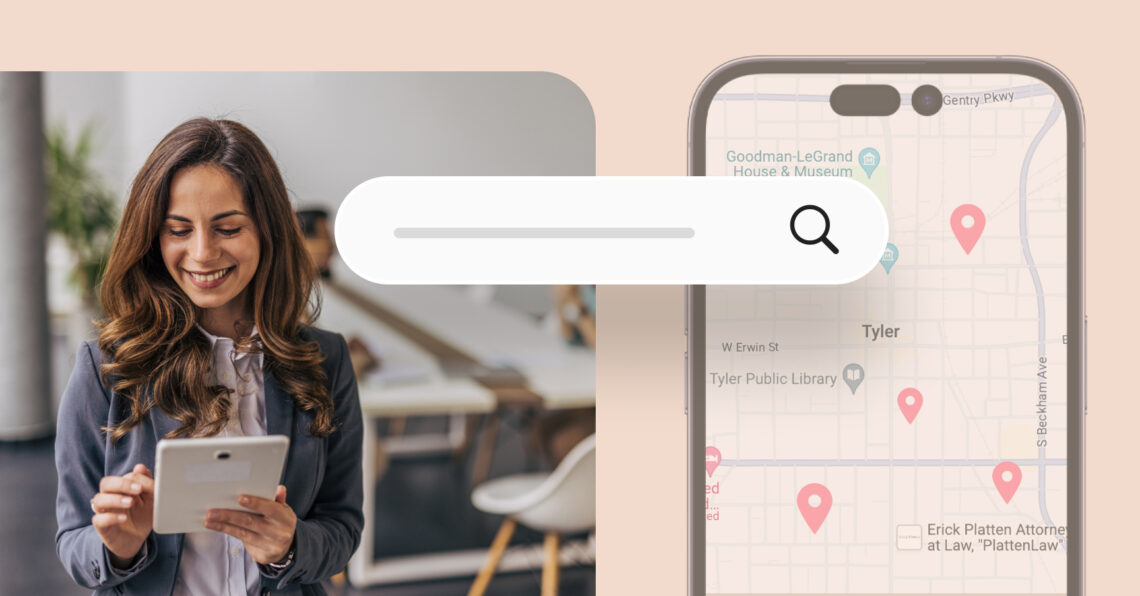
Google My Business SEO helps your business appear in front of nearby customers when they search for products or services on Google Search and Maps. A well-optimized Google Business Profile increases your visibility, builds trust, and brings more calls, website visits, and foot traffic.
Summary
Google uses several signals to determine which businesses appear in local search results. Optimizing your Google Business Profile, maintaining accurate business information, earning quality reviews, publishing regular updates, and strengthening your local presence all improve your chances of ranking higher.
This blog discusses 10 proven Google My Business SEO strategies, common mistakes to avoid, and best practices to help you improve local rankings, reach more customers, and grow your business organically.
Table of contents
- What is Google My Business, and why is it important for local SEO?
- How Google determines local ranking for your business
- Top 10 ways to improve your Google Business Profile SEO
- 5 common Google My Business SEO mistakes to avoid
- Frequently asked questions on Google My Business SEO
- How Birdeye Listings Agent optimizes your Google Business Profile
What is Google My Business, and why is it important for local SEO?
Google My Business (now Google Business Profile) is a free tool that lets businesses manage how they appear in Google Search and Maps, helping them get discovered by local customers.
When optimized properly, your profile becomes a powerful local SEO asset. Here’s why it matters:
- Increased local visibility: A complete, verified profile boosts your chances of appearing in the Local 3-Pack and Google Maps results.
- More traffic and leads: Customers are more likely to click on a business with updated information, reviews, and photos.
- Improved trust and credibility: Verified profiles with strong reviews make your business look more trustworthy at a glance.
- Control over your presence: You can manage how your business appears—update hours, add posts, share promotions, and respond to reviews.
- Boosted SEO rankings: Google uses profile signals like relevance, proximity, and prominence when deciding which businesses to feature in local search.
Optimizing your Google Business Profile is one of the simplest, most impactful ways to reach customers actively searching for services like yours.
How does Google My Business impact local SEO?

An optimized Google My Business profile is key to any successful local SEO strategy. It increases your chances of appearing in the coveted “Local 3-Pack”—the top three business listings in local search results, complete with contact details, reviews, and a map of your location.
Here’s why Google My Business local SEO is crucial:
Boosts search visibility
Google My Business directly influences your search visibility in local search results. By optimizing your GMB profile, you ensure that your business appears in front of people searching for services like yours in your area. The more complete and accurate your profile, the better your chances of appearing in local search results, particularly in the Local 3-Pack. This boosts your business’s exposure to nearby customers who are ready to make purchasing decisions.
Engages customers with reviews and ratings
GMB allows you to collect and display customer reviews and ratings. Reviews are a powerful tool for building trust and credibility with potential customers. When users see positive feedback from others, they are more likely to trust your business and consider using your services. Additionally, responding to reviews can help improve customer relationships, demonstrate professionalism, and show potential clients that you care about their experiences.
Improves local relevance
Google uses your GMB profile to determine how relevant your business is to searchers in your area. A fully optimized profile, including up-to-date information like business hours, contact info, website links, photos, and services, tells Google that your business is active and reliable. This relevance is essential for ranking well in local search results. Google prioritizes accurate and detailed businesses and provides valuable information to users searching for local solutions.
In short, optimizing your Google My Business profile is essential for boosting your local SEO efforts, increasing visibility, building customer trust through reviews, and ensuring your business is front and center in local search results.
How Google determines local ranking for your business
Google uses several ranking factors to determine which businesses appear at the top of Google search results. Understanding these factors and optimizing your Google My Business profile around them is essential for improving your local SEO ranking.
1. Relevance
Relevance refers to how well your business profile matches the user’s search query. Google uses keywords in your business description to determine if your services align with what the searcher is looking for. For example, if you run a “bike repair shop” in Denver and someone searches for “bike repair near me,” Google will match your business to the search based on relevant keywords in your description like “bike repair” and “Denver.” The more accurately you describe your services, the better your chance of appearing in these searches.
2. Proximity
Proximity refers to the physical distance between the searcher and your business location. The closer your business is to the person searching, the higher your chances of ranking in local results. For instance, if you own a coffee shop in Seattle, and someone searches for “coffee shop near me” while in downtown Seattle, your shop will likely appear at the top of the search results if it’s nearby. The “service area” feature can help you appear in searches outside your immediate location if you serve a broader area.
3. Prominence
Prominence refers to how well-known or authoritative your business is. To measure prominence, Google considers factors like customer reviews, backlinks, and citations.
For example, if you run a bakery in Boston and have received 100+ positive reviews on Google and other sites, along with mentions from local food blogs, your bakery will be seen as more prominent. This increased recognition will help you rank higher in searches like “best bakery in Boston” than competitors with fewer reviews or citations.
Understanding and optimizing for relevance, proximity, and prominence will give your business the best chance to rank higher in Google search results, driving more visibility and attracting potential customers.
What is the fastest way to improve local rankings?

The fastest way to improve local ranking is to collect and respond to more positive reviews, ensure your profile is 100% complete, and use location-specific keywords in your business description and posts. Verifying your profile and adding high-quality images also helps.
Top 10 ways to improve your Google Business Profile SEO
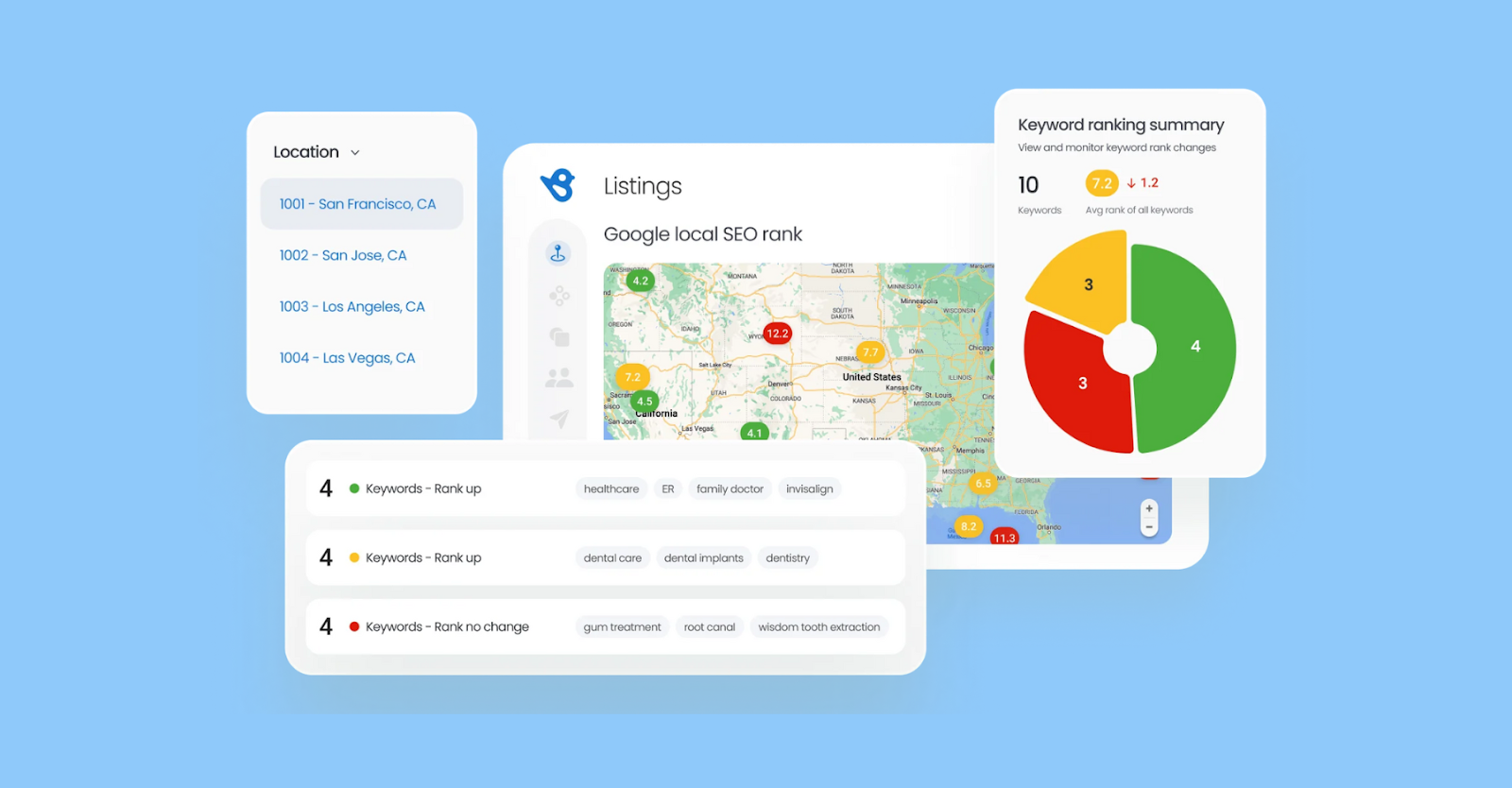
Here are 10 best practices to optimize your Google Business Profile and boost your local search visibility.
1. Verify your business
Verification is essential to ensure your business appears in local search results and on Google Maps. Once verified, your profile becomes eligible for ranking in the local search pack, increasing visibility. This process establishes your legitimacy and allows you to manage and update your information directly. For example, a local plumber in New York City can only appear in local searches such as “emergency plumber near me” once the business is verified, ensuring customers find accurate and timely information.
2. Fill out your profile completely
A fully filled-out profile helps Google understand your business and ensures it’s accurately matched with relevant search queries. This includes adding detailed descriptions, business hours, services, and categories. The more complete your information, the better your chances of ranking higher. For instance, if you run a fitness center in Los Angeles, providing a clear description of your various services (such as yoga, pilates, and personal training) helps potential customers find exactly what they need, improving your chances of showing up in local search results.
3. Ensure NAP consistency across the web
Your NAP (Name, Address, and Phone number) should be identical across all online directories, your website, and social media profiles to avoid confusion and improve search rankings. For example, if your bakery in San Francisco lists one phone number on Google but a different one on Yelp, it can negatively affect your search visibility. Keeping NAP consistent helps build trust with both Google and customers, ensuring your business is easily found and accurately represented across the web.
4. Use high-quality photos and videos
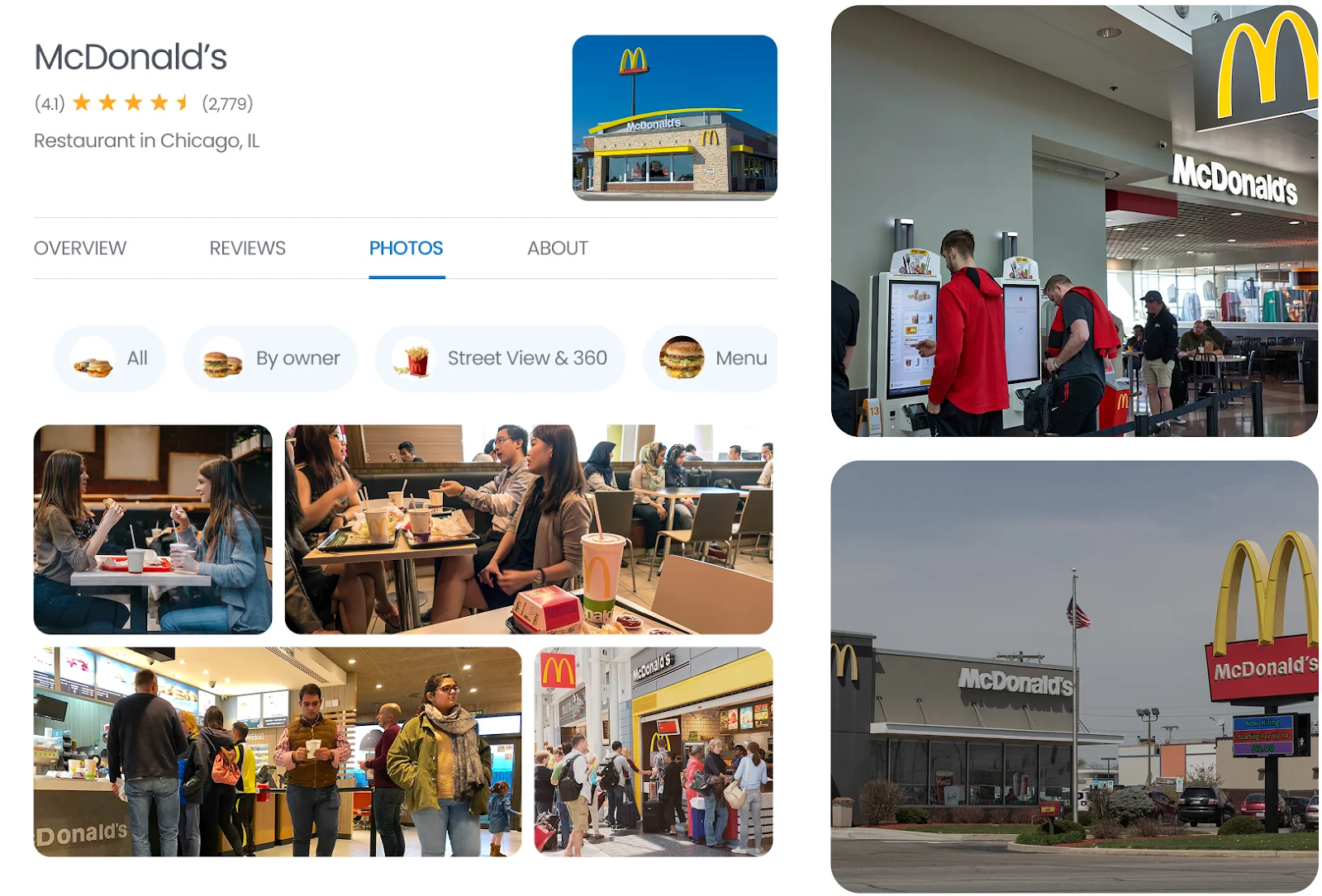
High-quality images and videos make your profile more engaging and can directly influence your local search rankings. Visuals help customers understand your products, services, and environment, improving interaction rates. Upload photos of your storefront, products, and staff to give a warm, inviting impression. For example, a coffee shop in Seattle can post photos of their signature drinks, a welcoming interior, and happy customers enjoying their coffee, which can attract more customers and increase visibility in local search results.
5. Encourage reviews
Customer reviews are a major ranking factor for local SEO and are essential for building credibility. Positive reviews enhance your reputation and increase your chances of appearing in the local search pack. Promptly responding to positive and negative reviews shows you value customer feedback. For example, after a successful home renovation project, a contractor in Chicago can ask satisfied clients to leave reviews, which can improve the business’s ranking and attract new customers seeking trusted services.
Master Google My Business SEO
Want to see the impact of Birdeye on your business? Watch the Free Demo Now.
6. Use Google posts to engage customers
Google Posts lets you share updates, promotions, and announcements directly on your profile. Regular posting keeps your profile fresh and helps maintain customer engagement, positively impacting your SEO. Businesses can use posts to highlight sales, new products, or seasonal events. A local boutique in Miami could post about a weekend sale or new product arrivals, encouraging local customers to visit the store and increasing the chances of appearing in search results.
7. Include relevant keywords
Keywords are essential for improving your business’s SEO. Incorporating location-specific and industry-related keywords in your description, services, and posts helps Google understand your business and its relevance to specific search queries. A chiropractor in Austin, Texas, might use keywords like “back pain treatment” and “spinal adjustments in Austin” to improve their profile’s visibility when people search for these services locally. Relevant keywords help position your business as an authoritative and relevant option for searchers.
8. Track performance with GBP insights
Google Business Profile insights provide key data about how customers interact with your business. Metrics like customer actions, search queries, and reviews allow you to track engagement and fine-tune your approach. For example, if you see an increase in calls but fewer website visits, you may want to optimize your website to convert more traffic. By monitoring these insights regularly, a local real estate agent in Miami can adjust their strategy to boost visibility and improve performance over time.
9. Enable messaging on your profile
Google allows businesses to enable messaging directly through their profile, offering a convenient way for potential customers to reach out. This feature helps increase engagement, as users can ask questions or inquire about services without leaving the profile. For instance, a local auto repair shop in Denver can enable messaging to allow customers to ask about service availability or pricing details. The ease of communication helps improve customer satisfaction and can lead to higher conversion rates.
10. Keep your business information with up-to-date
Regularly updating your profile with the latest business information ensures that customers always see accurate details. Changes like holiday hours, new services, or temporary closures should be reflected promptly. Keeping your profile fresh can help Google rank your business higher in local searches. For example, if a restaurant in Los Angeles adds a new seasonal menu, updating this information on your profile lets potential customers know what to expect. It encourages them to visit, ultimately improving engagement and rankings.
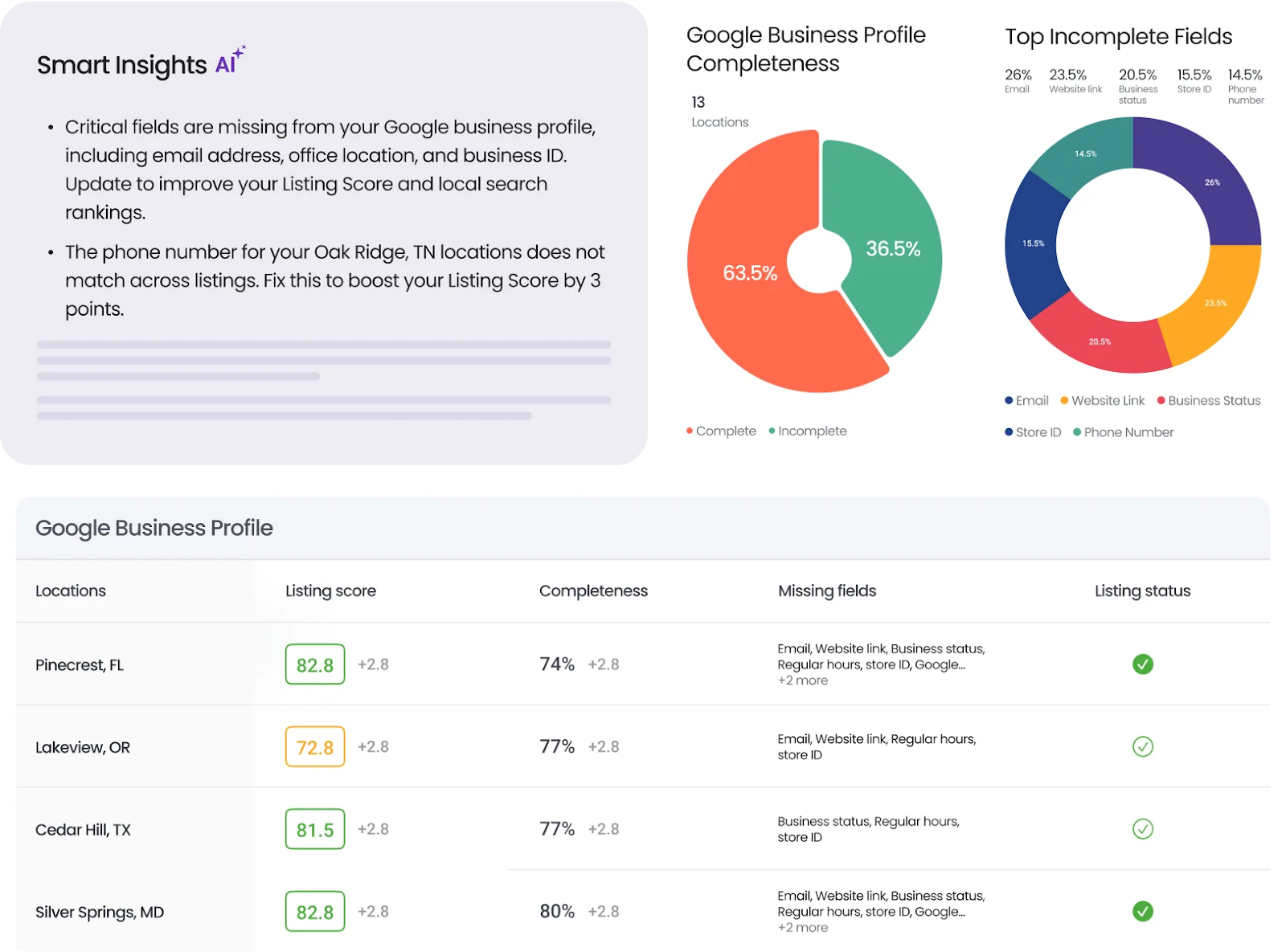
Following these best practices will enhance your Google Business Profile SEO and create a more engaging and user-friendly experience for potential customers. Platforms like Birdeye can help you streamline these efforts by managing and optimizing multiple Google Business Profiles, providing detailed insights, and offering tailored recommendations to enhance your local SEO strategy.
How often should you update my Google Business Profile?

You should update your Google Business Profile at least once a week. Add new posts, respond to reviews, update photos, and make sure your hours, services, and holiday schedules are current. Regular activity signals to Google that your business is active and trustworthy.
5 common Google My Business SEO mistakes to avoid
Here are a few common mistakes that businesses must avoid in your Google My Business SEO strategy:
1. Leaving your profile incomplete
An incomplete profile makes it difficult for Google to understand your business, impacting local search rankings. Ensure every section of your profile is filled out, including business name, description, hours, and services. Missing information can cause you to lose out on potential customers.
2. Incorrect business category or name selection
Using an incorrect business name or selecting the wrong business category can confuse both Google and potential customers. Your business name should match customers’ searches, and your primary category must be as specific as possible. For instance, a “Pizza Place” should not be categorized simply as a “Restaurant.”
3. Not managing reviews properly
Not responding to or neglecting customer reviews can hurt your reputation and SEO for Google My Business. Engage with positive and negative reviews to show that you value customer feedback. Responding to reviews helps build trust and keeps your profile active.
4. Ignoring duplicate listings
Duplicate Google business listings can split reviews and damage your local SEO efforts. Regularly check for any duplicate profiles and merge them into one to consolidate your reviews and improve your search rankings. This ensures all your information is consistent across platforms.
5. Not keeping business information up-to-date
Failing to update your business details, like hours or contact information, can frustrate customers and lead to lost opportunities. Ensure your information is current, especially during holidays or temporary changes, to maintain a positive user experience and boost your search engine optimization rankings.
By staying on top of these common mistakes and addressing them quickly, you can maintain an optimized Google My Business profile and avoid disruptions in your local SEO strategy. Regular monitoring and quick fixes will ensure your profile remains accurate and effective.
Frequently asked questions on Google My Business SEO
Google My Business (GMB) is a free tool for managing your business’s online presence. It’s crucial for SEO as it improves visibility in local search results.
Complete your profile, add high-quality photos, encourage reviews, and use relevant keywords in your business description.
Yes, more positive reviews improve credibility and boost your rankings in local search results.
Ensure accurate information, engage with reviews, post regularly, and build local citations.
Yes, if your business doesn’t have a storefront, you can list your service area instead of a physical address.
How Birdeye Listings Agent optimizes your Google Business Profile
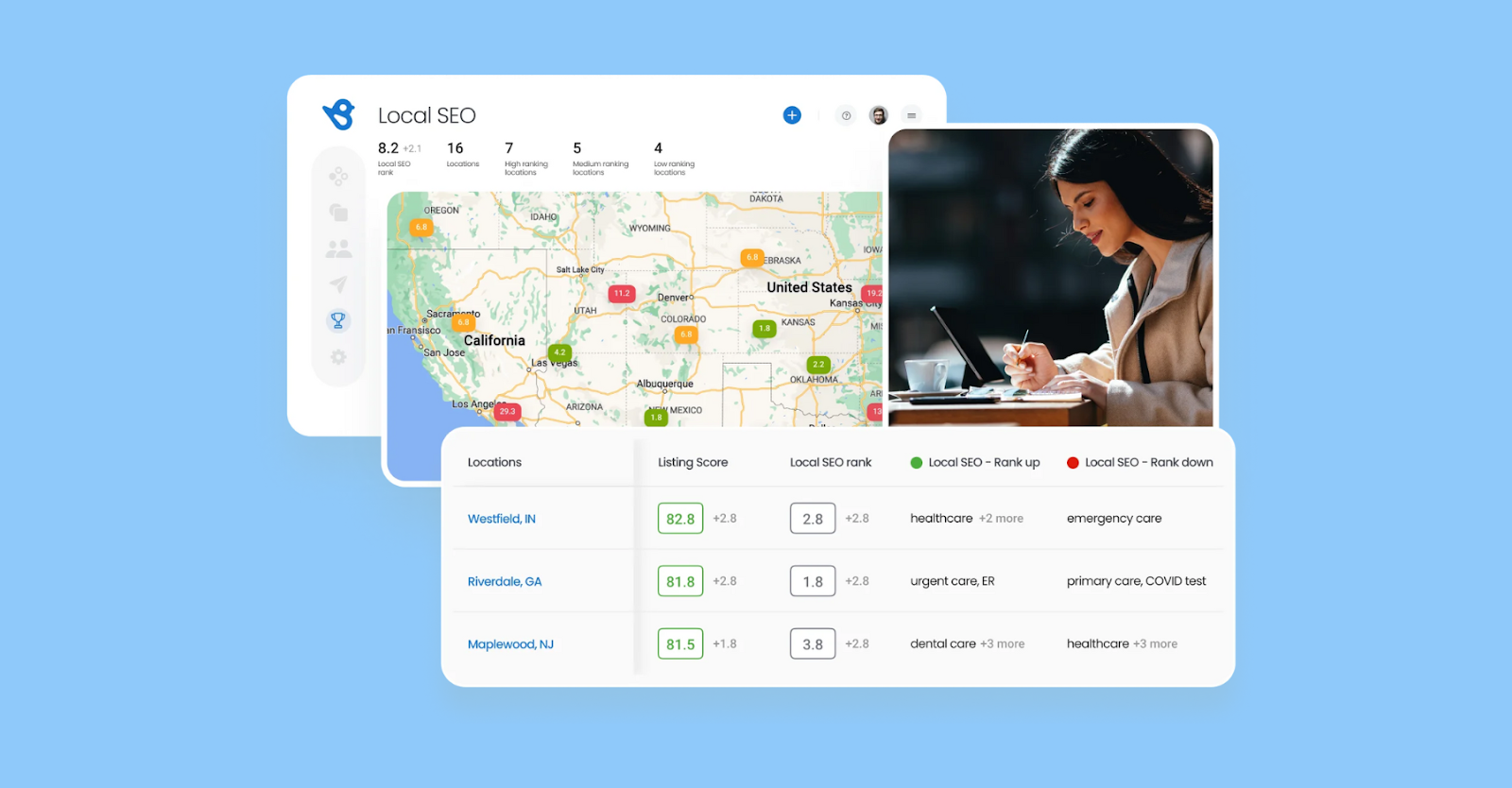
Birdeye is the #1 agentic marketing platform for multi-location brands. Powered by BirdAI and a unified data platform, it helps organizations manage listings, reviews, and customer engagement in one connected system, turning local search visibility into measurable business outcomes across every location.
Birdeye Listings Optimization Agent helps brands keep their Google Business Profile accurate, consistent, and fully optimized across search platforms. By continuously monitoring listing data, identifying gaps, and surfacing AI-driven recommendations, Birdeye improves local discoverability and helps customers find and choose the right business with confidence.
Here is how Birdeye improves your Google Business Profile performance:
Monitor profiles in real time
Listings Optimization Agent continuously monitors your profiles across Google and other major platforms to identify missing information, outdated details, inconsistencies, and performance gaps. This helps businesses maintain accurate and complete profiles across all the places customers search.
Build accurate, high-converting profiles
Manage critical business information, including hours, services, photos, categories, and product inventory, from one centralized platform. Complete and accurate profiles improve visibility on Google Search and Google Maps while creating a better customer experience.
Find the keywords that matter most
Birdeye analyzes industry trends, local search behavior, and competitor profiles to uncover high-impact keywords relevant to your business locations. These insights help improve local search visibility and profile performance.
Get high-impact optimization recommendations
The Listings Optimization Agent delivers recommendations designed to improve discoverability and engagement. From business descriptions and photos to categories and Q&A, Birdeye identifies the updates that can improve search rankings and customer actions.
Keep profiles active with Google Posts
Publish timely updates, offers, announcements, and events directly to your Google Business Profile. Regular profile activity helps customers stay informed and increases engagement with your business.
Strengthen local visibility with customer reviews
Fresh customer reviews help businesses build trust and improve their online presence. Birdeye makes it easier to maintain a strong flow of reviews that help customers feel confident choosing your business.
Track local SEO and listing performance
Access detailed insights into keyword rankings, listing accuracy, customer actions, website visits, and call volume across locations. Use real performance data to identify opportunities and improve local search visibility.
Make updates with built-in approval guardrails
Birdeye helps brands maintain brand consistency with approval workflows and guardrails. Once approved, listing updates can be applied automatically to keep profiles accurate, consistent, and up to date across platforms.
Ready to improve your Google Business Profile performance? Watch a free demo to see how Birdeye Listings Agent helps businesses improve local visibility, maintain accurate listings, and increase customer engagement.

About the Author

Vanjana Sharma
Originally published