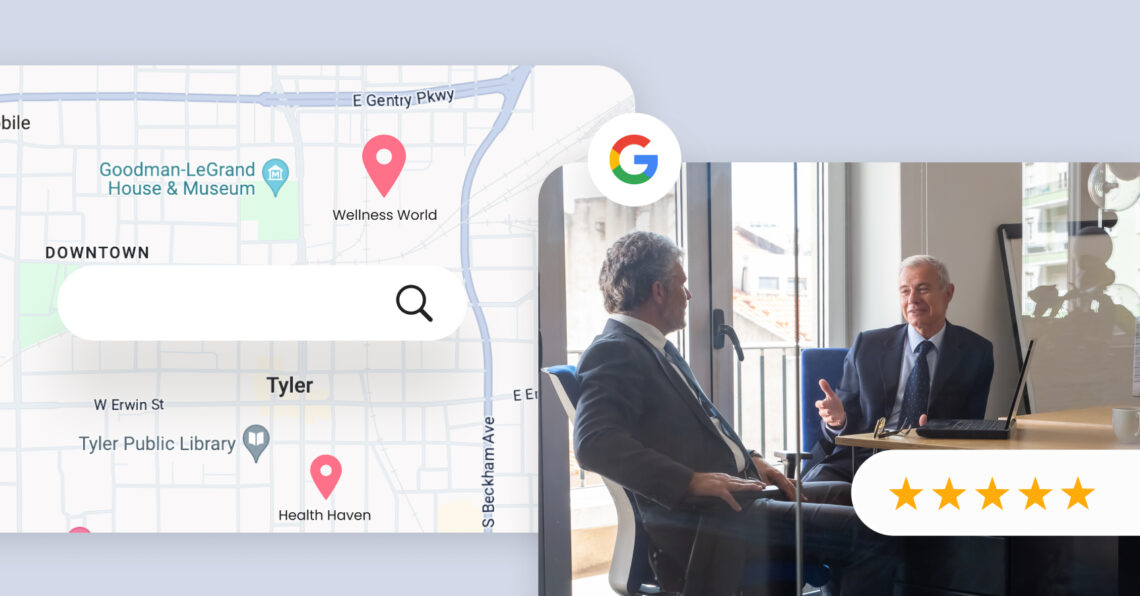
Google Maps optimization for law firms helps your practice appear in local search results, attract qualified clients, and generate more calls, website visits, and appointment requests.
Summary
When potential clients search for legal services, Google often displays the Local 3-Pack before traditional organic results. Law firms with complete, optimized Google Business Profiles and strong local SEO signals gain greater visibility and earn more high-intent interactions from prospective clients. Firms that neglect Google Maps optimization risk losing valuable leads to competitors with a stronger local presence.
This guide will walk you through the most effective strategies for Google Maps optimization for law firms, including building a strong profile and applying local SEO techniques to consistently show up in relevant searches.
Table of contents
- What is Google Maps optimization?
- How can Google Map optimization benefit your law firm?
- How to get started with Google Maps marketing
- Track and measure your Google Maps performance
- Build long-term visibility with Google Maps
- FAQs about Google Maps optimization for law firms
- How Birdeye supports Google Maps optimization for law firms
What is Google Maps optimization?
Google Maps optimization is the process of enhancing your business’s presence on Google Maps to improve visibility in local search results. It is a key component of local SEO, helping your business appear in the Local-3-Pack (the top three map listings that appear when someone searches for a nearby service or products you offer).
This involves optimizing your Google Business Profile with accurate business details, relevant keywords, photos, customer reviews, and regular updates.
For businesses that depend on local clientele, effective Google Map optimization ensures you are easily found by people in your area who are ready to take action. It’s also a key component of a strong digital presence and directly supports your broader local marketing efforts, including Google Maps optimization, law firm promotion, and other strategic initiatives
How can Google Map optimization benefit your law firm?
For law firms, visibility in local search is critical to attracting new clients. Google Maps is one of the most effective tools for connecting with people actively seeking legal help in your area.
Investing in Google Maps optimization for law firms can increase your local presence, build trust with potential clients, and stay ahead of competing legal practices. Here’s how:
1. Increased visibility in local search results

When someone searches for “criminal defense lawyer near me” or “immigration attorney in [your city],” Google Maps often displays a map pack with the top three local law firms most relevant to the search. Appearing here can be a game-changer.
- Boost your rankings with local SEO: Optimizing your Google Business Profile with accurate information and relevant keywords helps your law firm rank higher in local search results.
- Get free exposure to local clients: Google Maps acts like free organic advertising, showcasing your law firm to people actively looking for legal services in your area.
2. Stronger credibility and client trust
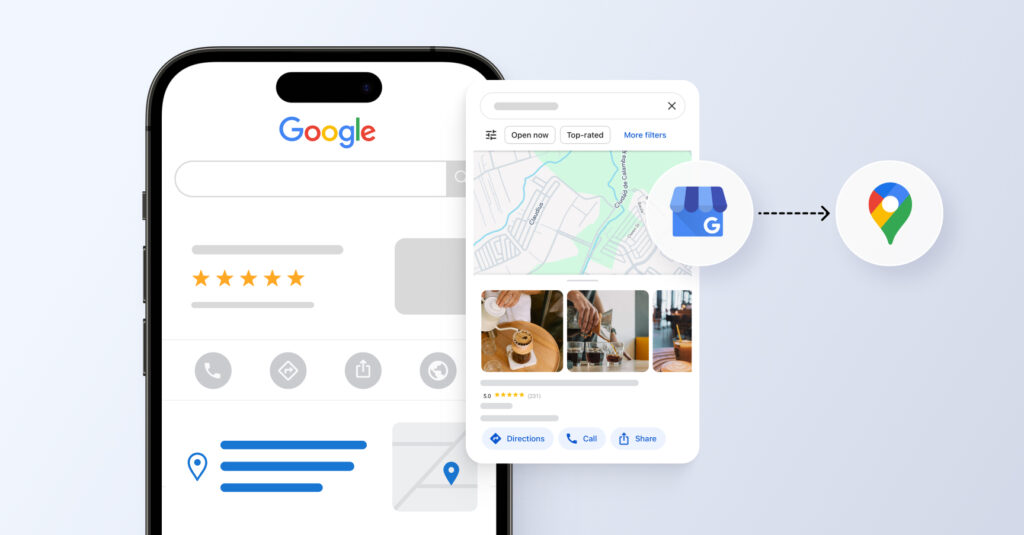
Your law firm’s Google Maps listing serves as a digital storefront. The more complete and professional it is, the more likely potential clients will trust and contact you.
- Online reviews matter: Positive reviews and high star ratings can influence a person’s decision to choose your law firm over a competitor.
- Detailed profile builds confidence: Include your practice areas, office hours, website, and law firm’s phone number to give clients everything they need to take the next step.
- Photos humanize your practice: Office images, attorney headshots, and your logo help build familiarity and convey professionalism.
3. A better experience for legal clients
An optimized Google Maps listing makes it easier for prospective clients to contact and visit your law firm, streamlining the path from search to consultation.
- Easy directions to your office: Clients can get real-time navigation directly through Google Maps.
- Instant communication: Prospective clients can call or message your law firm right from the listing, reducing friction and improving response rates. This is also where lawyer lead generation becomes more measurable, since a strong Google Maps presence helps convert high-intent local searches into calls, consultations, and qualified legal inquiries.
Did you know? Law firms that win on Google Maps also focus on engagement readiness. A key example? 67% of verified law firms use Google Messages, the chat feature built into your Google Business Profile. This not only boosts client trust but also gives your firm a faster way to convert local searches into consultations.
- Valuable client insights: Google provides data on how people find your law firm, what actions they take, and where they are located. These clear insights can help you fine-tune your local marketing strategy.
4. A competitive advantage in your local market
Legal services are often hyperlocal. Google Maps allows your law firm to connect with people in your immediate area, where competition is often strongest.
- Reach the right audience: Focused visibility in your geographic area ensures your law firm is seen by those most likely to become clients.
- Outperform non-optimized firms: Many law firms still underuse Google Maps, so optimizing your profile gives you a clear edge in attracting local traffic.
With effective Google Map optimization for law firms, you can increase local visibility, strengthen your online reputation, and make it easier for clients to find and contact you.
How to get started with Google Maps marketing
Now that you understand the value of Google Maps optimization, let’s walk through how to optimize your listing for your law firm effectively.
Create and claim your Google Business Profile dashboard
Your Google Business Profile (GBP) is what powers your presence on Google Maps. Visit google.com/business and sign in with your firm’s account. Search for your law firm’s name; if it exists, claim it. If not, create a new profile.
Note: Verification typically involves a postcard mailed to your office. Once verified, you gain full control of your listing.
Add business information to your listing
Fill out your law firm’s information thoroughly and accurately:
- Legal business name (no keyword stuffing)
- Full address, including suite number
- Primary phone number
- Website URL
- Business hours
Keep your NAP (Name, Address, Phone) consistent across your website, Google, and legal directories like Avvo or Justia.
Identify your business categories
Choose a primary business category that best describes your main service. For example:
- Personal Injury Attorney
- Criminal Justice Attorney
- Immigration Attorney
Then, add secondary categories based on your specialties.
Add photos to your Google Business Profile
Listings with photos receive more requests for directions and more click-throughs. Add:
- Office exterior and interior
- Staff headshots
- Team photos
- Community events or speaking engagements
Avoid stock images; authentic photos resonate better with clients and help Google trust your listing.
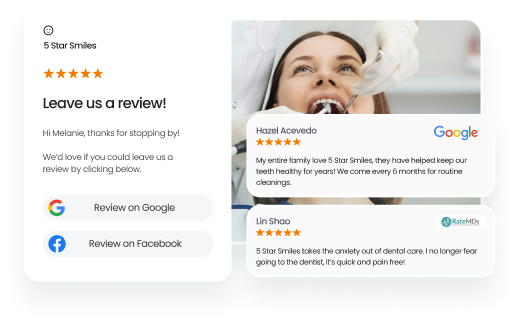
Generate positive Google reviews
Client reviews are critical for Google Maps law firm’s rankings. Ask satisfied clients to leave reviews (ethically and without incentives) and always respond professionally, even to negative ones.
Birdeye’s Reviews helps businesses generate more reviews effortlessly by crafting smart, personalized review requests. It analyzes customer interactions to deliver optimized messages at the ideal time, increasing response rates and enhancing online visibility.
Patterson Law Group, a three-location firm, struggled to collect reviews manually until it partnered with Birdeye. By automating review requests, Patterson Law Group quickly gathered over 200 new reviews. This surge in positive feedback directly enhanced their Google Business Profile, making them more prominent in local search results.
The result? An 18,000-visitor increase to their website, with a significant portion of that traffic coming through Google Maps.
You spend your time turning clients into evangelists, and then Birdeye will give them a platform to evangelize to the masses. It’s a perfect system. Everybody wins.” — W. Travis Patterson, Attorney at Law
Takeaway: Positive reviews do not just build trust; they actively improve your Google Business Profile rankings, increasing visibility and driving local traffic through Google Maps.
Embed Google Maps on your website

Embedding a map of your office on your contact page helps users and sends local signals to Google. It also increases dwell time on your site, which improves SEO.
Note: Use the “Share” > “Embed a map” feature from Google Maps and paste the iframe code on your site.
Keep your GBP up to date
Update your hours during holidays, add new services, and post firm announcements. An inactive profile can lose rankings over time.
Regular posts and photo updates keep your profile fresh and show Google that your business is active and trustworthy.
Increase traffic with localized content
Complement your Maps strategy with geo-targeted content:
- Create service pages for each location you serve.
- Blog about local legal news or changes in state laws.
- Include city-specific keywords naturally.
Track and measure your Google Maps performance
Optimization doesn’t end with setup, you need to track how it’s performing to keep improving. Google Business Profile’s Insights dashboard offers valuable data that helps you understand what’s working and where to adjust.
Here’s what to monitor:
- How potential clients find you: See whether people are searching your firm name directly (e.g.,“Smith & Partners”) or discovering you through general legal searches (e.g., “estate lawyer near me”). You’ll also see where your listing appeared, in Google Search or on Google Maps.
- What actions they take: Track high-intent interactions like phone calls, website clicks, appointment bookings, and direction requests.
- Review trends and engagement metrics: Monitor the volume and sentiment of reviews over time to spot trends and engagement patterns.
- Message activity: If you’ve enabled Google Messages, see how many people are reaching out via chat.l
- Time-based insights: Evaluate performance weekly or monthly to measure the impact of local SEO efforts and marketing campaigns.
These insights help refine your local law firm SEO strategy.
Build long-term visibility with Google Maps
Google Maps optimization for law firms isn’t a one-time task; it’s an ongoing strategy that builds authority, trust, and local reach. By properly managing your Google Business Profile and consistently updating your information, online reviews, and content, your firm can outperform competitors and attract local clients who are ready to act.
FAQs about Google Maps optimization for law firms
Yes, you can manage several GBP listings from one dashboard, which is ideal for multi-location firms.
Yes, but Google discourages stuffing. Only include keywords if they’re part of your legal business name.
Ideally, once a week. Regular updates show activity and help with engagement and ranking.
No. GBP requires a physical address where clients can visit. Consider co-working spaces or leased offices for compliance.
Keep your Google Business Profile updated, collect positive reviews regularly, add photos, and ensure your business information is accurate and consistent across the web.
How Birdeye supports Google Maps optimization for law firms

Strong visibility on Google Maps depends on how consistently a law firm manages its Google Business Profile, reviews, and client interactions across locations. When these functions sit in separate tools, it becomes harder to maintain accuracy and respond quickly to client activity.
Birdeye is the #1 agentic marketing platform for multi-location brands. Its AI agents operate within marketing workflows to improve awareness, conversion, client experience. Powered by BirdAI and a unified data platform, it replaces fragmented marketing systems with a single platform that manages the full customer journey. Trusted by enterprise brands across the U.S., EMEA, and APAC, it supports stronger local presence, reputation, and client experience across every location.
Birdeye’s approach is built on three core pillars:
- Consolidate: One unified view of every customer, location, and interaction
- Reason: AI uses context and memory to interpret signals and prioritize actions
- Act: AI agents execute marketing workflows to drive outcomes
Here is how Birdeye supports Google Maps optimization:
1. Google Business Profile and listings management
Law firms often face inconsistencies across Google and legal directories, which can affect local search visibility.
Listings Agent keeps Google Business Profile information accurate by syncing updates across directories from a centralized dashboard.
A centralized listings system helps maintain accuracy across:
- Office addresses and hours
- Practice areas and services
- Contact details
- Business categories and profile information
Updates are synced across connected directories, reducing manual updates across locations.
2. Reviews and reputation management
Reviews play a direct role in how firms appear in Google Maps and how clients evaluate services.
Reviews Agent automates review requests, monitors reviews across platforms, generates on-brand responses, and analyzes client sentiment to strengthen online reputation.
Core capabilities include:
- Automated review requests after key client interactions
- Monitoring reviews across platforms in one place
- AI-assisted review response suggestions
- Sentiment analysis to surface recurring client feedback themes
This helps maintain a steady and consistent review presence across locations.
3. Local search visibility and profile insights
Local rankings depend on how complete and relevant a Google Business Profile is for high-intent searches.
Listings Agent identifies incomplete listings, missing categories, and optimization opportunities that help improve local search visibility.
The system highlights:
- Missing or incomplete listing information
- Category and service gaps
- Engagement trends across locations
- Visibility patterns in local search results
These insights help improve how each location appears in Google Maps and local search.
4. Client messaging from Google and other channels
Client inquiries often come through multiple channels, including Google Business Profile.
Messaging Agent centralizes conversations from Google, website chat, SMS, email, and social channels while helping teams prioritize and respond to inquiries faster.
A unified inbox brings together:
- Google Messages
- Website chat
- SMS and email
- Social messages
This helps teams handle client inquiries consistently across locations.
5. Performance tracking across offices
Multi-location firms need visibility into how each office performs in local search.
Insights Agent analyzes review trends, engagement metrics, and location performance to help firms understand what is influencing Google Maps visibility.
Key signals include:
- Calls, direction requests, and profile interactions
- Review volume and sentiment trends
- Engagement by location
- Search visibility performance across offices
This helps identify what is driving leads from Google Maps and where improvements are needed.
Watch a demo to learn more about how Birdeye supports Google Maps optimization for law firms.

About the Author

Vanjana Sharma
Originally published