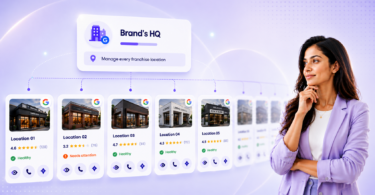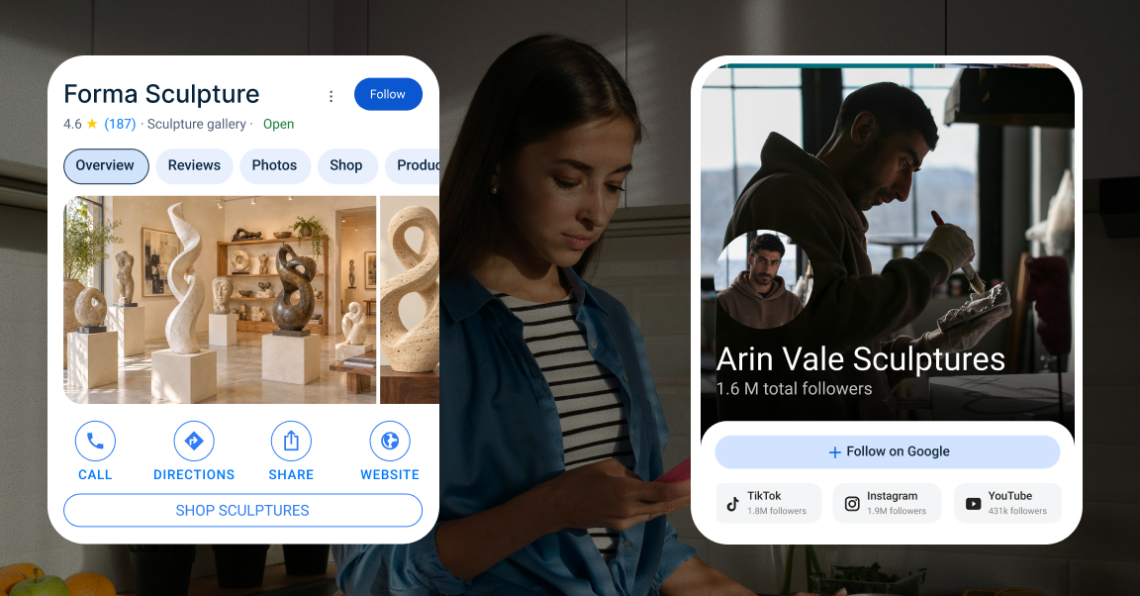
A Google Search profile is a page for people and publishers, not for business locations. It gathers a creator’s social accounts, website, posts, and links in one place. Multi-location brands should claim their Google Business Profile and ChatGPT business profile first. The Search profile is optional, and it mostly helps executives and brand voices.
Summary: Google and OpenAI launched profile products within months of each other, and the shared word "profile" invites mix-ups. This post maps each profile, explains who needs it, and ends with a do-this, skip-that framework.
What is a Google Search profile?
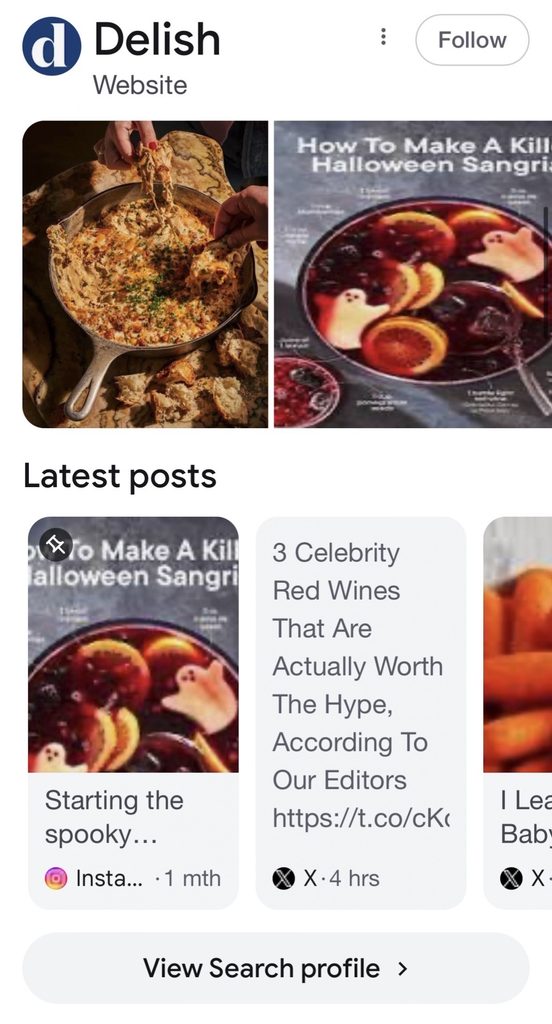
A Google Search profile is a shareable page that brings a person’s or publisher’s accounts, website, posts, and links together. People reach it from a knowledge panel on mobile, by tapping a name in Discover, or through a direct URL.
Three things come with it:
- A Follow button: People who follow a source are more likely to see its content in Discover.
- A possible knowledge panel: Claiming may trigger a panel for eligible creators, and an existing panel gains a new avatar, latest content, and a profile link.
- No ranking boost: Google says creating a profile does not directly affect how your content ranks.
Who can claim a Google Search profile, and where?
Anyone 18 or older with at least 10,000 followers on one Instagram, TikTok, YouTube, or X account can claim one. Google counts followers on a single supported platform, not combined reach.
The bar has moved fast. Thresholds began at 100,000 followers on most platforms, and Google lowered the minimum to 10,000 on September 16, 2026. Recheck the number before you plan around it.
Geography is the unsettled part. Google's creators page lists the US, Canada, and India. On November 22, Search Engine Roundtable reported that people elsewhere can now claim a profile, though Google has not announced a global rollout.
How do the different profiles compare?
Each profile serves a different audience and has a different owner.
| Profile | What it is | Who it is for | Who controls it |
|---|---|---|---|
| Google Search profile | Page that gathers a creator’s or publisher’s content | Individuals and publishers with 10,000 or more followers | The person who claims it |
| Google Business Profile | Listing for a business that serves customers at a location or in a service area | Business locations | The verified business owner |
| Knowledge panel | Information box Google generates for people, brands, and organizations | Entities in Google’s Knowledge Graph | Google. Verified representatives can suggest edits. |
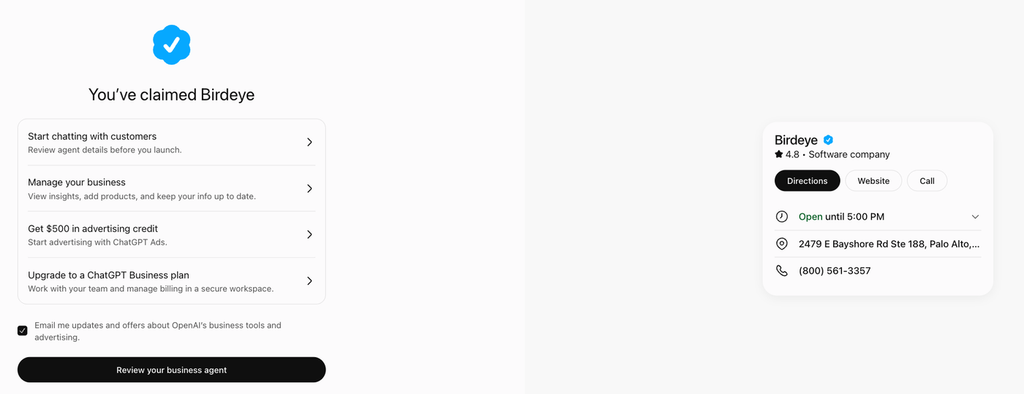
| ChatGPT business profile | Verified business page inside ChatGPT, with insights on mentions and clicks | Eligible businesses with a website | The verified owner |
| Apple Business and Bing Places | Listing tools for Apple Maps and Bing | Business locations | The verified business owner |
Three differences cause most of the confusion:
- People versus places: A Search profile suits a person. Business Profiles are specific to businesses that serve customers at a location or in a service area. For brands, Google says the knowledge panel stays connected to the Business Profile.
- Generated versus built: Google creates knowledge panels automatically from sources across the web, and verified representatives can suggest edits. You build a Search profile yourself.
- Brand versus locations: Claiming a brand in ChatGPT does not claim its locations. Each one is claimed separately for now.
Where does LinkedIn fit?
LinkedIn is an add-on, not a way to qualify. Google recently added LinkedIn to the platforms you can connect to a claimed Search profile.
Google’s eligibility page names four platforms: Instagram, TikTok, YouTube, and X. LinkedIn followers therefore do not count toward the 10,000 minimum.
The link still matters for B2B executives. Buyers who search a leader’s name get a direct path to the profile they already use to vet people.
How do you set up a Google Search profile?
Follow these steps for each executive or brand voice:
- Check whether one exists. Search the name. Look for View Search Profile under the knowledge panel.
- Start the claim. Go to creators.google/profile and sign in with the Google Account that should own it. Then verify one Instagram, TikTok, YouTube, or X account that meets the follower minimum.
- Customize the page. Add an avatar, bio, website, and links, and pin up to eight posts from the past 365 days. Changes to your name and bio need Google’s approval. Removing or reordering platforms takes effect right away.
- Add LinkedIn, then protect the account. Connect LinkedIn after the claim, and expect Google to review it like any new platform. Only one Google Account can manage a Search profile, and Google does not yet support admin roles or multi-user access. Claim it from an account the brand controls, not a personal one.
Why do location profiles come before the Search profile?
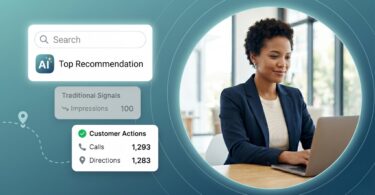
Customers and AI answers ask about locations, not people. Google’s AI Overviews now pull answers directly from Google Business Profiles. A location’s profile is the source those answers read.
Search behavior points the same way. Birdeye’s State of Google Business Profile 2026 report found that “near me” and category searches drive 86% of visibility. Customers search for a need and a place, not a name. A founder’s Search profile does not answer that query.
Weak location data costs you in ChatGPT. Birdeye’s Location Blind Spot in AI Search study found that 18.6% of locations never surfaced in a ChatGPT response, and fewer than 1% returned fully correct details. A personal page cannot fix that gap. Accurate location data comes first.
Who should use a Google Search profile, and who should skip it?
Use it selectively. It is a decision about people, not about your location network.
Use it if:
- Executives or founders: They have 10,000 or more followers on one platform and speak for the brand.
- Publishing brands: They post regularly and rely on Discover traffic.
Skip it if:
- Individual locations: A single branch has no personal follower base to claim against.
- Small social followings: Teams below the threshold or without a content engine gain little.
Do first, regardless:
- Claim and clean the Google Business Profile for every location. Start with these multi-location Google Business Profile tips.
- Claim the ChatGPT business profile for the brand, then each location. Follow this guide to claim your business in ChatGPT, and read what ChatGPT business profiles change for multi-location brands.
How does Birdeye help multi-location brands keep every location profile accurate?
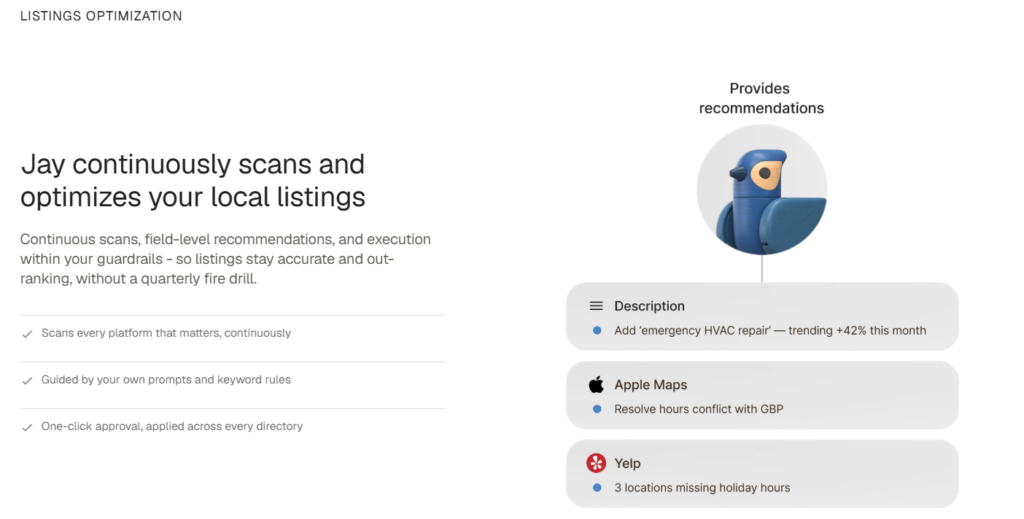
Birdeye Listings, powered by Jay, the marketing AI coworker, keeps location facts consistent across the profiles that search and AI read.
- Fix listing data: Jay’s Listings Optimization agent audits profiles on Google, Apple Business Connect, and Yelp for missing attributes and gaps.
- Review Google’s edits: Birdeye flags changes Google proposes to location info. Teams approve or reject them, or set rules for what agents decide.
- Track location answers: Birdeye AI Search shows which locations appear in ChatGPT, Gemini, and Google AI answers, and which do not.
FAQs
No. A Google Search profile is a page for creators and publishers, while a Google Business Profile represents a business location or service area. Most multi-location brands should claim a Business Profile for every location first and treat the Search profile as optional.
No. Google says creating a Search profile does not directly affect how your content ranks. The benefits are a Follow button, more visibility in Discover for people who follow you, and a possible knowledge panel or an enhanced one. Treat it as a presentation tool, not an SEO lever.
Rarely. Search profiles are built for people and publishers with 10,000 or more followers on one platform. Locations seldom meet that bar, and Google keeps brand knowledge panels tied to the Business Profile. Claim each location’s Business Profile instead.
Yes, after you claim the profile. Google now lets you add LinkedIn manually alongside your other connected platforms. LinkedIn does not count toward the 10,000-follower threshold, because Google lists only Instagram, TikTok, YouTube, and X for eligibility. Add it for credibility with B2B buyers.
What should leaders do first, and where does Birdeye help?
People get a Search profile, places get a Business Profile, and your brand in AI answers gets a ChatGPT business profile. The first move is the plain one: audit the facts those profiles repeat.
Pick five locations this week. Compare hours, phone, and website across Google Business Profile, your site, and ChatGPT’s answer. Fix mismatches at the source before you claim anything new.
Birdeye helps multi-location brands run that check across every location, with people approving the changes that matter.
About the Author

Shruti Dugar
Birdeye
Originally published