
Facebook Messenger symbols and icons show the status of your messages, calls, chats, and privacy settings. These Messenger status icons help users understand whether a message was sent, delivered, read, muted, encrypted, or failed to send.
Summary:

Understanding Facebook Messenger symbols is important for both personal and business communication. Whether you’re checking if a friend saw your message or managing customer conversations on a Facebook Business Page, knowing what each Messenger icon means helps you respond faster, avoid confusion, and communicate more effectively.
In this guide, we’ll break down every Messenger symbol in plain, simple language. No tech jargon, no complicated explanations, just clear answers to help you figure out if your customer received your message, troubleshoot any internet issues, or make sense of the rarest Messenger symbols.
Table of contents
- What do the Facebook Messenger Symbols mean?
- What are the most important Facebook Messenger icons?
- What do the Facebook icons and symbols mean on Messenger when chatting?
- Messenger vs WhatsApp vs Instagram message symbols
- Why are my messages green when they should be blue?
- Common doubts about new Facebook icons and symbol badges on Messenger
- What are the different Facebook emoji symbols?
- How do you know if anyone read your Facebook message?
- How can you manage Messenger more effectively?
- How does Birdeye’s Agentic Marketing Platform help brands manage Facebook Messenger at scale?
- FAQs on the Facebook Messenger icons and symbols
- Crack Messenger symbols and boost social engagement with Birdeye
What do the Facebook Messenger Symbols mean?
Facebook Messenger symbols are vital visual cues that help users and businesses manage conversations efficiently. It shows the status of your messages, including sending, delivery, and read receipts.
For instance, the circular version of the open blue circle icon indicates a message is being sent, while a filled blue circle confirms successful delivery.
What are the most important Facebook Messenger icons?
Facebook Messenger includes a variety of icons and symbols designed to make communication faster and easier. Understanding what these icons mean can help you navigate chats, share content, manage conversations, and use Messenger’s features more effectively.
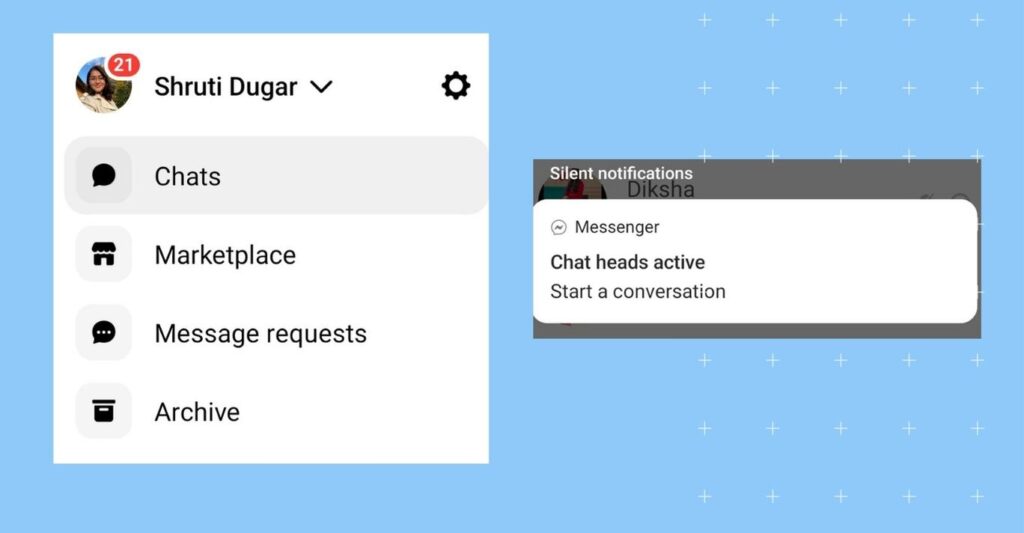
1. Messenger logo
The Messenger logo, often displayed as a blue lightning bolt, is your entry point into all your conversations. It’s your direct link to the Messenger app.
2. Chat bubble
The chat bubble icon represents ongoing conversations. It shows who you’re chatting with and provides easy access to your active chats.
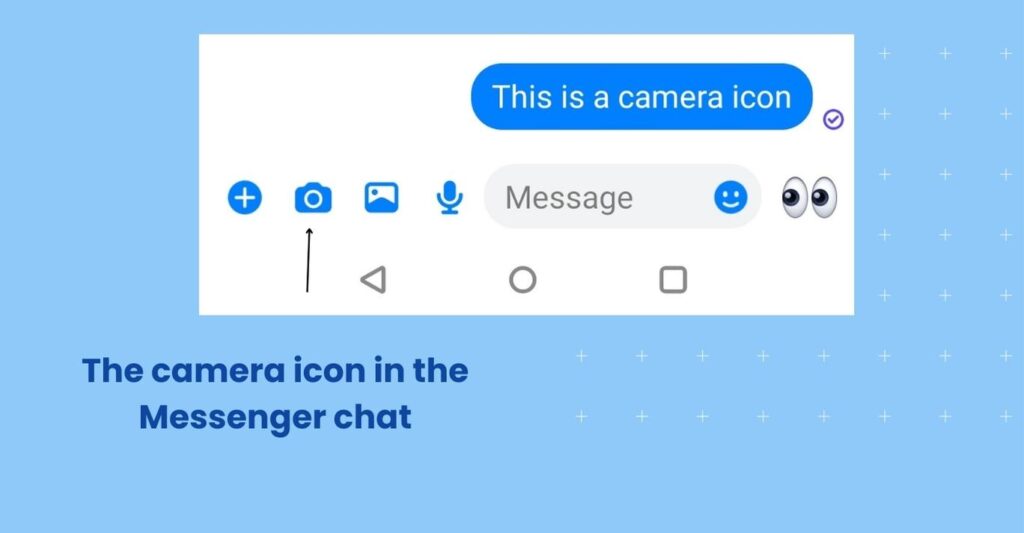
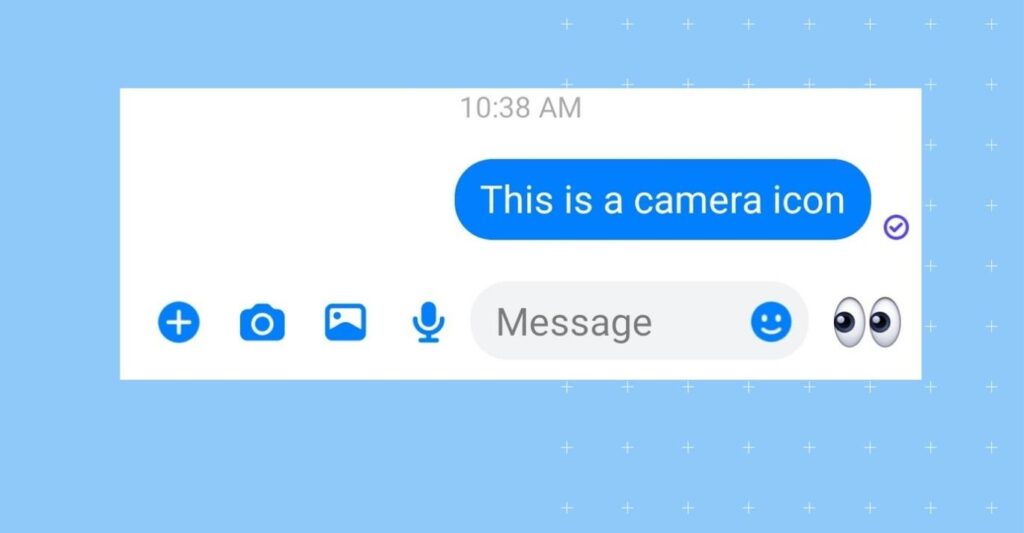
3. Camera icon
The camera icon lets you quickly share photos and videos within your conversations.
It is located just right next to the text box on Facebook Messenger.
4. Voice call and video call icons
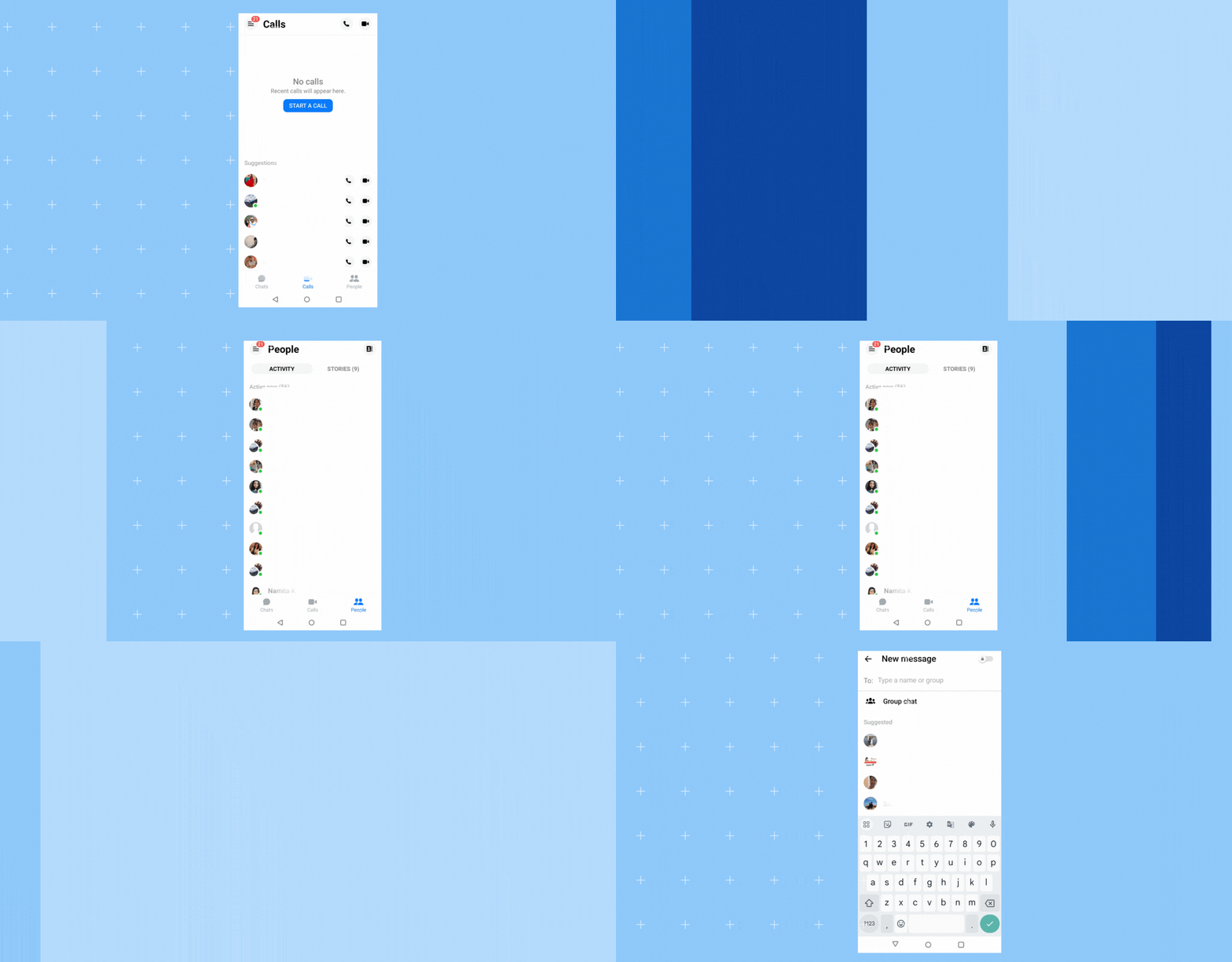
The phone icon allows you to make voice calls to your Messenger contacts. Simply tap it to initiate a call. Like the phone icon, the video camera icon lets you initiate video calls, allowing you to see and interact with your contacts face-to-face.
5. Smiley emoticons
The smiley face icon opens up a menu of emojis and stickers that you can use to express your emotions and add fun to your chats.
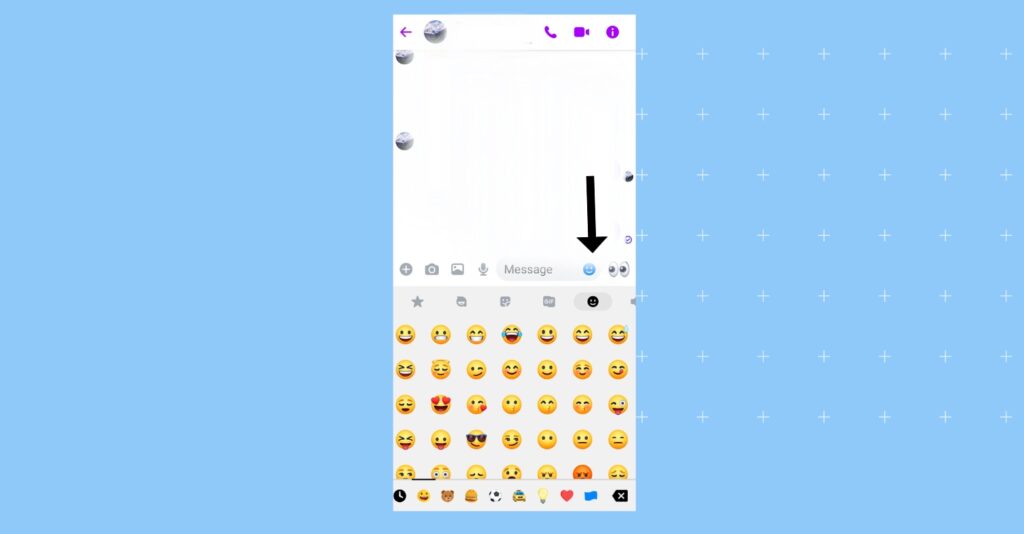
Want to know about important emojis? Read more in what are the different Facebook emoji symbols section.
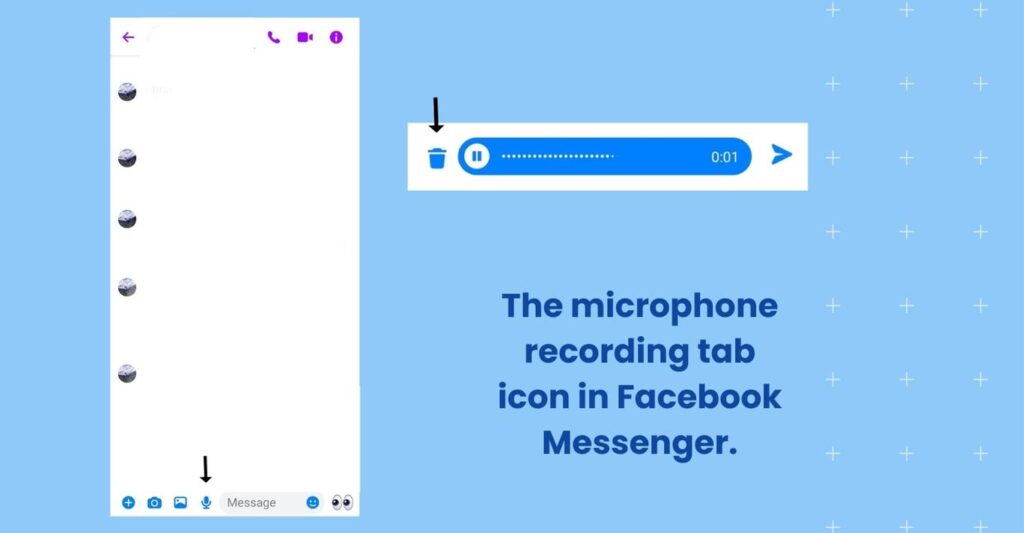
6. Microphone icon
The microphone icon allows you to send voice messages instead of typing. Hold it down while speaking, and release it to send your message.
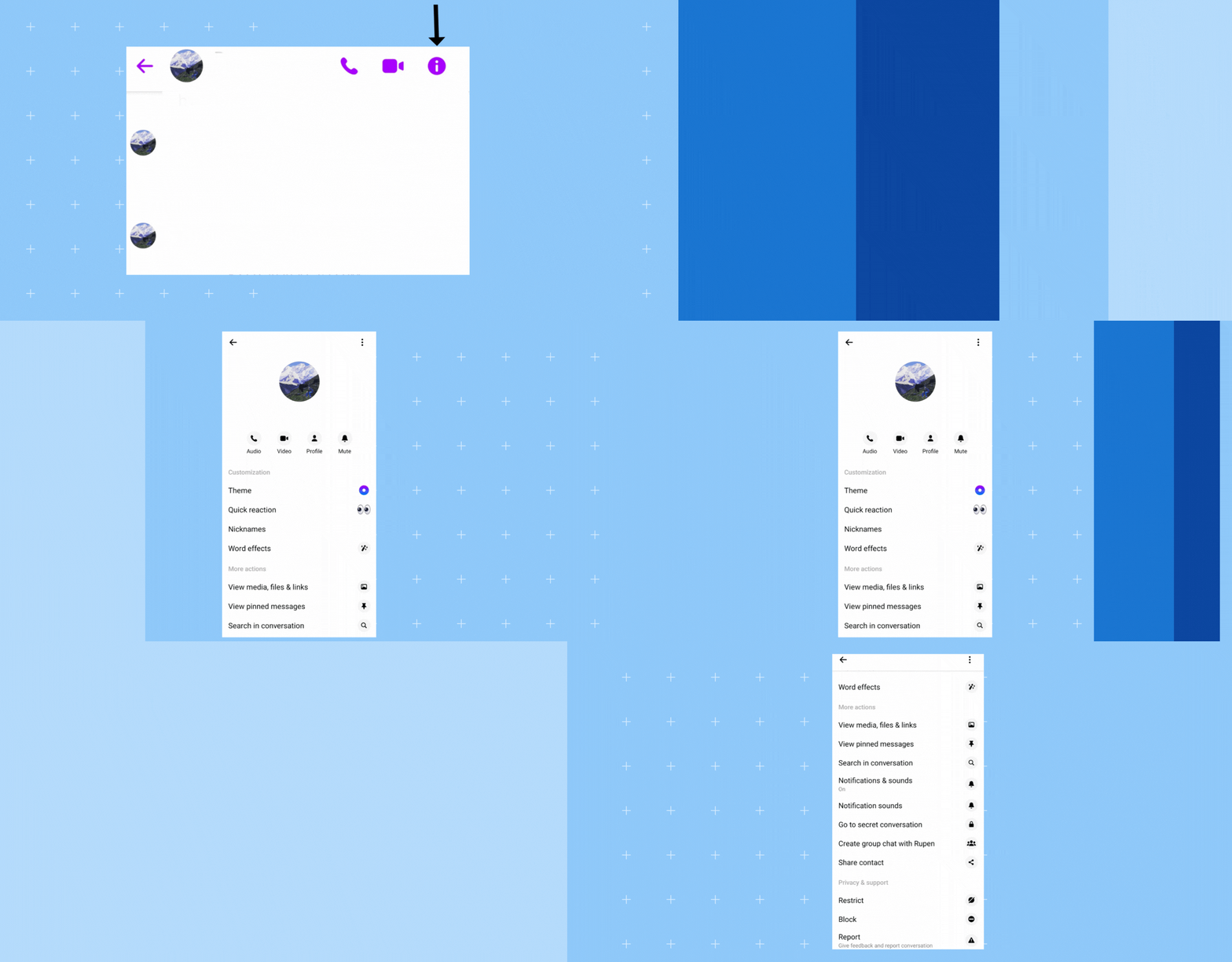
7. Info symbol
The info icon provides access to message details, including message requests, archived chats, and contact details.
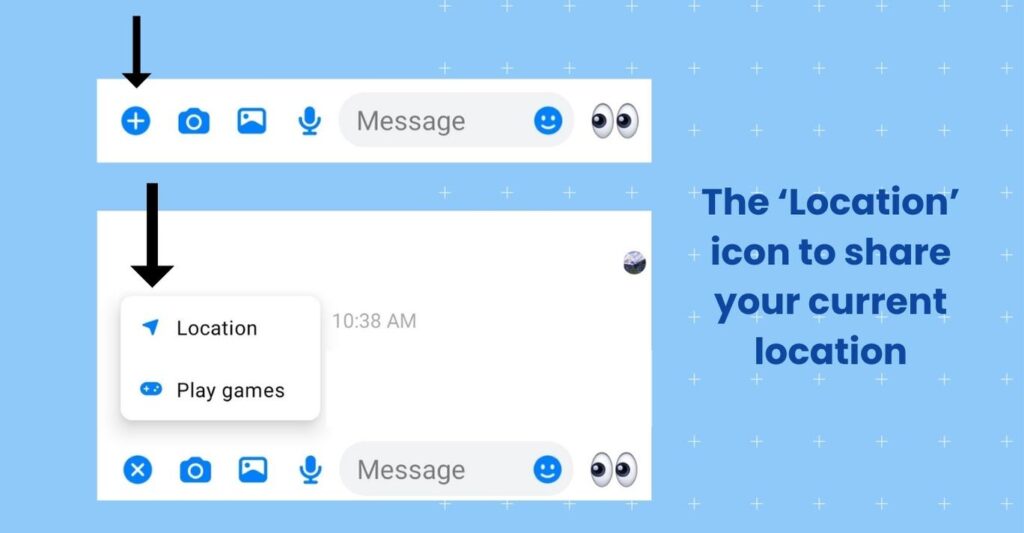
8. Location pin
The location pin icon lets you share your current location or find nearby places. It’s useful for coordinating meetups.
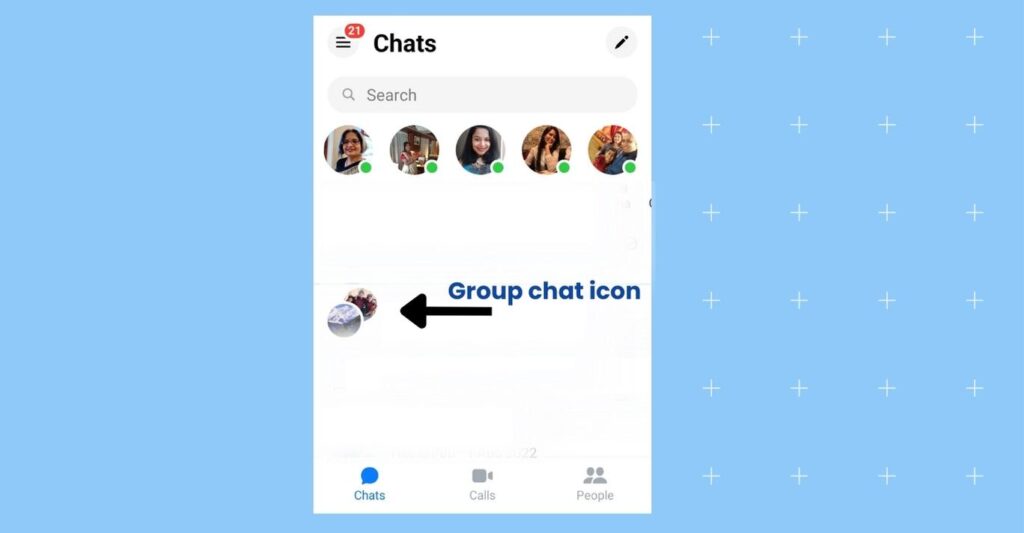
9. Group chat icon
The group chat icon lets you create and engage in group conversations with multiple friends simultaneously.
10. Notification bell
The notification bell symbolizes updates and alerts within Messenger, keeping you informed about new messages and activity.
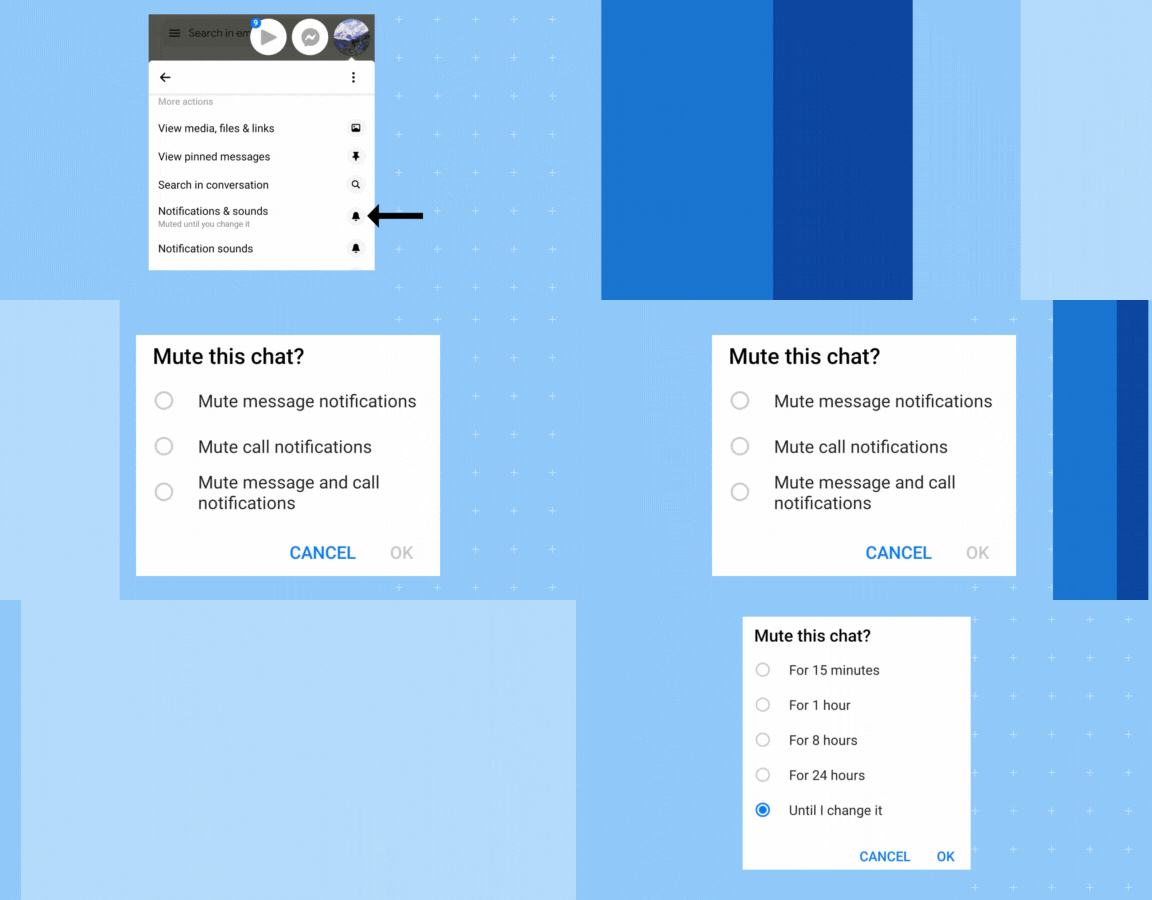
11. Settings gear
The settings gear icon allows you to customize your Messenger experience, adjust preferences, and manage notifications.
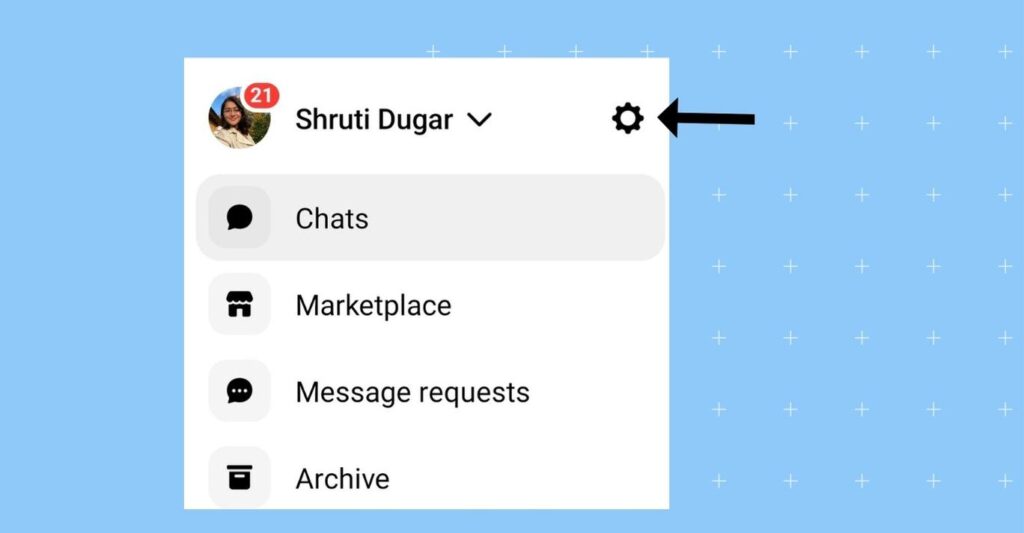
If you have a Facebook Business Manager, you can manage all your marketing communication with your customers in one place. Read our blog to learn more.
With a better understanding of these Facebook Messenger symbols and Facebook icons, you can communicate more effectively and make the most of this versatile messaging platform.
Complete list of Facebook Messenger icons at a glance
| Facebook Messenger icon | What it means | Messenger status |
| Open blue circle | Message is sending | Not delivered yet |
| Blue circle with checkmark | Message sent | Waiting for delivery |
| Filled blue circle with checkmark | Message delivered | Recipient received it |
| Profile picture below message | Message seen | Read receipt |
| Green dot | User active now | Online status |
| Red triangle | Message failed | Sending error |
| Bell with slash | Notifications muted | Alerts turned off |
| Lock icon | Encrypted conversation | End-to-end protected |
If you manage a Facebook Business Page, keeping Messenger visuals, profile images, and post dimensions updated also helps maintain a more professional customer experience. Read all the Facebook post size and image guide for 2026 for the latest Facebook image specifications and sizing requirements.
What do the Facebook icons and symbols mean on Messenger when chatting?
Facebook Messenger uses various symbols and icons to indicate message status, user activity, notifications, and privacy settings in chats. Understanding what these Messenger icons mean helps you quickly tell whether a message was sent, delivered, read, muted, or encrypted.
Major message status symbols explained (Sent, Delivered, Seen)
Messenger status icons help users track whether a message is sending, delivered, or seen. These symbols are especially useful when troubleshooting delivery issues or checking whether someone has viewed your message.
| Symbol | Message status | What to do |
| Open blue circle | Sending | Wait for a stable internet connection |
| Open blue circle with check mark | Sent | The message was sent but not yet delivered to the recipient |
| Filled blue circle with check mark | Delivered | The recipient has received the message |
| Recipient’s profile picture | Seen | The message has been opened and read |
| Red triangle with exclamation mark | Failed to send | Retry sending the message or check your connection |
Here’s what icons like blue dot, green dot, open blue circle + checkmark, filled blue circle + check, lock icon, red triangle, bell with lock mean:
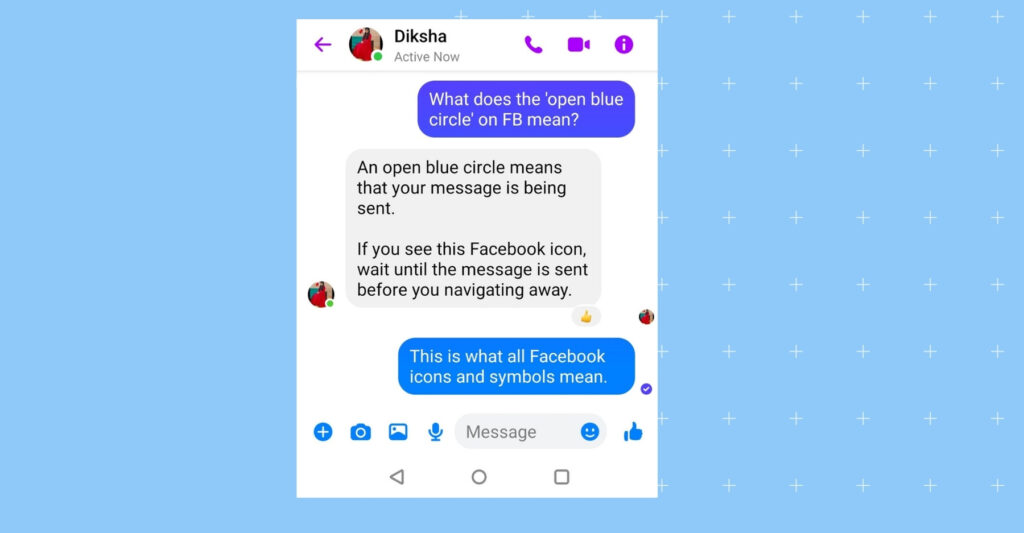
1. Open blue circle
The open blue circle indicates your message is still being sent. The recipient has not received it yet, usually because of a weak internet connection or a temporary network issue.
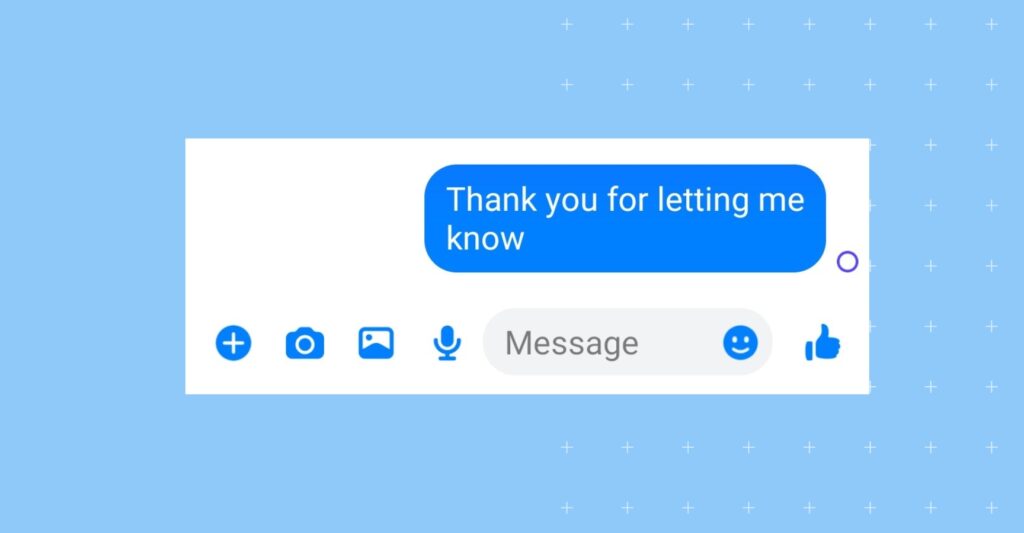
2. Open a blue circle with a checkmark
This icon means that your message has been sent to the recipient but has not yet been delivered or read.
3. Filled blue circle with a checkmark
When you see a filled blue circle with a checkmark, it means that your message has been successfully delivered to the recipient’s device. However, it may not have been read yet.
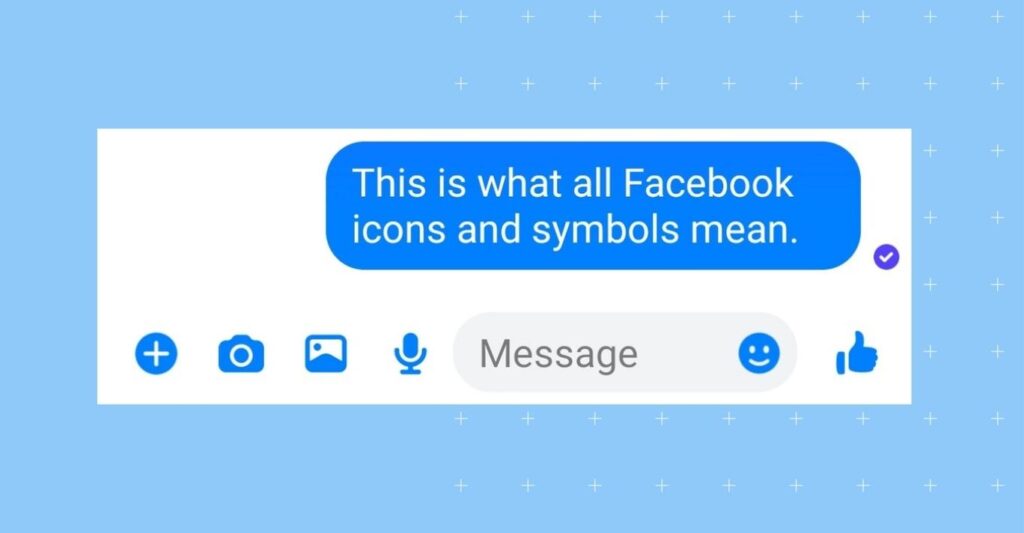
Clarifications about the open blue circle: Once your message is successfully sent and delivered, the blue circle should disappear, and you might see a filled blue circle with a checkmark to indicate successful delivery.
4. Red triangle with an exclamation mark
If you encounter a red triangle with an exclamation point inside, it means there was an issue sending your message. This Facebook icon may appear due to a temporary network problem or technical difficulties.
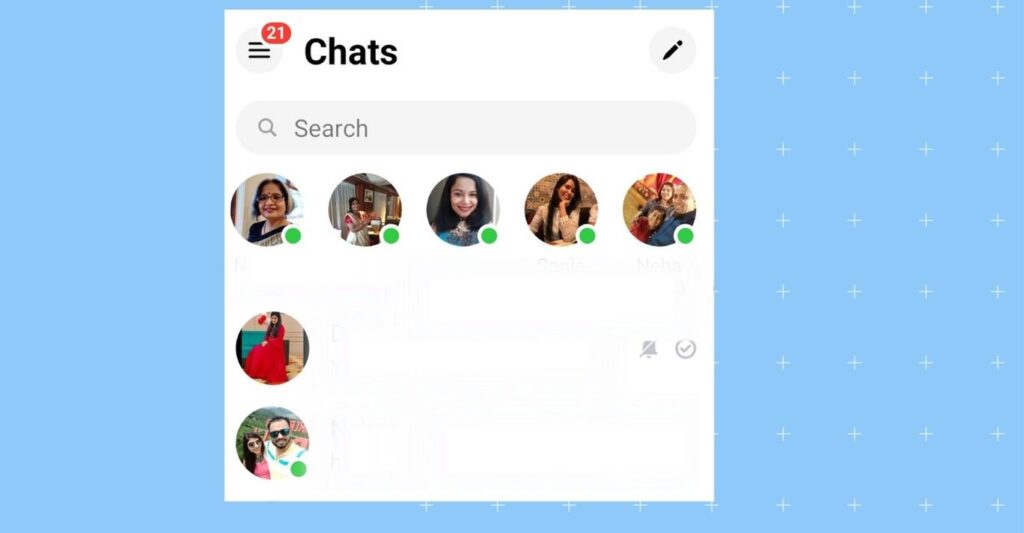
5. Green dot
When you see a green dot on the Facebook Messenger app next to someone’s name, it means that the person is actively using the platform and may be available for a chat.
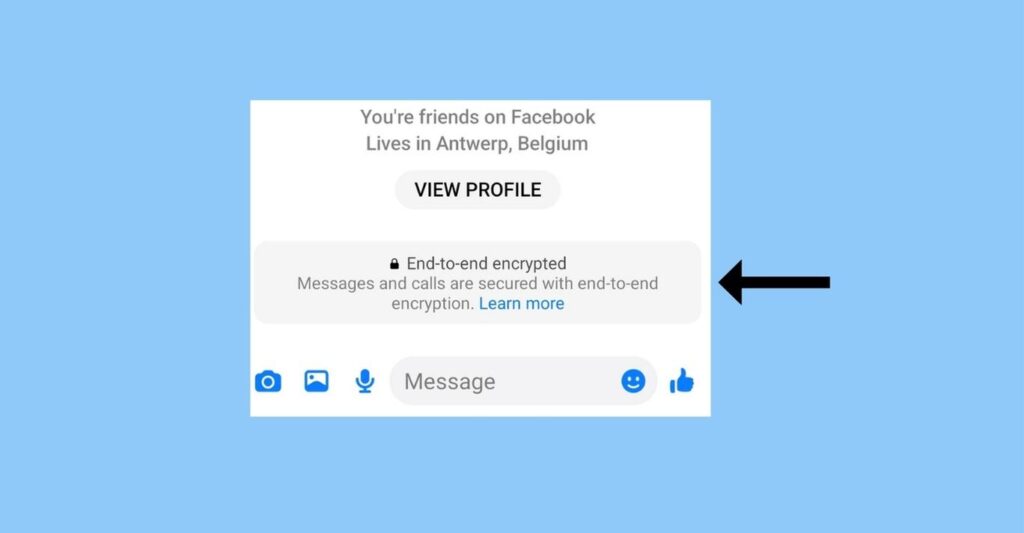
6. Lock icon
The lock Facebook icon indicates that the conversation is encrypted. Facebook Messenger uses end-to-end encryption for some conversations, ensuring that only you and the recipient can read the messages.
What does the smiley face with a plus sign mean on Messenger?
The smiley face with a plus sign on Messenger usually opens the reactions, stickers, or emoji suggestions menu. Depending on the Messenger version, users may also be able to quickly add new reactions, effects, or chat customizations during conversations.
7. Bell icon with a strike or gray crossed-out icon
The bell with a line or strike or Facebook icon indicates that you have muted notifications for a specific conversation or group.
Some also call this FB Messenger symbol the gray crossed-out bell.
What does the open grey check mark mean on Messenger?
An open grey check mark on Messenger usually means the message was sent successfully but has not been delivered or read yet.
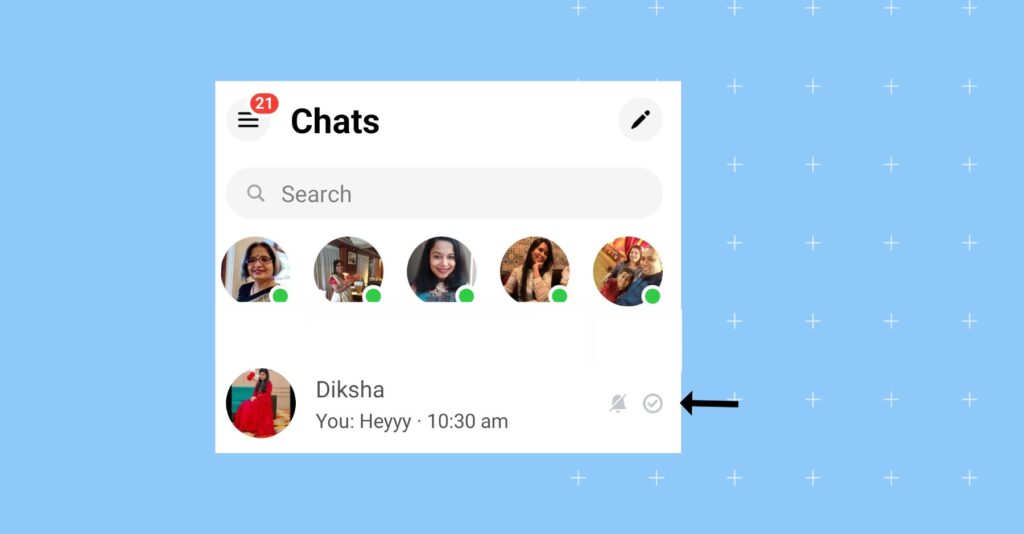
When you see this icon, you won’t receive sound or vibration notifications for new messages in that particular chat or group.
Muting notifications can be useful when you want to reduce distractions or in a group chat with frequent messages, but don't want to be constantly alerted about them.
8. Profile picture or name with a checkmark
In a one-on-one conversation, seeing the recipient’s profile picture or name below your message signifies that they have seen and read your message.
Understanding these check marks on Messenger helps you track the status of your messages, from sending to delivery and, in some cases, to reading receipts.
Messenger vs WhatsApp vs Instagram message symbols
Message status icons work differently across messaging apps. If you use Facebook Messenger, WhatsApp, and Instagram interchangeably, understanding how each platform shows sent, delivered, and read messages can help avoid confusion, especially when managing customer conversations or responding across multiple channels.
This comparison helps users understand how message status icons differ across popular messaging apps.
| Status | Messenger | Instagram Direct | |
| Sent | Blue check circle | Single grey check | Hollow check |
| Delivered | Filled blue check | Double grey checks | Delivered label |
| Read | Profile picture | Blue double checks | Seen label |
| Active now | Green dot | Online indicator | Active now label |
If you manage customer conversations through Facebook, read How to claim an unofficial Facebook Page in 7 easy steps to secure and manage your business presence properly.
Why are my messages green when they should be blue?
The color of your messages in Messenger depends on the communication method used. Green messages are typically SMS or MMS messages sent to non-Facebook users, while blue messages are sent within the Messenger app to your Facebook friends.
Here’s why this happens:
Green messages for non-Facebook users
When you send a message on Messenger to a contact who is not on Facebook or is not in your Facebook friends list, the message will be sent as an SMS or MMS. These messages are delivered via your mobile carrier’s text messaging service, and they often appear green in color, depending on your device and messaging app.
Regular blue messages for Facebook friends
Messages sent to your Facebook friends or contacts who are also using Messenger will appear in blue. This signifies that the messages are being sent and received within Messenger.
Common Messenger icon and message status issues
Messenger icons can sometimes be confusing, especially when messages stay stuck on “sent” or read receipts do not appear. Understanding what these Messenger status issues mean can help you troubleshoot delivery problems faster and avoid misinterpreting message activity.
| Problem | Likely reason | What to do |
| Message stuck on sent | Weak internet connection | Retry sending |
| No read receipt | User inactive or read receipts unavailable | Wait for response |
| Green messages instead of blue | SMS fallback | Reconnect to Messenger |
| Red triangle error | Message failed | Send again |
Read our Facebook Messenger Marketing: A guide for brands to grow their business more profitably.
Common doubts about new Facebook icons and symbol badges on Messenger
The new Facebook Messenger icons and badges can be confusing at first, but they offer valuable insights into your message status and activity. Let’s understand these symbols better:
How to hide/remove the Messenger icon on Facebook?
You cannot hide or remove the Messenger icon on Facebook.
You can limit who can message you from your personal account. If you want to stop using the service altogether, the process for deactivating Facebook Messenger depends on whether you’re managing a personal or business account.
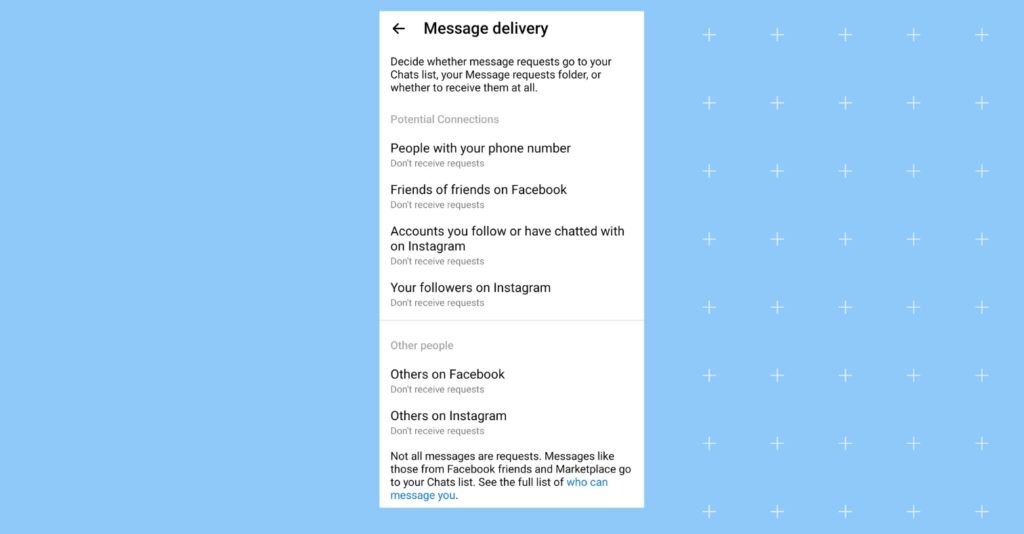
How can you disable Messenger messages from your personal Facebook account?
- Step 1 – Open your Messenger app
- Step 2 – Click the top left three horizontal lines and tap the ‘Settings’ gear icon.
- Step 3 – Scroll to ‘Privacy & safety’
- Step 4 – Tap on ‘Message delivery’
- Step 5 – Select where to deliver their messages or tap ‘Don’t receive requests’ to stop receiving them.
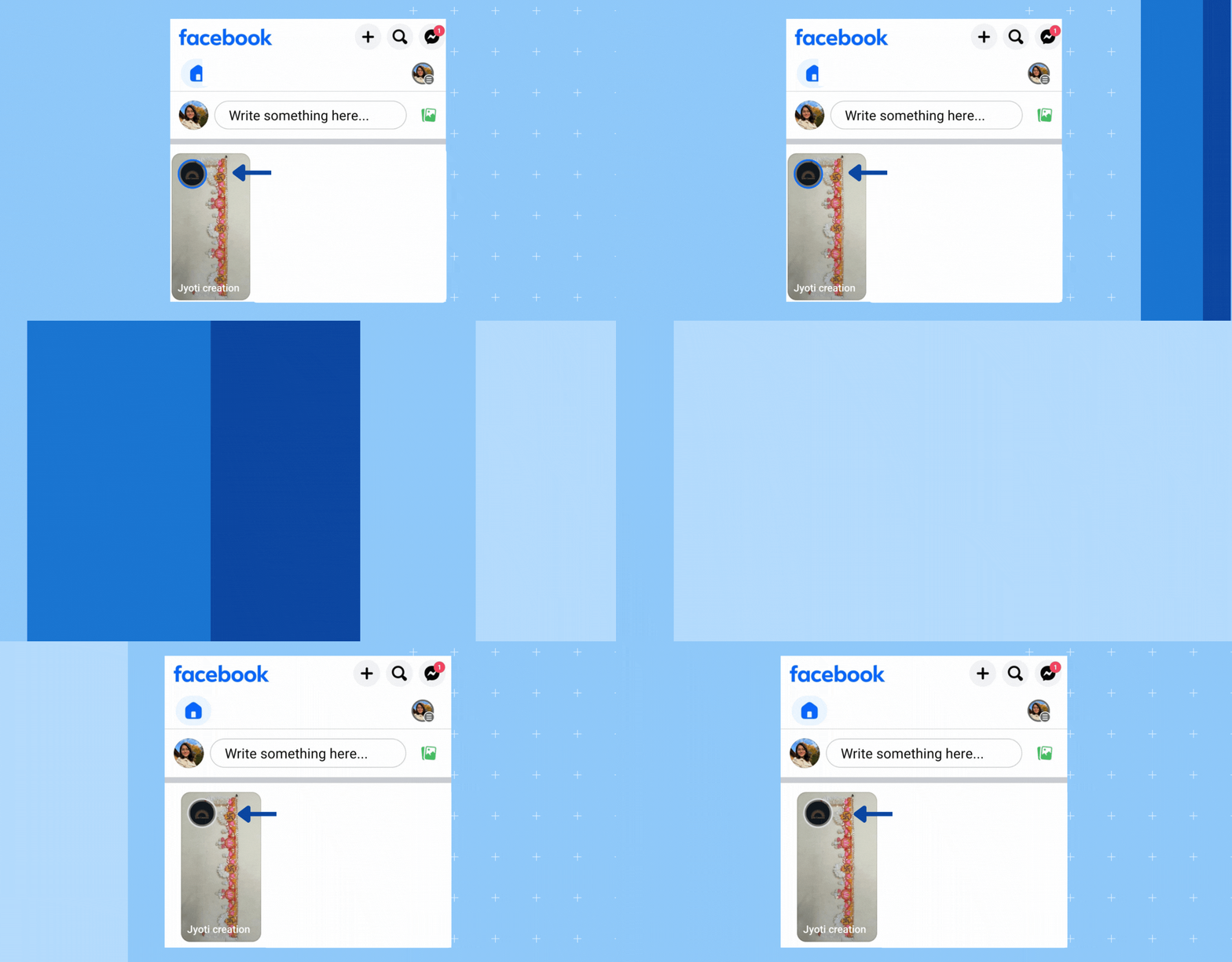
What does the blue message icon mean on Facebook Story?
The blue circle around the profile picture on Facebook stands for the Story feature. When someone posts a Story on their account, the blue circle around the profile picture on Facebook appears. As soon as you view their story, the blue circle becomes gray.
What does a gray circle with a check mark mean on Messenger?
The filled gray circle with a check mark means the recipient has read your message. It appears in the FB Messenger inbox, and the filled blue area appears when you open the chat.
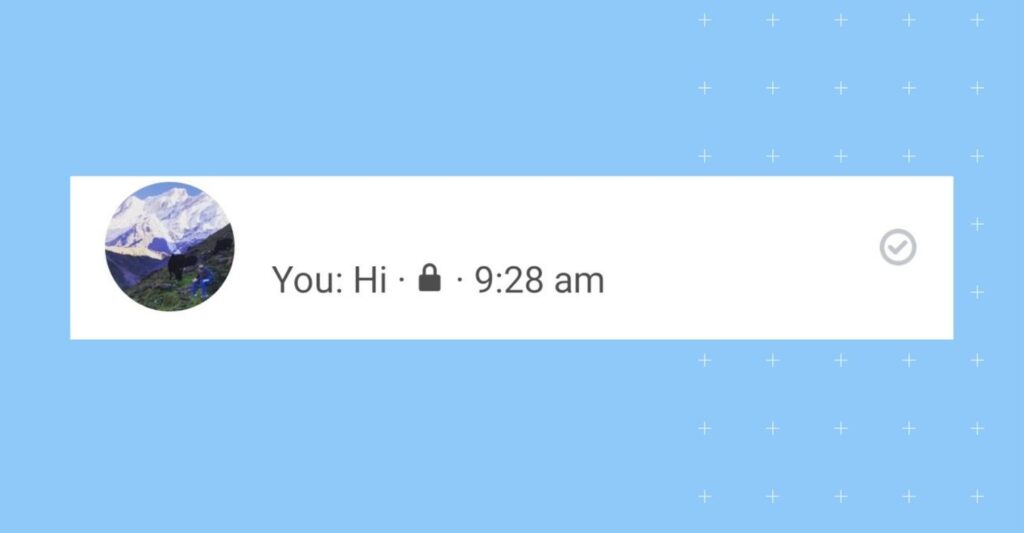
What does a filled gray circle with a check mark mean on Messenger?
The filled gray circle with a check mark means the recipient has read your message. It appears in the inbox of FB Messenger, and the filled blue appears when you open the chat.

What are the different Facebook emoji symbols?
Facebook emoji symbols help users express reactions quickly during chats and posts. Businesses also use Messenger emojis to make customer conversations feel more natural and conversational.
Emoji symbols have become an integral part of modern communication. Whether you’re expressing your emotions or want to convey a lot in a few words, these tiny icons play a significant role. These matters not just in personal communication, but also when a business does customer communication.
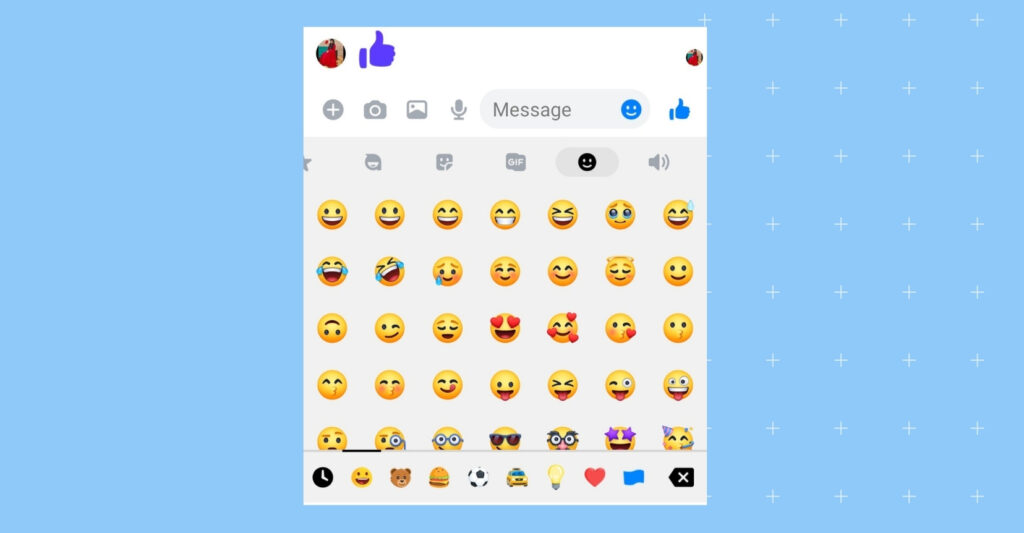
There are many Facebook emoji symbols, but in this section, we’ll explore many of those that you can use when communicating with your customers to make it appear more engaging:
1. Thumbs-Up
The classic “Like” symbol is a thumbs-up emoji. It indicates approval, agreement, or a simple acknowledgment of the post.
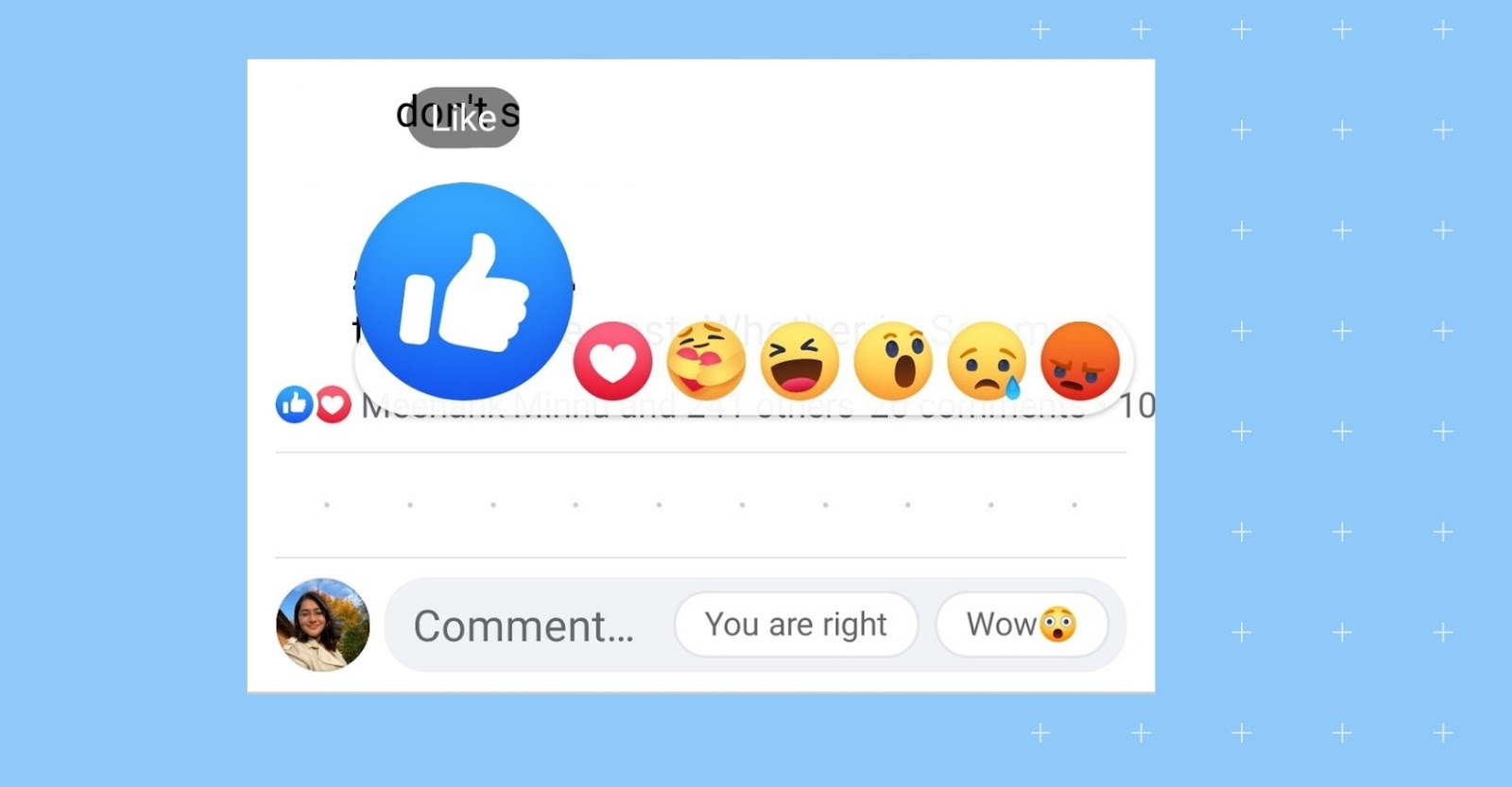
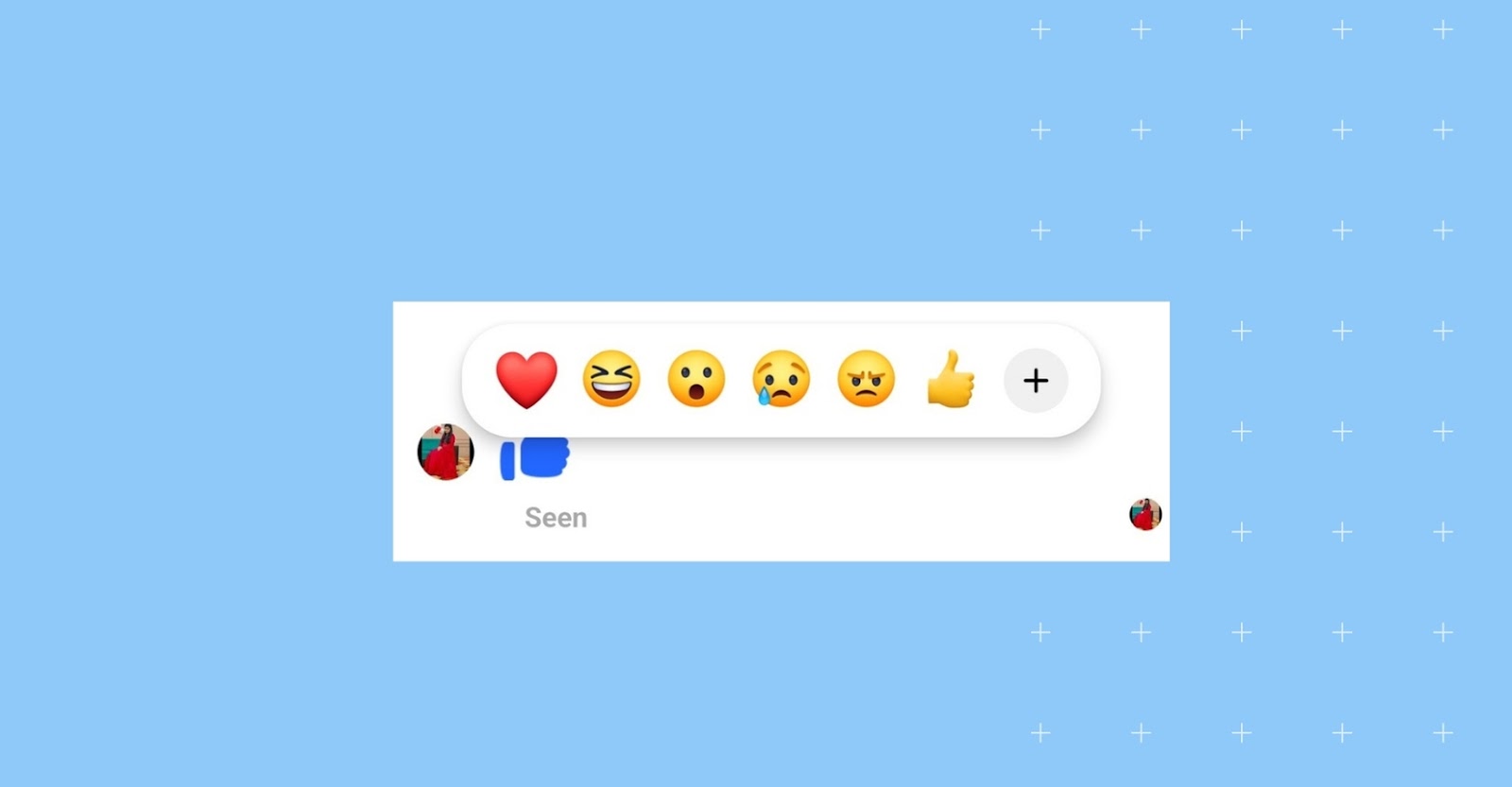
2. Love
A heart emoji is one that means deep affection and appreciation for the content.
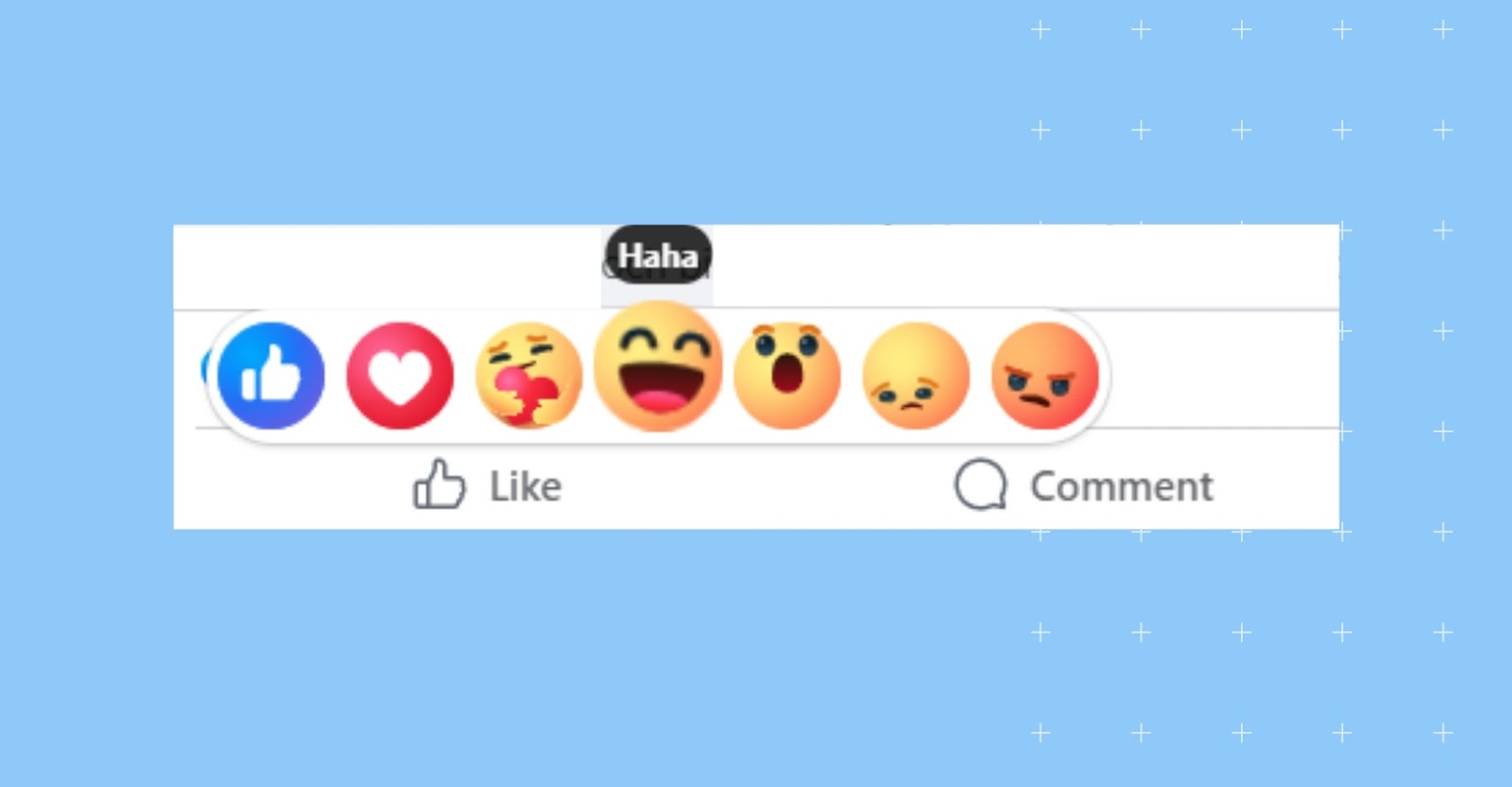
3. Haha
A laughing emoji is a Facebook symbol of amusement or a lighthearted response to a post.
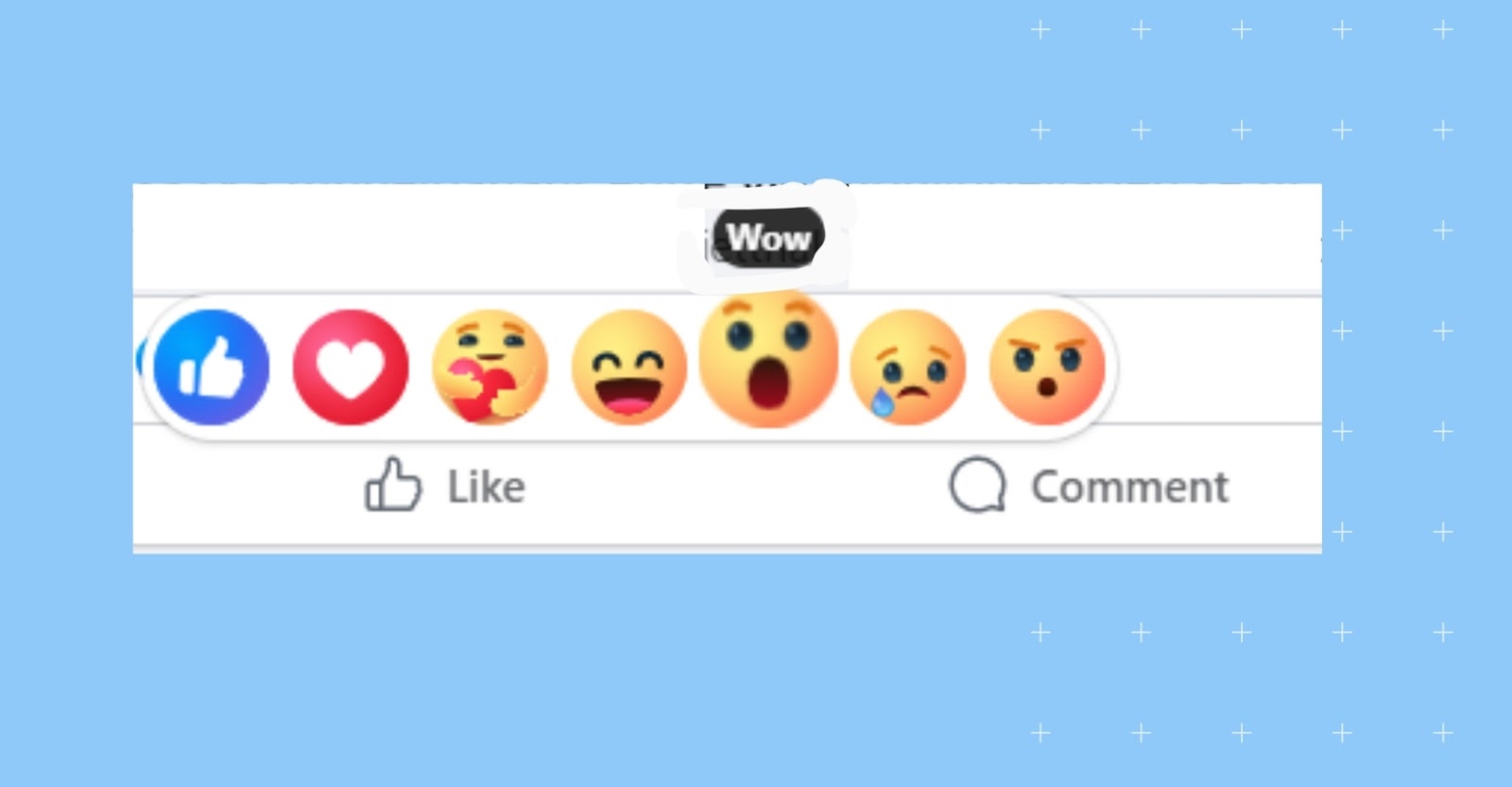
4. Wow
A surprised emoji represents astonishment or admiration for something remarkable.
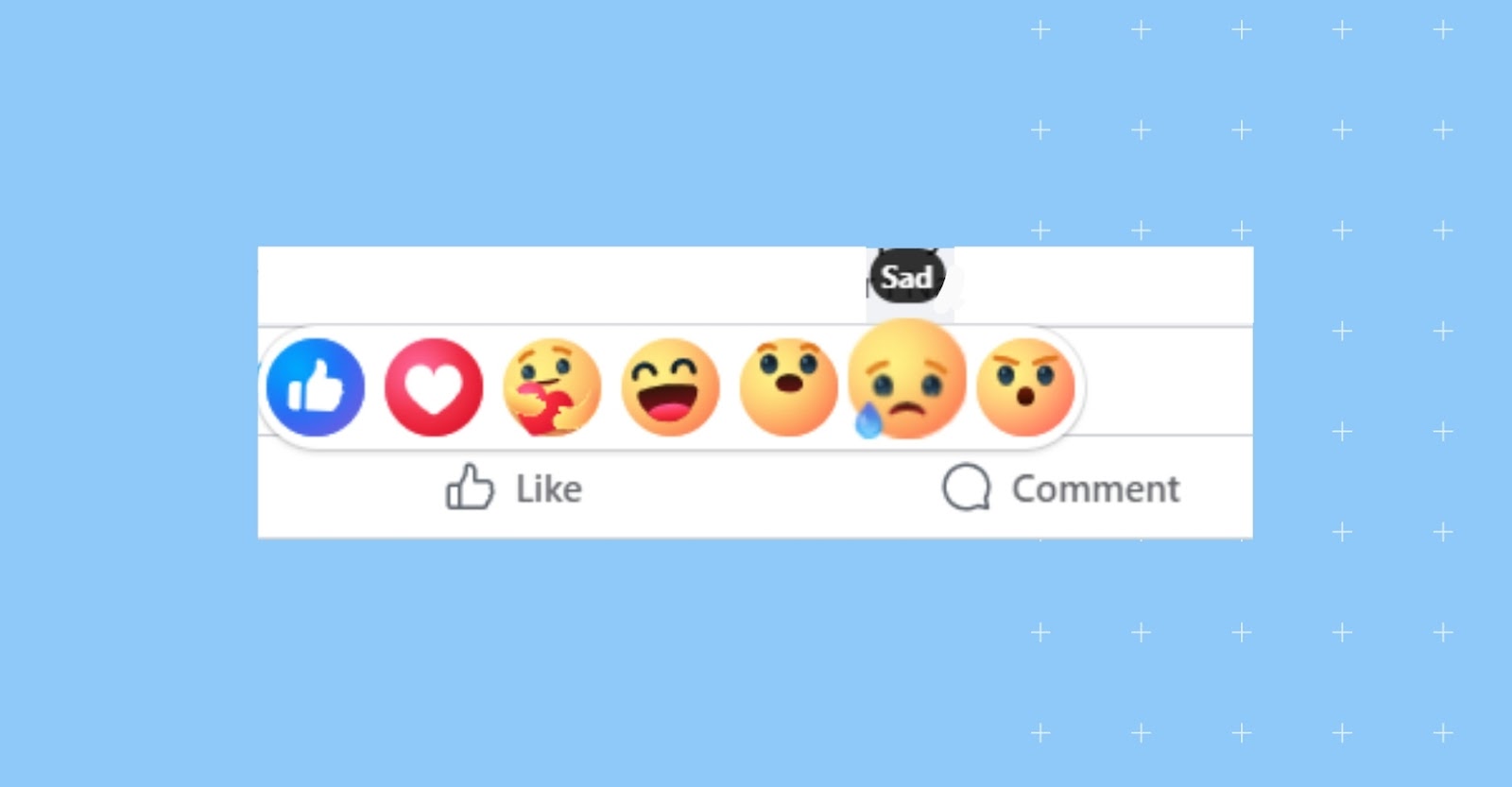
5. Sad
A sad emoji is a symbol of empathy or sympathy for posts that evoke sadness.
6. Angry
An angry emoji expresses frustration, disapproval, or disagreement with the content.

Once you've got the icons down, you may also want our guide on how to delete messages on Facebook Messenger.
How do you know if anyone read your Facebook message?
Facebook Messenger uses read receipts to show whether someone opened your message. Facebook Messenger provides read receipts to indicate when someone has viewed your message.
Here’s how to determine if someone has seen your message on Facebook Messenger:
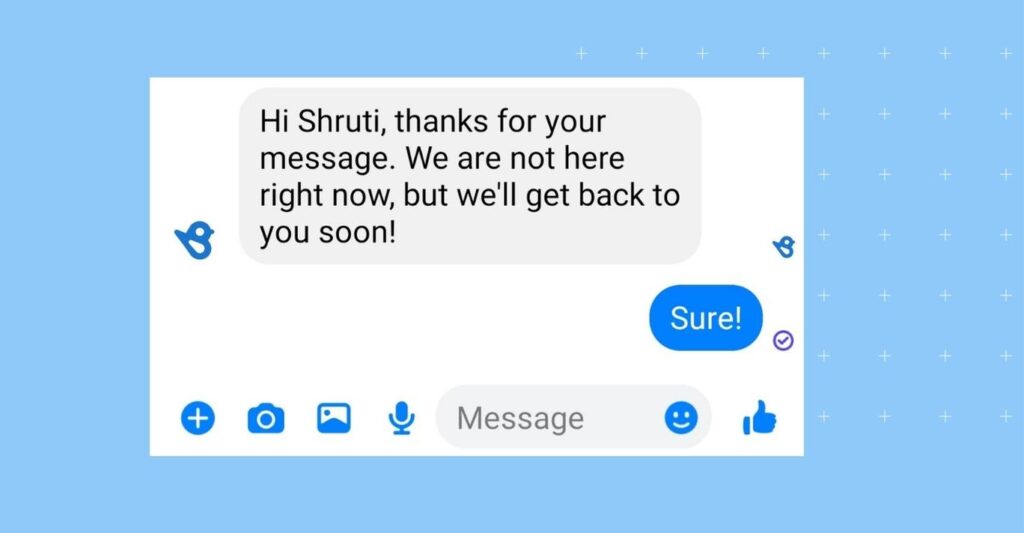
1. Check for a read receipt
In a one-on-one conversation, you can see if someone has read your message by looking for a small profile picture icon or their name below it. If the recipient has seen the message, their profile picture or name will appear below it.
2. Read receipts in group chats
In group chats, it’s a bit different. You can see who in the group has seen your message by tapping on the message itself. It will display a list of group members who have seen it and those who haven’t.
3. No read receipts
If you don’t see a profile picture or name under your message in a one-on-one chat or the list of viewers in a group chat, the recipient hasn’t seen your message yet.
4. Turn off read receipts
Some people might have turned off their read receipts in Messenger. You won’t be able to see if they’ve read your message, but they won’t be able to see if you’ve read theirs.
How do you turn off read receipts on Messenger?
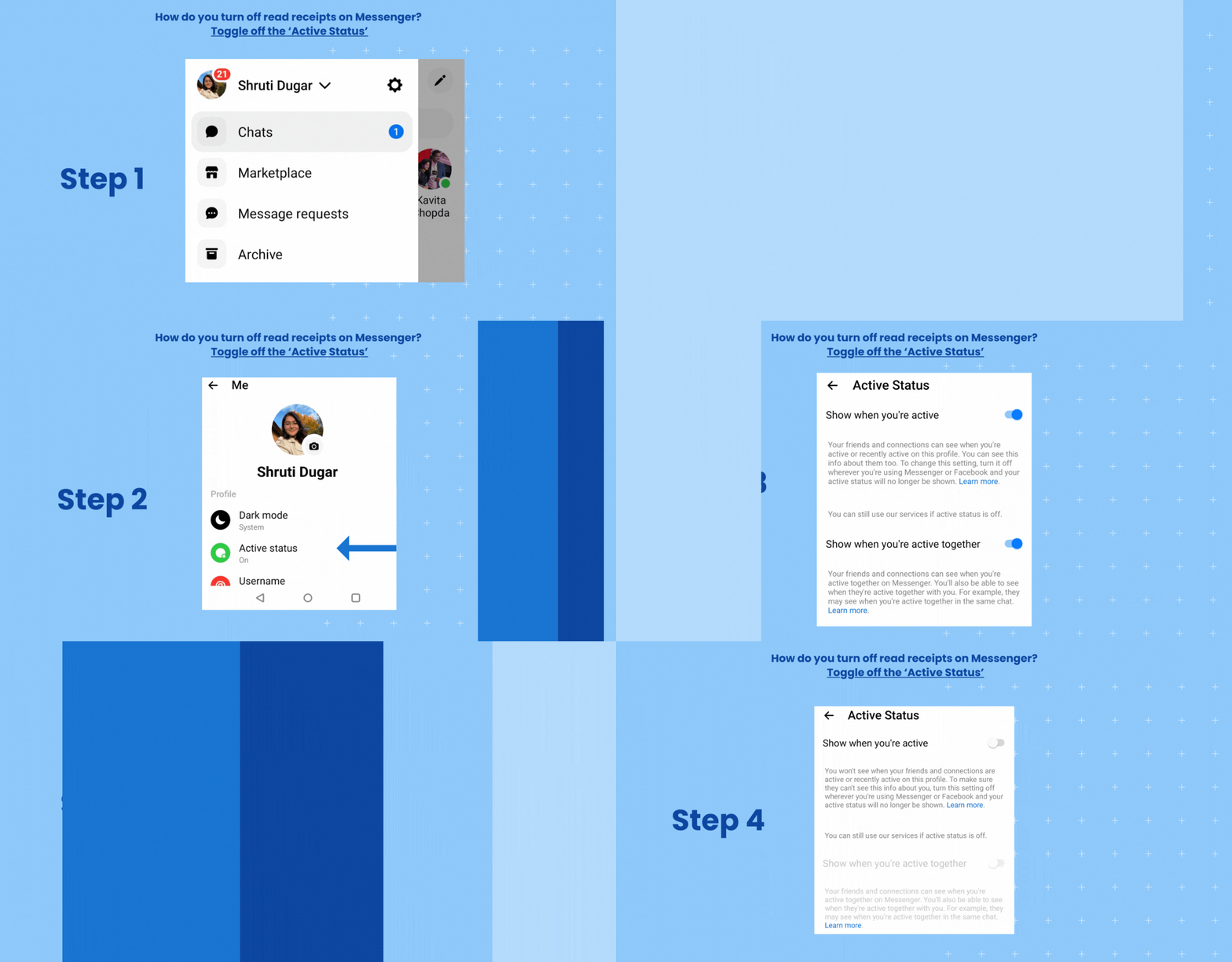
In Facebook Messenger, there is no option to disable read receipts. However, an option in settings helps turn off the ‘Active Now’ green dot (which means you’re online). Toggling this off will not let your friends see when you’re online.
Here’s a step-by-step guide on how to navigate the Facebook icons on Messenger to turn off the read receipts:
- Step 1 – Go to your Messenger profile
- Step 2 – Tap the “Settings” option
- Step 3 – Scroll down to find “Active status”
- Step 4 – If it’s toggled, your active status is on.
Toggling off means your active status won’t be shown now.
Here’s the visual representation below:
As AI search engines increasingly summarize business reputation and customer interactions directly in search results, brands also need to optimize their communication signals for AI discovery. Read From SEO to GEO: Why brands must optimize for AI search now to understand how conversational data affects AI visibility.
How can you manage Messenger more effectively?
By knowing what the symbols mean on Facebook Messenger, you can enhance your communication on the platform. To ensure a seamless customer experience, it’s essential to master the ins and outs of managing Messenger effectively.
Here’s how:
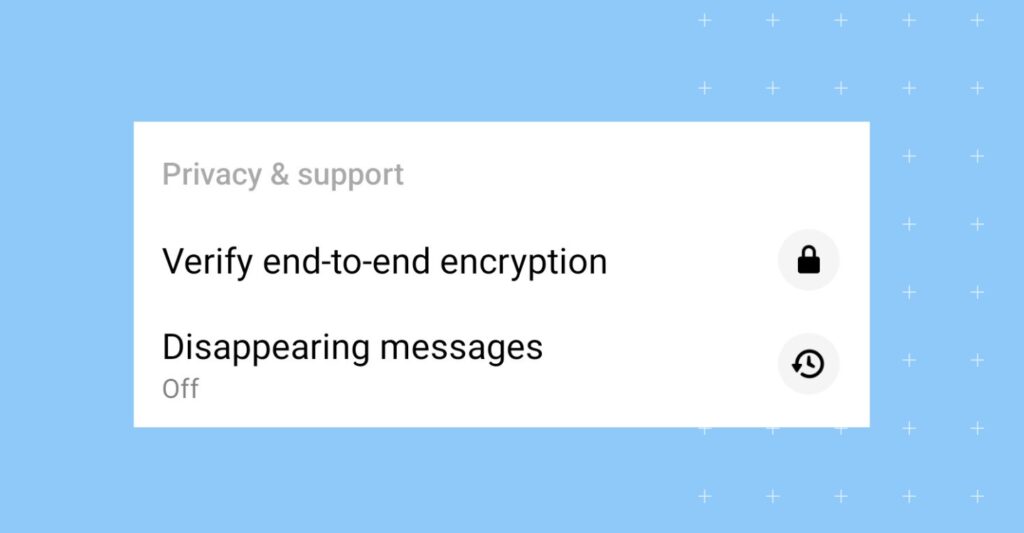
1. Adjust the privacy settings in your Messenger
- Activate end-to-end encryption
- Enable two-factor authentication
This added layer of security also assures your customers that their conversations are secure.
2. Stay organized
- Create chat folders
- Mute or archive conversations
- Use message requests to manage incoming messages effectively
Brands tracking Messenger engagement can also use these 13 Facebook analytics tools to make their data work for them in measuring response times, engagement trends, and customer activity across Facebook.
3. Explore new features
Meta keeps on updating Messenger with new features like:
- Messenger Rooms – These are virtual meeting spaces where you can create one by tapping the “Create Room” option in the Messenger app.
- Secret Conversations – This provides an extra layer of privacy and security for your messages.
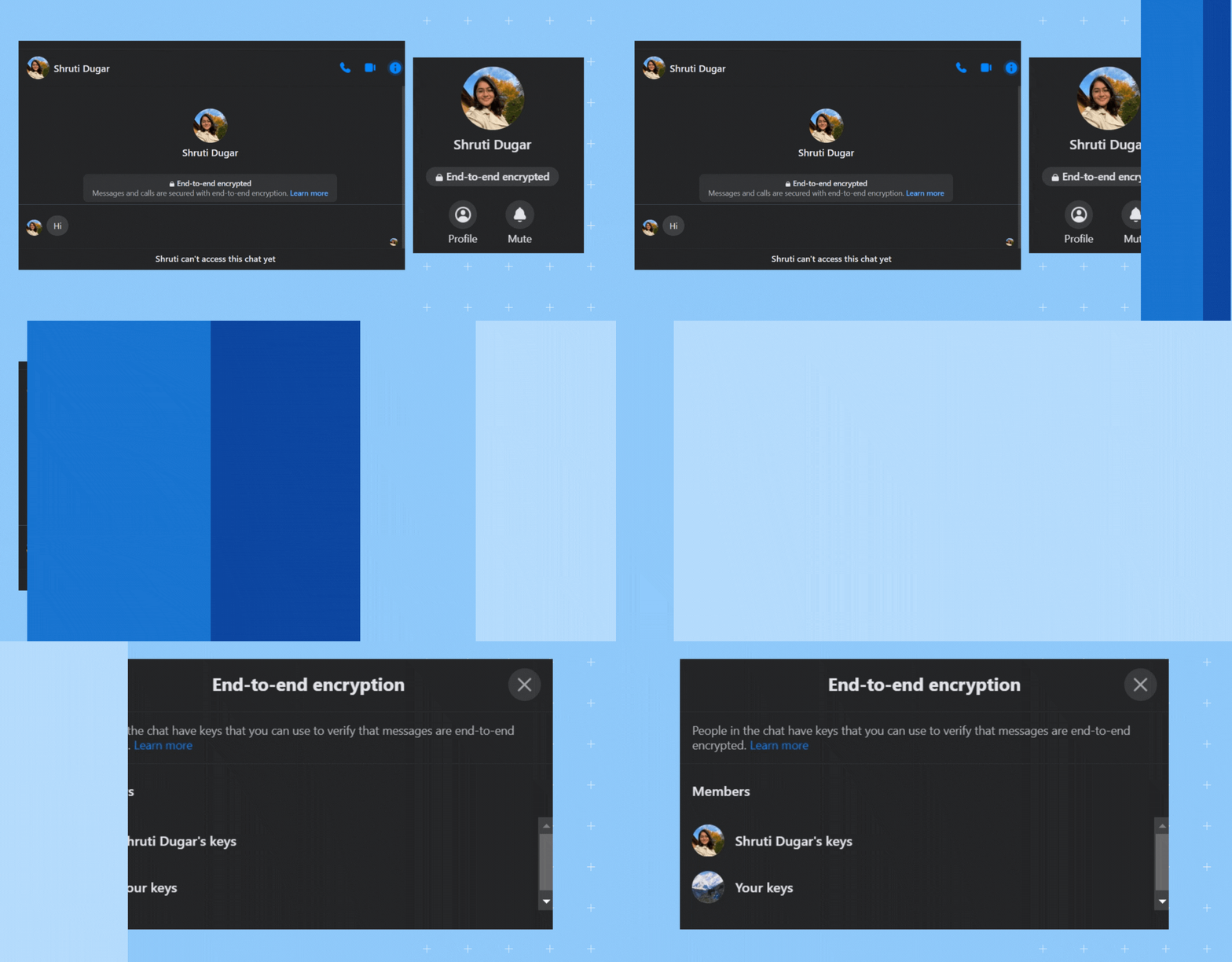
- Messages in Secret Conversations are end-to-end encrypted, meaning only you and the recipient can read the messages. Government authorities and even Facebook itself can’t access the content of these messages.
Sometimes, the black icon with a lock also appears, meaning the chat is a secret conversation.
Here’s a GIF animation showing that:
- Disappearing messages – Users can set a timer for messages, making them automatically disappear after a specified period.
Note: Sometimes your chat becomes like a black background or grey when you converse in vanish or dark mode.
- Vanish Mode -This lets you send messages that disappear after they’ve been seen and the chat is closed. Here’s how Vanish Mode works:
- Messages sent in Vanish Mode will disappear as soon as they are read, and the chat is closed.
- Both you and the recipient must enable Vanish Mode in the chat. Once it’s turned on, messages sent will follow the disappearing pattern.
These features give your customers more control over their messages and privacy within Facebook Messenger, with different communication needs and preferences.
<div class="om-embedded-campaign" data-campaign-id="429"></div>Managing conversations across locations and channels gets complex fast. Birdeye’s Agentic Marketing Platform helps multi-location brands handle messages, reviews, and social interactions in one place while keeping responses consistent and on-brand.
How does Birdeye’s Agentic Marketing Platform help brands manage Facebook Messenger at scale?
Managing Facebook conversations across hundreds or thousands of locations becomes difficult when messages are spread across social platforms, SMS, webchat, and review channels. Birdeye’s agentic marketing platform helps multi-location brands centralize customer communication while maintaining consistent, locally relevant responses.
The platform includes specialized Messaging AI Agents that help teams:
- Route conversations automatically via Lead Generation Agent
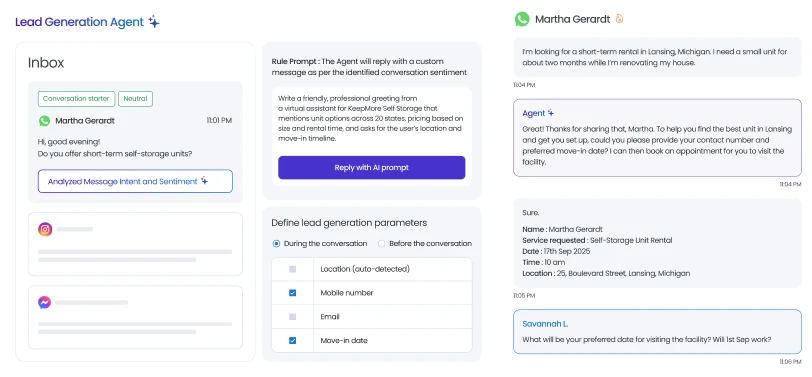
- Qualify leads from Messenger and webchat
- Draft context-aware replies
- Escalate sensitive conversations to human teams via the Contact Segmentation Agent
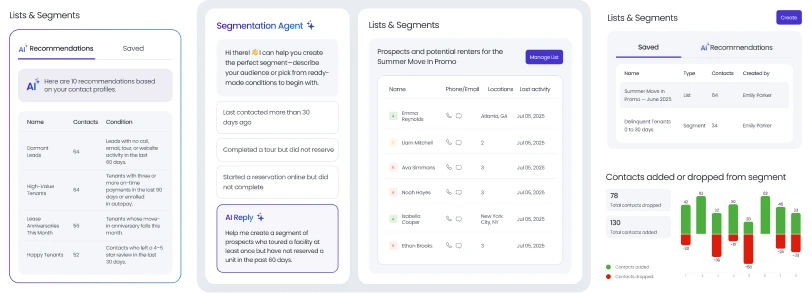
- Maintain brand-approved messaging across 100-10,000+ locations
- Creates on-brand templates for email, SMS, and landing pages via Template Design Agent
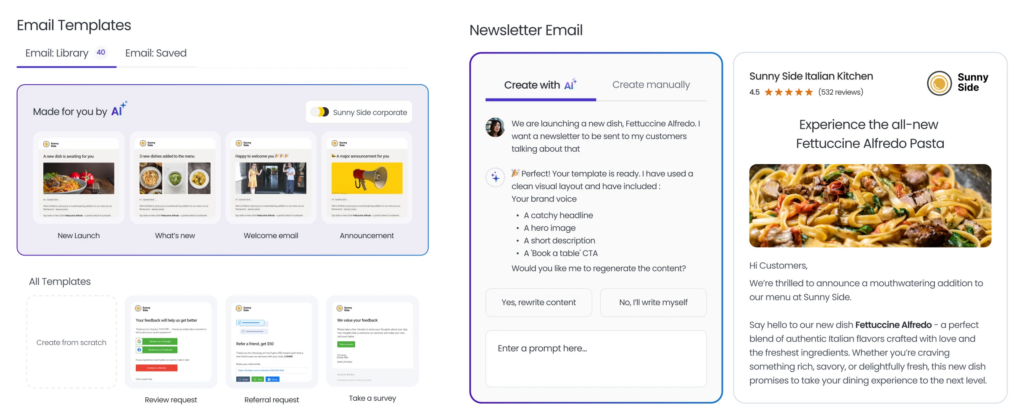
Enterprise brands also receive:
- 99.99% uptime SLAs
- Named Technical Account Managers
- Enterprise Launch Accelerators (ELAs)
- Custom onboarding and deployment scoping
- Proof-of-concept support for large rollouts
FAQs on the Facebook Messenger icons and symbols
On Facebook Messenger:
– Blue dot means an unread message in that conversation.
– Green dot means they are actively online.
– Lock icon indicates that the conversation is end-to-end encrypted.
– Red triangle with an exclamation point indicates an issue in sending your message.
– Bell with a line through it signifies that you have muted notifications for a specific conversation or group chat.
– Blue circle with a check mark indicates your message has been sent, but the recipient hasn’t received it.
– Filled blue circle with a check mark (also known as solid check mark on Messenger) means the message has been sent.
– Profile photo with a check mark means the recipient has read your message.
Here are some signs that may indicate someone blocked you on Facebook
1 – You can’t find their profile through search.
2 – You can’t send them messages.
3 – Ask your mutual friends on Facebook if they can still see that person’s posts.
4 – You can’t see their comments and likes on mutual friends’ posts.
5 – You can’t see them in the Facebook groups and events that you both were part of.
Facebook Messenger symbols indicate key message statuses, like whether a message is sent, delivered, or read. For instance, the lock icon ensures privacy with end-to-end encryption, while the green dot shows active users. Recognizing these symbols helps you stay informed and manage your conversations effectively.
Yes, Facebook Messenger symbols are crucial for diagnosing message issues. For example, a red triangle with an exclamation mark signals a problem like a failed message due to an internet connection issue. Understanding these symbols ensures you can address problems quickly and keep your conversations flowing smoothly.
You can find a comprehensive list of Facebook symbols’ meanings in Birdeye’s guide, which explains the purpose of each icon—helping you track message statuses, understand delivery issues, and manage your conversations more effectively.
The green dot on Messenger shows that a user is currently active or was recently active on Facebook Messenger.
The blue circle on Messenger means your message is still sending. If the icon does not change, your internet connection may be unstable.
Yes. Multi-location brands can manage Facebook Messenger conversations across locations using centralized messaging platforms like Birdeye. This helps teams organize customer inquiries, maintain consistent responses, route conversations to the correct location, and respond faster across Facebook, SMS, reviews, and webchat channels.
Brands can respond faster to Messenger inquiries by using automation, centralized inboxes, and AI agents that help organize and prioritize conversations. Birdeye’s Messaging AI Agents can draft context-aware replies, route urgent inquiries to the right teams, and help businesses maintain faster response times across customer communication channels.
Crack Messenger symbols and boost social engagement with Birdeye
Understanding Facebook Messenger symbols helps you track message activity, troubleshoot delivery issues, and communicate more confidently across chats, notifications, and customer conversations. Knowing what each Messenger icon means also makes it easier to manage conversations across Facebook Business Pages and respond faster to customers.
As messaging volumes grow, staying organized across locations and communication channels becomes more difficult. Birdeye’s Agentic Marketing Platform helps multi-location brands manage Messenger conversations, reviews, social interactions, SMS, and webchat messages from one centralized platform.

Birdeye Social AI and Messaging AI Agents help teams organize conversations, draft context-aware replies, route inquiries to the right locations, and maintain consistent customer communication at scale.
Trusted by leading multi-location brands globally, Birdeye helps businesses stay responsive across every customer touchpoint while keeping communication organized and locally relevant.

About the Author

Shruti Dugar
Birdeye
Originally published