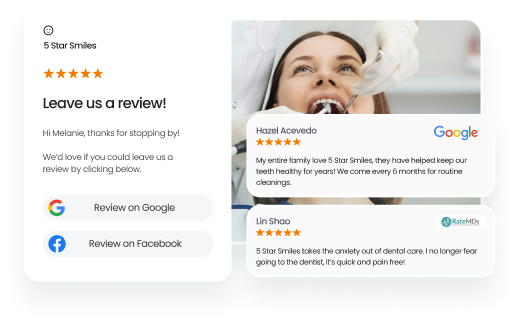
Google Maps reviews are customer ratings and feedback posted on Google Maps that help consumers evaluate local businesses and influence their purchasing decisions.
Summary
Google Maps reviews play a vital role in shaping a business’s online reputation, local search visibility, and customer trust. As one of the most influential review platforms, Google Maps can significantly impact how potential customers perceive a business. Managing reviews effectively, addressing issues promptly, and maintaining a strong review profile are essential for businesses looking to attract and retain customers.
This blog covers the importance of Google Maps reviews and their impact on local business success. It also explores common review-related challenges and practical solutions for managing and protecting your online reputation.
Table of contents
- Google Maps Reviews & Local SEO: Why they matter
- The most common Google Maps review problems businesses face
- AI and Google Maps reviews: What to expect in Google Maps in 2026
- Take control of your Google Maps reviews for a more substantial online reputation
- FAQs about Google Maps reviews
- How Birdeye can help businesses manage Google Maps reviews effortlessly
Google Maps Reviews & Local SEO: Why they matter
Google Maps reviews and SEO play a vital role in local business SEO success- they can make or break your local ranking. Here is why:
- Google prioritizes businesses in search results based on three key factors: relevance, prominence, and authority. This is where your review volume, overall rating, and content plays a crucial role.
- Google reviews help your target audience find you easily. The more clicks and engagement you get, the higher your listing ranks on Google Maps.
- A higher review volume solidifies your online reputation and improves your local search ranking significantly.
Fun fact: Google Maps reviews for restaurants and cafes can significantly help drive traffic. In 2023, 73% of consumers searched for restaurants on Google—meaning the more reviews you have, the more diners you can attract over competitors.
The most common Google Maps review problems businesses face
With Google’s constantly evolving algorithm, we have noticed that most business owners have been facing some problems in managing their reviews on the platform. Most of these issues fall into the following categories:
- Reviews not showing up: Reviews are posted but don’t become visible.
- Reviews disappearing: Reviews suddenly vanish after being visible for days or weeks.
- Fake or malicious reviews: Competitors or trolls posting fake negative comments.
- Review responses not going live: Businesses can’t reply or see their replies.
- Slow or no response from Google support: Delays in addressing your requests.
If you are facing any of these issues, you are not alone. Fortunately, most are easily fixable or are part of a Google update that the platform may resolve in due course. Let us explore these issues in detail with a solution for you to implement.
Problem #1: Google Maps reviews not showing up
Businesses often face the issue of Google reviews not showing up on Maps, even though customers have written them quite a while ago.
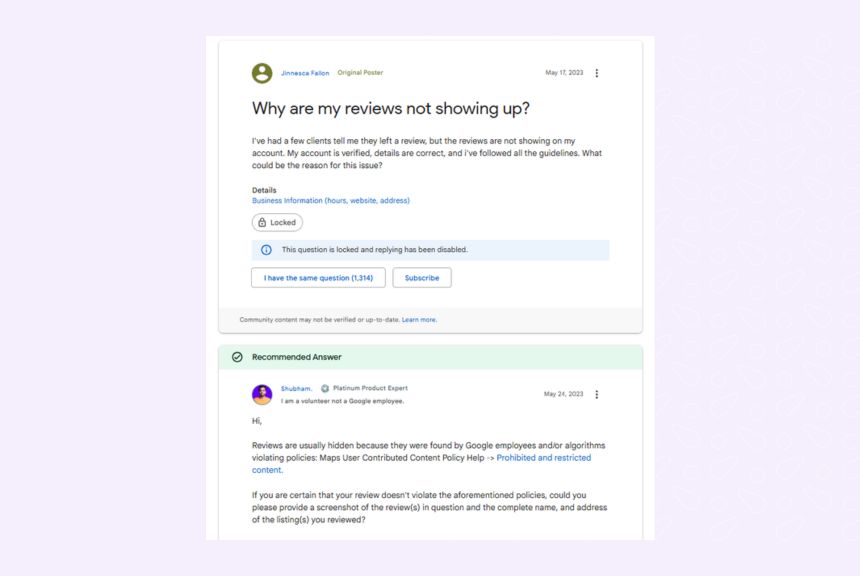
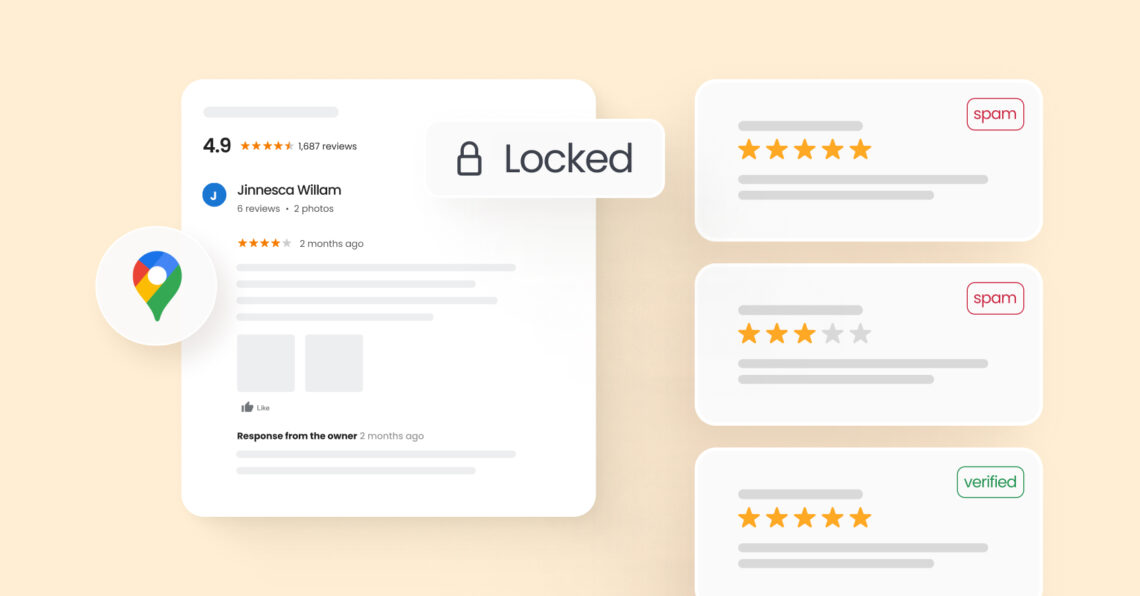
Troubleshooting Google Maps reviews not showing up: What businesses should know.
Why are my Google Maps reviews not showing up?
In most cases, your reviews may be filtered due to Google’s spam algorithms, policy violations, Google business profile issues, or the reviewer’s new or inactive account.
Steps to ensure your reviews post faster
- Check if the review violates Google’s review policies (e.g., inappropriate language, links).
- Ask the reviewer to ensure their profile is public and their comment meets Google’s guidelines.
- Check the verification status of your Google Business Profile. Sometimes, the verification status moves to pending if someone has reported your business, there is an address change, or there is an issue with the documents submitted. Complete the verification process to get the reviews live on your Maps profile.
How to check if a review is pending or removed?
- Sort by “Newest” on your Google Business Profile to see if the review is pending. If yes, wait a few days for the spam check to be over.
- Check the Google Business Profile dashboard’s Manage Reviews section to see the status of all reviews.
Pro Tip: Train your teams to guide customers on how to leave compliant Google reviews, reducing the chance of being flagged or filtered. Ask them to avoid personally identifying information or offensive language (even in jest).
Problem #2: Reviews disappearing from Google Maps
Recently, many business profiles were hit with a Google update, and many Google reviews disappeared en masse. This obviously translated to a dip in ratings, a fall in review volume, and the disappearance of valuable social proof from business listings.
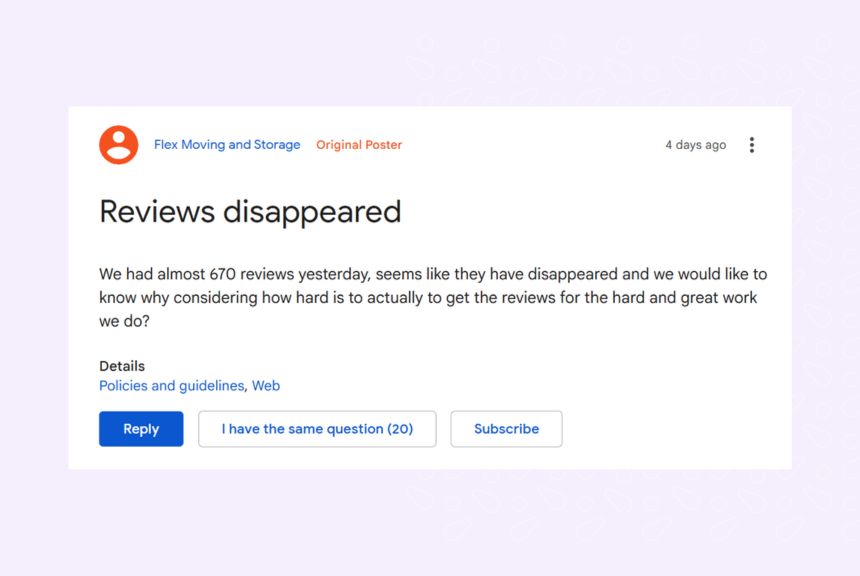
Why did Google Maps reviews suddenly disappear?
Google’s automated systems are constantly working on review moderation to ensure all the published reviews accurately represent customer experience and do not fall under their false engagement category. Based on this, Google may have removed some reviews because of
- Spam detection algorithms – This happens when a business suddenly gains glowing 5-star reviews over a short period or the review contains irrelevant comments.
- Inactivity or unusual activity from the reviewer—For example, if the reviewer has never visited a location but is reviewing a local business in that geography or if they have reviewed over 10 cafes in an hour or so.
- A policy-violating comment flagged by other members of the business itself.
How to fix it:
- Check your review history in the Google Business Profile dashboard to see if any reviews are missing or if there is a miscount issue, as this can happen sometimes.
- Submit a request through Google’s Business Profile Support form.
- Monitor Google’s forums for system-wide issues affecting other businesses.
- Encourage customers to submit reviews from different locations, like their homes, instead of directly at your business premises. Reviews written and submitted at the business location can be seen by Google as influenced or less authentic, increasing the chances of them being flagged as fake.
Problem #3: Fake or malicious reviews hurting your business
Fake or spam review attacks from competitors, bots, or unknown identities are an unfortunate reality for local businesses on Google. These can pose a serious threat, hampering your reputation and impacting your local search rankings.

How to identify fake reviews:
- A sudden influx of negative comments from non-customers.
- Repeated patterns across multiple places or locations.
- Irrelevant comments or promotional messages
- Similar messages spanning across multiple reviews
How to remove a fake review from Google Maps?
- Click “flag as inappropriate” next to the suspicious review.
- File a detailed request to Google via their support center.
How to respond to fake reviews on Google Maps?
Even if it’s fake, reply professionally to reassure potential customers. Thoughtful review responses help reassure potential clients and prevent them from being deterred while Google processes your support ticket.
Pro Tip: Use tools like Birdeye to automate fake review detection and escalation. This will ensure that your Google Maps profile accurately reflects your service standards and online reputation.
Birdeye Reviews AI helps businesses stay ahead of reputation issues with AI-powered review management. The Review Generation Agent helps increase the volume of authentic customer reviews, while the Review Response Agent creates personalized, on-brand replies based on customer sentiment and context. Together, they help businesses strengthen trust, improve response rates, and manage Google Maps reviews more efficiently across locations.
Generate more Google maps reviews seamlessly from all customers
Want to see the impact of Birdeye on your business? Watch the Free Demo Now.
Problem #4: Can’t respond to Google Maps reviews or response not showing
Apart from being unable to view the reviews on Google Maps listings, businesses also face issues in managing them – especially when responding.
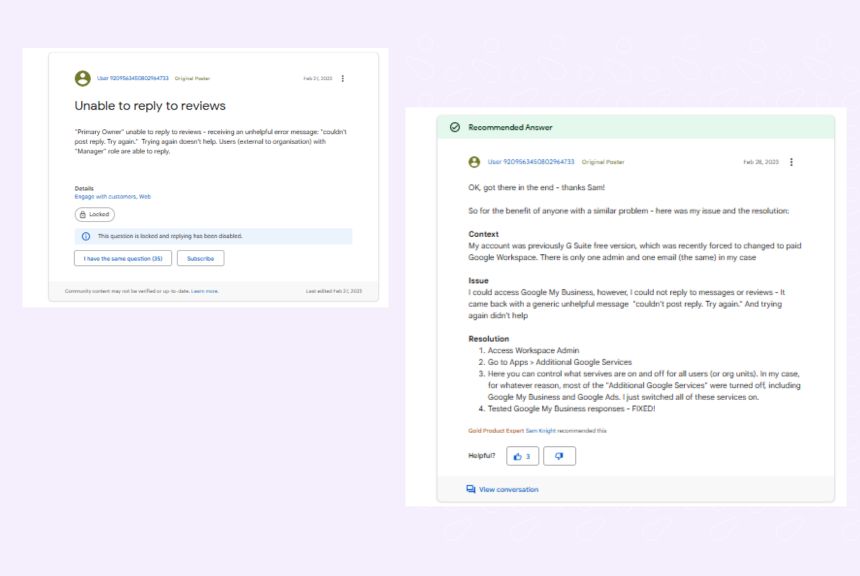
Why this happens
- Your Google Business Profile is suspended or unverified.
- You do not have the proper account/manager permission to respond to reviews.
- Google is experiencing bugs preventing you from responding to reviews.
How to fix it
- Check if your GBP is active and if your team has admin rights.
- Try posting responses via desktop, then via mobile as a backup.
- If unresolved, request help through the GBP Help Community or escalate via X (formerly Twitter).
- Monitor GBP forums to see if this is a nation-wide issue. If so, raise a ticket and wait for Google to resolve it.
Problem #5: Slow or no support from Google
When there is a nationwide bug or outage in reviews, Google’s support queue fills up, causing delays in resolution.
How to fix it:
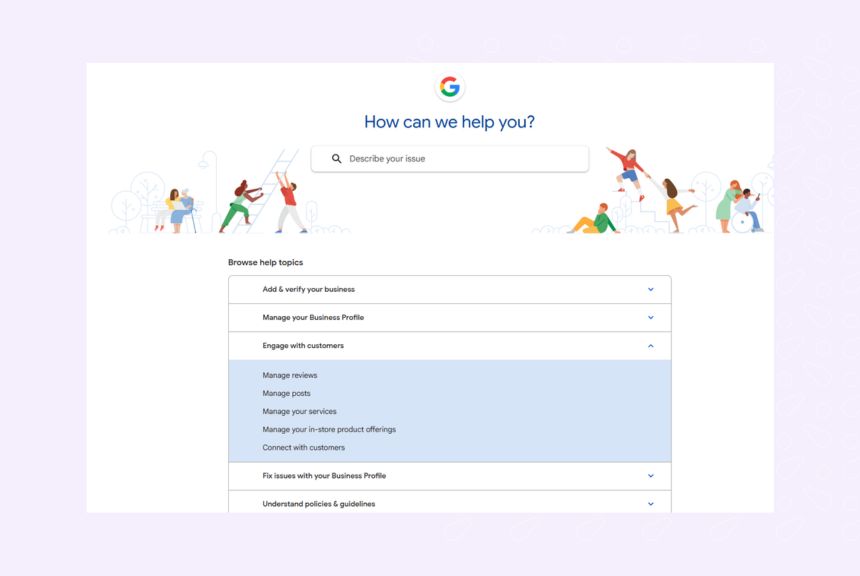
- Post your questions to the GBP Help Community, where product experts and Google members respond.
- Continue monitoring your support ticket and consider escalating via social channels.
- In extreme cases, seek legal consultation if a review significantly harms your business.
AI and Google Maps reviews: What to expect in Google Maps in 2026
In 2026, Google is committed more than ever to ensuring that the reviews on Google Search and the local Map pack are authentic. The platform has been using AI-led algorithms and human moderators for this.
Additionally, AI overviews appearing for branded searches can help you boost your online reputation. Generating more reviews across locations ensures that these reviews show up in AI overviews, convincing customers to choose your business.
Conversely, AI fact-checking algorithms can also cause a few of your reviews to be taken down due to policy violations or other offenses. The best way to combat this is to double on Google Maps review management by:
- Actively generating customer reviews across locations
- Responding promptly to all customer reviews on your listings
- Spotting and reporting fake/spam reviews to safeguard your online reputation
- Optimize Google maps listing to attract genuine customer reviews
Review performance and listing quality are increasingly interconnected. Birdeye Listings Optimization Agent continuously scans business profiles across Google and other major directories to identify missing information, inaccuracies, duplicate listings, and optimization opportunities. By automatically recommending or executing updates within approved guardrails, it helps businesses maintain accurate profiles, strengthen local visibility, and create a better experience for customers discovering them on Google Maps.
Take control of your Google Maps reviews for a more substantial online reputation
Google Maps reviews are your frontline for building trust and driving local SEO success. However, managing them effectively requires vigilance and a proactive approach. From resolving missing or disappearing reviews to handling fake or malicious feedback, our solutions will help you regain control of your online reputation.
As Google leans further into AI moderation and fact-checking, staying ahead means being meticulous with your review management processes. Encourage authentic feedback, monitor your listings regularly, and address issues swiftly.
Consistency and innovative reputation management are key to maintaining a thriving Google Maps presence in 2026 and beyond.
FAQs about Google Maps reviews
Check your GBP permissions and try posting the reply again; if that fails, contact Google support.
New reviews usually appear within 48 hours but may take longer if flagged for moderation.
Yes, genuine reviews can be removed if they violate Google’s content policies or are flagged by members.
Deliver excellent service, request more reviews, and answer all comments to enhance your reputation.
How Birdeye can help businesses manage Google Maps reviews effortlessly
Managing Google reviews across multiple locations can be a significant challenge. However, you can streamline this process with an all-in-one Google Maps review management platform like Birdeye Reviews AI.
Birdeye’s #1 agentic marketing platform helps businesses improve review performance and local visibility through its Consolidate, Think, and Act approach:
- Consolidate: Bring reviews, listings, customer feedback, and location data into a centralized platform to create a single source of truth for every location.
- Think: Use AI-powered sentiment analysis, review insights, and competitive intelligence to identify reputation risks, customer trends, and opportunities for improvement.
- Act: Automate review requests, generate personalized responses, optimize listings, and resolve reputation issues with AI agents and guided workflows.
Watch a free demo to see how Birdeye can simplify Google Maps review management while helping your business build trust, improve visibility, and attract more customers.

About the Author

Ruchika Batra
Originally published