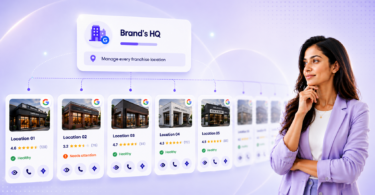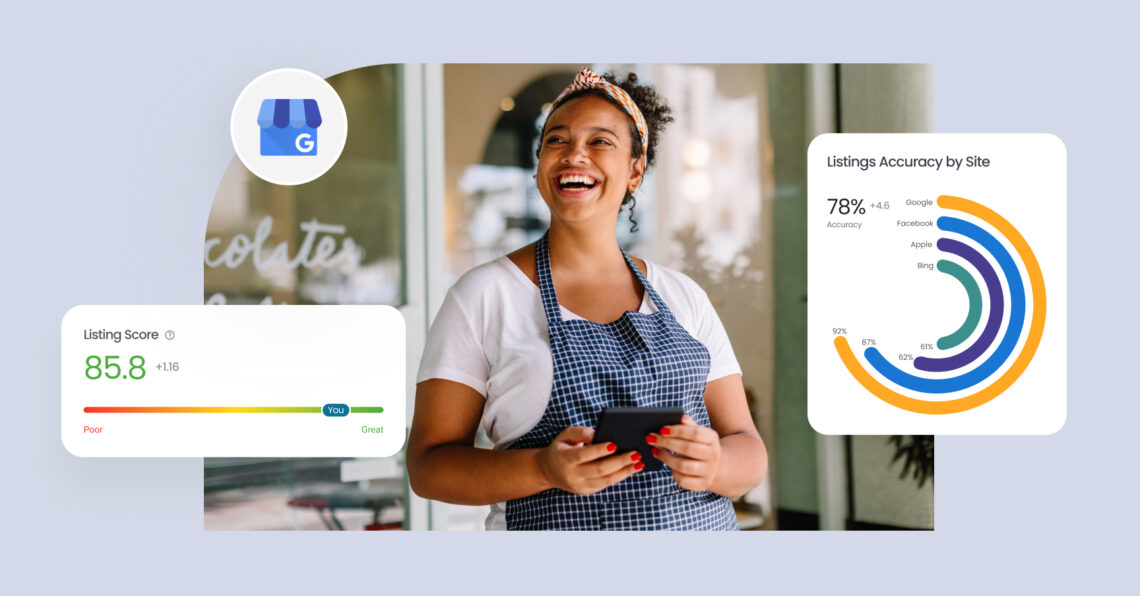
Google My Business reporting tool helps you track clicks, calls, reviews, and profile performance in one place, so you can make faster and smarter marketing decisions. For multi-location brands, it turns scattered Google Business Profile (formerly Google My Business) data into clear insights that improve visibility, engagement, and local search results.
Summary
A Google My Business reporting tool does more than show numbers; it helps you understand what’s driving visibility, engagement, and conversions across your locations. Birdeye’s State of Google Business Profiles report 2025, found that optimized and fully populated profiles appear in search up to 80% more often than incomplete listings, reinforcing the importance of consistent monitoring and analysis. By reviewing search queries, engagement patterns, review velocity, and location-level comparisons over time, businesses can identify visibility gaps and refine their strategy.
This guide breaks down how GMB reporting tools work, the key metrics to monitor, features to prioritize, and how to choose the right solution to optimize your profile and stay competitive in local search results
Table of contents
- What is a Google My Business reporting tool?
- What key metrics should you track with Google My Business reporting tools?
- What features matter most in Google My Business reporting tools?
- 5 Best Google My Business reporting tools for brands
- Frequently asked questions about Google My Business reporting tools
- Optimize your local business with the right reporting tool
What is a Google My Business reporting tool?
A Google My Business reporting tool (now called a Google Business Profile reporting tool) helps businesses track, analyze, and visualize how customers discover and interact with your business on Google Search and Maps.
According to Gartner, traditional search engine volume is expected to drop by about 25% by 2026 as users shift to AI assistants. Therefore, maintaining strong local visibility through GBP and monitoring engagement metrics is more critical than ever.
What are the key benefits of a GMB reporting tool
A Google My Business reporting tool helps you gain a clearer understanding of performance across your locations and identify what needs attention. Let’s take a closer look at the key benefits it offers.
1. Streamlined reporting process
The Google My Business reporting tool automates collecting and analyzing data, saving businesses time and marketing effort. Instead of manually pulling reports or tracking metrics across different platforms, this tool centralizes your reporting, making it easy to generate and share business reports with clients or team members.
2. Deeper performance insights
By using Google My Business tools, businesses can access valuable performance insights, such as how customers discover your business via Google Search and Maps, and how they interact with your profile. These insights enable businesses to adjust their marketing strategies and optimize their profiles for better visibility and engagement.
3. Enhanced SEO strategy
The reporting tool helps businesses identify SEO opportunities by tracking the right metrics. For example, the tool can show which search queries drive traffic to your business, and third-party tools can estimate keyword rankings. This allows businesses to fine-tune their SEO strategy for better local search results and visibility.
4. Improved online reputation management
The tool also helps businesses manage their online reputation by tracking customer reviews and ratings. It makes it easier to monitor what customers are saying about your business promptly. This can help build trust with your audience and improve your reputation in search queries.
Overall, GMB reporting tools provide businesses with the insights and data points needed to optimize their local SEO performance, manage their online reputation, and drive growth, all while streamlining the process for greater efficiency.
What key metrics should you track with Google My Business reporting tools?
With the Google My Business tool, you can track several important metrics that give insight into your business’s performance on Google. Here are some key metrics to keep an eye on:
1. Search visibility and impressions
Search metrics help you understand how often your business appears in Google Search and Google Maps. Tracking these trends helps you understand your reach, identify visibility gaps, and refine your profile to improve local search presence.
2. Search queries (discovery insights)
Search queries reveal the exact keywords customers use to find your business. This helps you understand whether users are discovering you through branded searches or new, non-branded terms, providing critical insights to refine your local SEO strategy.
3. Visitor actions
Visitor actions refer to customers’ activities after finding your Google Business Profile, such as clicking on your website, requesting directions, or making a phone call. According to Birdeye’s State of Google Business Profile 2025 report, about 48% of interactions are website clicks, 34% are direction requests, and 17% are phone calls. The Google My Business analysis tool tracks these actions, allowing you to understand how customers engage with your business and which actions are most popular.
3. Phone calls
Phone call tracking is an essential metric for businesses that rely on phone inquiries. Verified profiles see ~16 calls generated per additional review, highlighting the importance of ongoing reputation management. Monitoring phone calls helps track the effectiveness of your Google listing in driving leads.
4. Ratings & reviews
Customer reviews and ratings play a significant role in online reputation management. Google accounts for about 81% of all online review volume, making it critical to track reviews. The GMB reporting tool allows you to monitor review count and sentiment, respond promptly, and manage your reputation.
By tracking these key metrics, businesses can make data-driven decisions, optimize their online presence, and enhance customer engagement for long-term success.
What features matter most in Google My Business reporting tools?
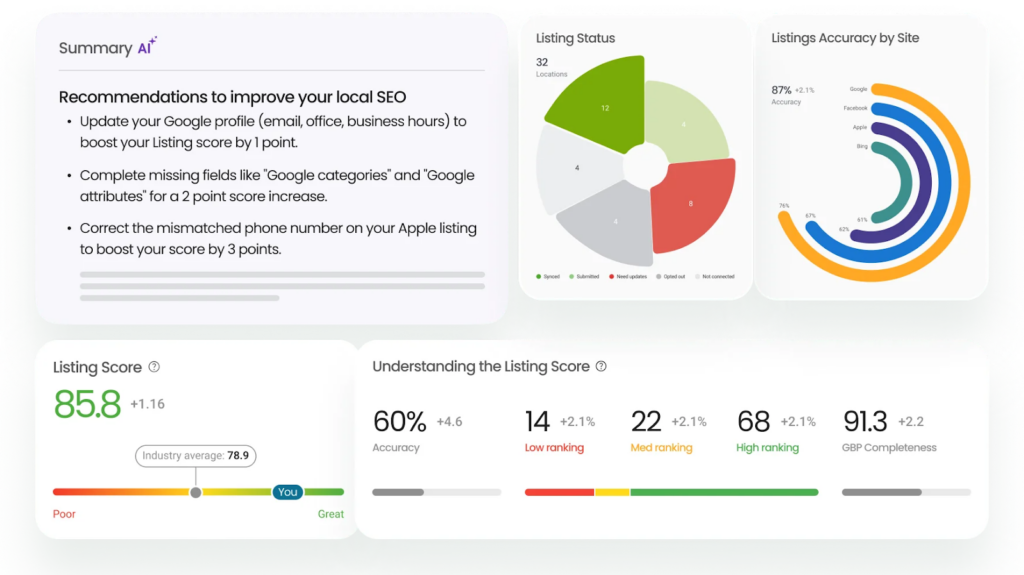
When choosing a Google Business Profile reporting tool, the right features determine how effectively you can turn data into actionable insights and scale your local marketing efforts. Key features to look for:
1. Agentic AI insights
Advanced reporting tools now use agentic AI to analyze performance and deliver actionable recommendations, such as optimizing keywords, improving profile completeness, or responding to reviews. These insights help businesses proactively improve visibility, engagement, and conversions rather than just tracking metrics.
2. Automation
Automated reporting eliminates manual data collection and ensures consistent performance tracking. Scheduled Google My Business performance reports and alerts help teams stay updated on trends without spending time compiling data.
3. Multi-location support
For multi-location brands, centralized reporting is critical. This feature allows you to monitor performance across all locations, compare results, and identify underperforming markets, while maintaining consistency in branding and operations.
4. Data integration
Seamless integration with tools like Google Analytics, CRM systems, and SEO platforms provides a unified view of your marketing performance. This helps connect GBP insights with broader business outcomes like conversions and revenue.
5. Ease of use
An intuitive dashboard ensures teams can quickly access insights without technical expertise. A user-friendly interface improves adoption and enables faster, data-driven decision-making.
6. Customization
Customizable dashboards and reports allow businesses to focus on the metrics that matter most, such as calls, clicks, reviews, and search visibility, ensuring insights align with specific goals and KPIs.
7. Engagement tools
Built-in tools for responding to reviews, updating photos, and publishing posts help businesses act on insights directly from the platform, improving customer engagement and conversion rates.
8. Local SEO performance insights
Detailed insights into search queries, visibility trends, and engagement metrics help refine local SEO strategies. These insights ensure your profile stays optimized for better rankings and discoverability.
Track success using Google My Business Reporting Tool
Want to see the impact of Birdeye on your business? Watch the Free Demo Now.
5 Best Google My Business reporting tools for brands
In 2026, the standard for Google Business Profile (GBP) reporting has moved beyond static data. The best platforms now leverage Agentic AI not only to report on visibility but also to actively improve it.
| Tool | Focus | Strengths | Best for |
| Birdeye | Full reporting + insights | Listings AI with Listing Score, Reporting Agent, Reviews AI, Insights AI, Search AI, and multi-location analytics | Enterprise and multi-location brands |
| SEMrush Local | Local SEO + GBP | Review tracking, local rank monitoring, and integrated SEO insights | SEO teams need integrated analytics |
| BrightLocal | Local SEO reporting | Local rank tracking, citation audits, GBP performance insights, white-label reporting | Agencies and SMBs |
| Moz Local | Listings + basic reporting | Consistent NAP management, local visibility tracking, basic reporting | Small businesses |
| LocalClarity | Visibility & reputation | Granular dashboards, multi-location insights, competitive comparisons | Distributed local brands |
Below are the top platforms for managing and analyzing local search performance at scale.
1. Birdeye
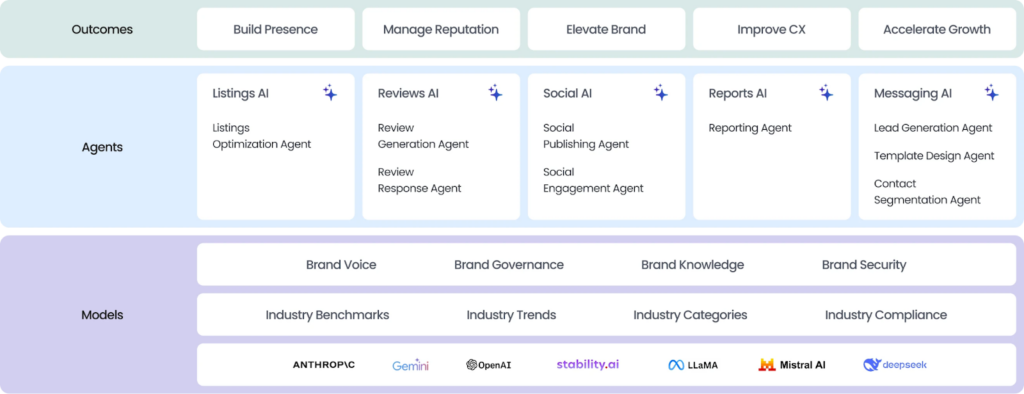
Birdeye is the #1 Agentic Marketing Platform purpose-built for multi-location brands managing anywhere from 100 to 10,000+ locations. It centralizes listings, reviews, social engagement, and reporting into a single, coordinated system that streamlines operations while maximizing local impact.
Key features:
Consolidate (Unified data and integration)
- Brings together listings, reviews, social interactions, and reporting into one seamless system, eliminating the need to switch between tools.
- Connects with over 3,000 platforms, including CRM, POS, Salesforce, HubSpot, and QuickBooks Online, ensuring consistent workflows across all locations.
- Offers a complete, unified view of customer feedback and engagement, making it easier to spot trends and enhance the overall customer experience.
Think (Local intelligence)
- Listings AI: Provides detailed insights into your listings’ accuracy and keyword performance across Google Business Profiles and other key platforms. Uses Listing Score to track discoverability, benchmark locations, and deliver actionable recommendations to improve local SEO and profile visibility in real time.
- Insights AI: Uses the Birdeye Score to benchmark locations against competitors, highlighting sentiment trends, reputation, and visibility to pinpoint where a brand is winning or losing.
- Search AI: Optimizes profiles to be “AI-ready,” ensuring your business is recommended not just on Google Maps but also on AI-driven local search and discovery platforms.
Act (Agentic AI / Automation)
- Reporting Agent: An intelligent assistant that lets users query GBP data in natural language to instantly generate custom, presentation-ready reports.
- Automates review requests, response generation, and social posting while maintaining brand voice and compliance through AI agents.
- Executes AI-driven recommendations to update listings, generate reviews, and improve content without manual effort.
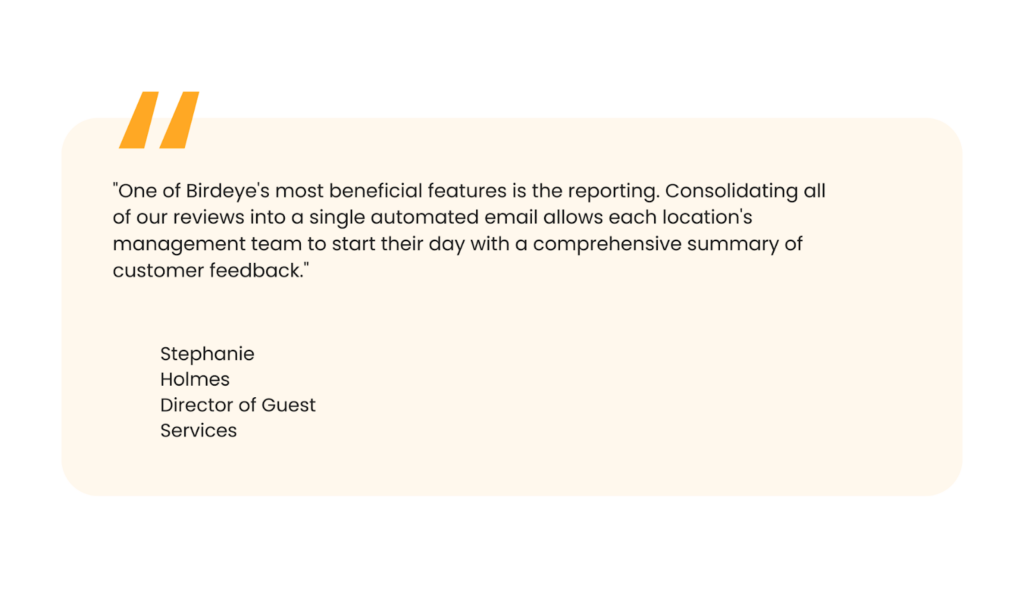
Why it matters: Birdeye combines Google Business Profile management, reporting, benchmarking, and visibility optimization into a single system, giving multi-location brands actionable insights to improve local SEO, customer engagement, and brand reputation.
2. SEMrush
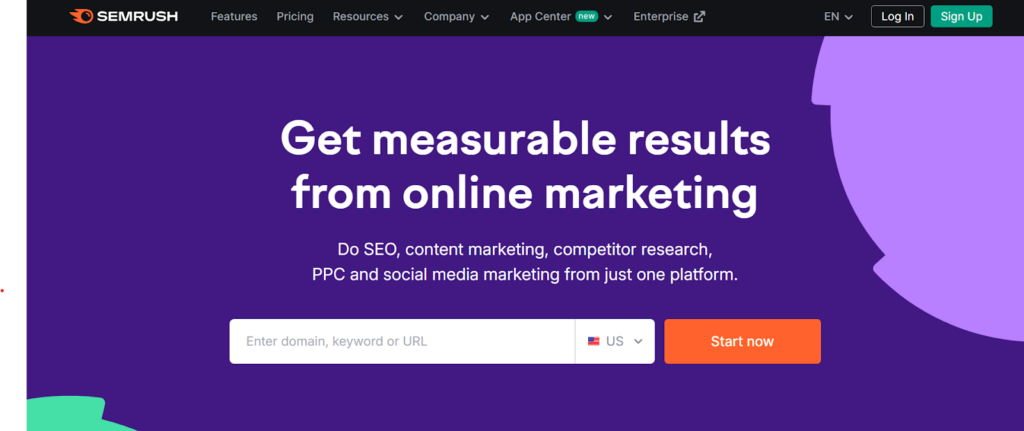
SEMrush Local provides comprehensive local SEO reporting by integrating business listing management, review tracking, and local rank tracking, helping businesses monitor visibility and performance in Google Search and Maps.
Key features:
- Tracks Google Maps and search rankings for multiple business locations to monitor local SEO performance.
- Monitors Google Business Profile reviews and provides automated suggestions to improve engagement.
- Offers local listing insights as part of the broader Semrush SEO toolkit for integrated performance analysis.
Why it matters: SEMrush Local is ideal for businesses that want a centralized view of local SEO performance along with integrated insights on rankings, reviews, and competitor activity.
3. BrightLocal
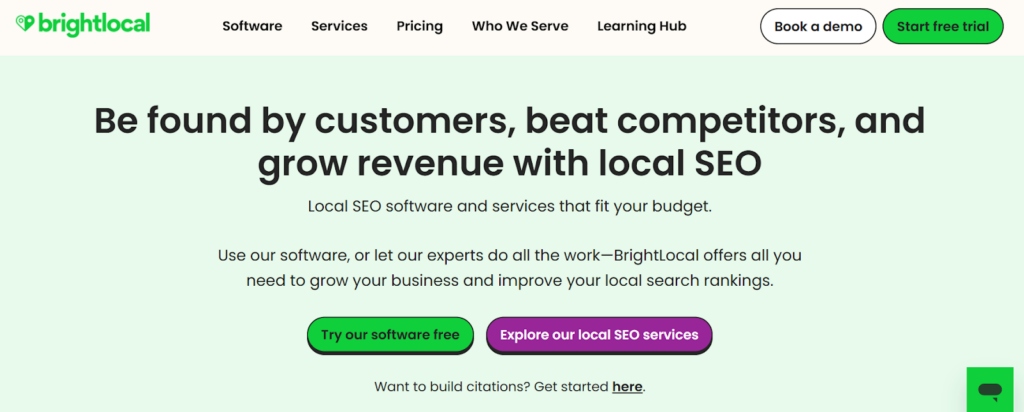
BrightLocal delivers detailed local SEO reports, including GBP performance, rankings, citation audits, and review metrics, enabling businesses and agencies to optimize local search strategy.
Key features:
- Tracks local search rankings and audits citations to ensure consistent presence across directories.
- Provides GBP performance reports with insights on reviews, engagement, and traffic trends.
- Offers customizable and white-label reports for client presentations and internal analysis.
Why it matters: BrightLocal is well-suited for agencies and SMBs that want thorough local SEO reporting with ready-to-use insights.
4. Moz Local
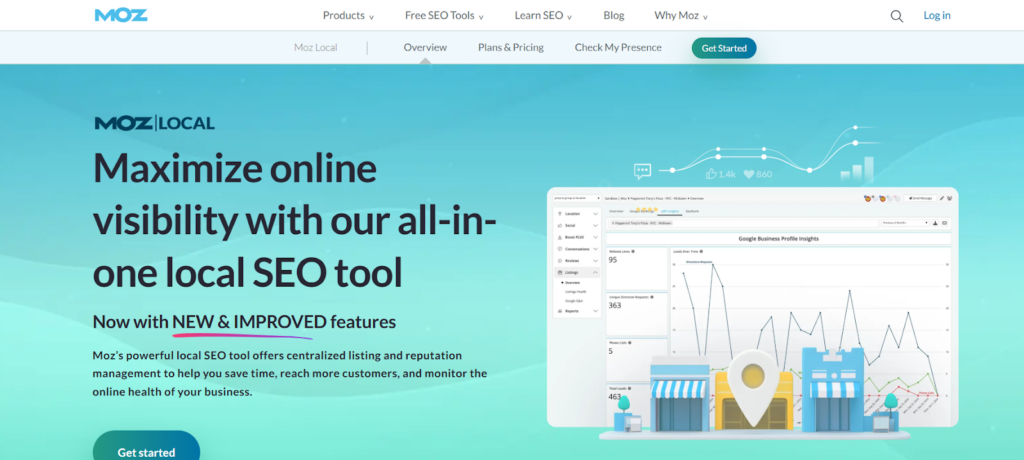
Moz Local focuses on keeping business listings accurate and updated while providing visibility reports to help improve local search performance.
Key features:
- Ensures consistent distribution and accuracy of business listings across multiple directories.
- Tracks local search visibility, including clicks, impressions, and traffic signals, to monitor performance.
- Identifies issues affecting GMB rankings and provides actionable recommendations to maintain visibility.
Why it matters: Moz Local is a cost-effective solution for small businesses that want to maintain listing health and basic reporting.
5. LocalClarity
LocalClarity provides multi-location businesses with granular reporting on reviews, search visibility, and competitive benchmarking to improve local SEO and reputation management.
Key features:
- Offers visibility reporting across multiple review sites and directories to monitor brand presence.
- Tracks sentiment trends and customer feedback to identify areas for improvement.
- Provides competitive analysis and benchmarking to compare performance with similar local businesses.
Why it matters: LocalClarity is useful for distributed brands that need detailed insights on visibility, reviews, and competitor performance across multiple locations. Each tool offers features to track key metrics and improve Google My Business performance. However, platforms like Birdeye go beyond basic reporting by combining insights, automation, and AI-driven recommendations in one place. This makes it easier for multi-location brands to not only monitor performance but also actively improve visibility, engagement, and local search results.
Frequently asked questions about Google My Business reporting tools
Yes, the tool can track the number of phone calls your business receives through your Google Business Profile, allowing you to monitor how well your profile drives phone leads.
Yes, most tools allow you to automate report generation, so you can receive them on a regular schedule without manually pulling the data.
Use the insights from the reporting tool to identify areas for improvement, such as optimizing your profile for better local search performance, improving customer engagement, or responding to reviews more efficiently.
Use a reporting tool to consolidate data across all locations, automatically tracking search, engagement, and review metrics for a unified view of performance.
Focus on search visibility, customer actions (website clicks, direction requests, calls), and review activity, as these drive local engagement and higher rankings.
Integrate call tracking and UTM parameters to attribute website clicks and phone inquiries to specific GBP listings, providing a clear picture of lead generation and ROI.
Monthly reporting balances timely insights with trend visibility, helping optimize SEO, engagement, and reputation across locations.
Optimize your local business with the right reporting tool
For multi-location brands, local search performance depends on the systems that power it. Birdeye stands out by unifying listings, reviews, engagement, and reporting into a single platform that delivers actionable insights and benchmarks across thousands of locations.
Unlike tools that stop at reporting, Birdeye tracks visibility in both traditional and AI-driven searches, highlighting exactly where improvements will have the greatest impact. By turning insights into action, brands can strengthen local SEO, boost customer engagement, and protect their reputation across all locations.
Watch the demo to see how Birdeye can optimize your local search performance.

About the Author

Vanjana Sharma
Originally published